
What Is Unallocated Space, and Why Does It Matter for Recovery?
Unallocated space is storage that the file system is not currently using for active files. It can contain remnants of deleted or formatted data, but Windows may reuse it at any time.
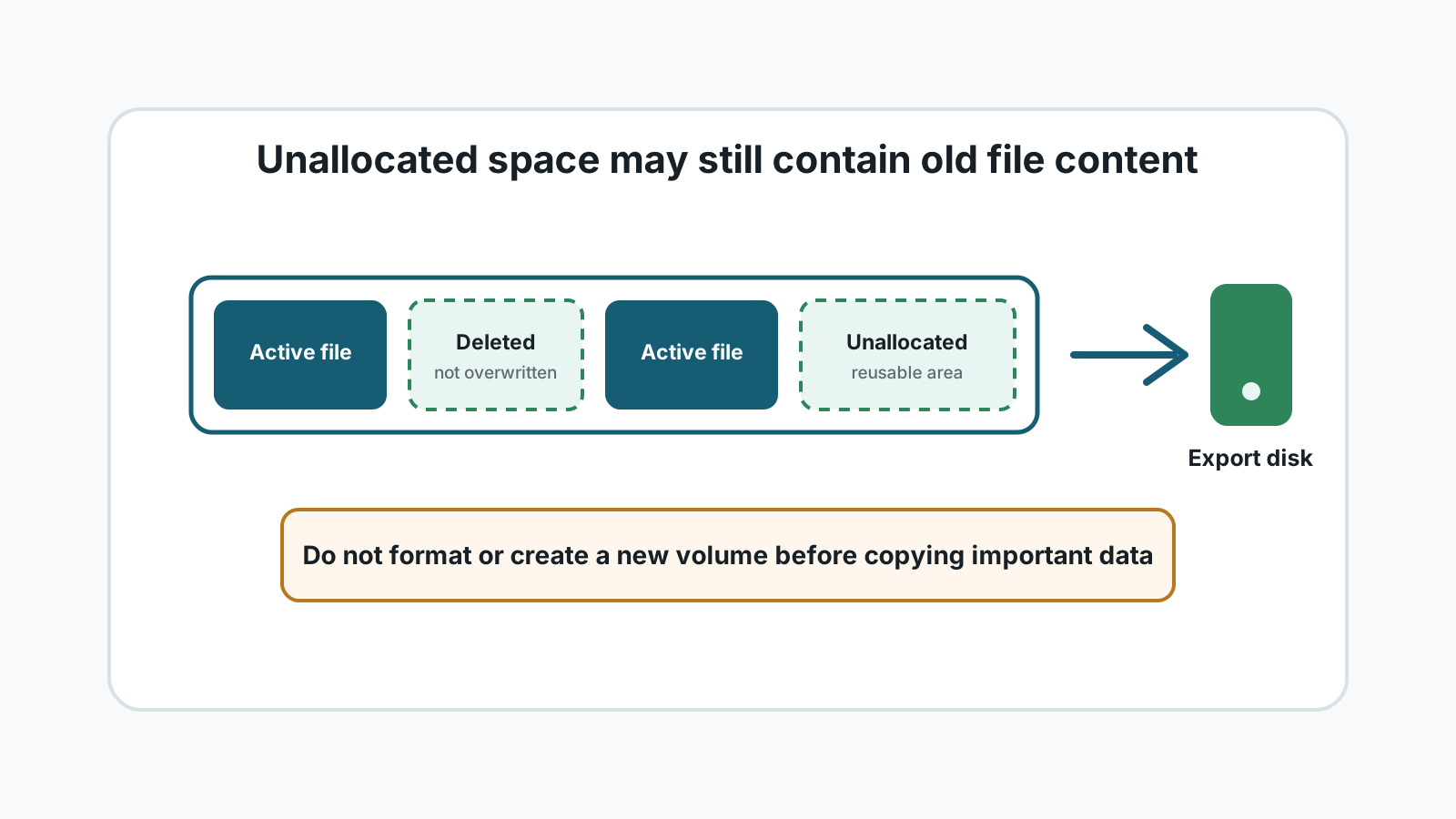
What unallocated space means
A file system tracks which areas belong to active files. When a file is deleted or a partition record is lost, some areas may be marked as available even though old content still exists there.
That is why recovery advice starts with stopping writes. A new download, install, or recovery export can reuse the same area and replace old content.
Where Windows users see unallocated space
- A deleted or lost partition shown as Unallocated in Disk Management.
- Free space inside a normal partition after files are deleted.
- A quick-formatted USB drive, SD card, or external drive.
- A drive with damaged partition or file system metadata.
How recovery software uses unallocated space
1. Read the source drive
The tool scans the affected disk or partition for remaining records and file content.
2. Find recoverable candidates
It may detect deleted file records, signatures, or raw content patterns.
3. Preview and filter
You review file types, sizes, names when available, and preview support.
4. Export to another disk
Recovered data should be written to a different physical drive, not the source.
Mistakes that reduce recovery chances
Creating a new volume too soon
Partition changes can write metadata before important data is copied elsewhere.
Formatting first
A format may be needed later, but recovery should come before repair when files matter.
Saving output to the same disk
Recovery output can overwrite other deleted data still waiting to be found.
Ignoring physical symptoms
Clicks, heat, water damage, or repeated disconnects are specialist cases.
Unallocated space FAQ
Does unallocated space mean my files are gone?
Not always. It means Windows is not tracking that area as active file space. Old content may remain until overwritten.
Should I create a new partition before recovery?
No if the files matter. Recover or copy important data first, then repair or repartition later.
Can Recovery Studio scan unallocated areas?
Recovery Studio is designed to scan lost or deleted data locally and export recoverable candidates to another physical drive.