
What Affects the Chances of Data Recovery?
Recovery chances depend less on hope and more on what happened after data loss. The best move is to reduce new writes, avoid risky repairs, and choose the safest recovery path for the device condition.
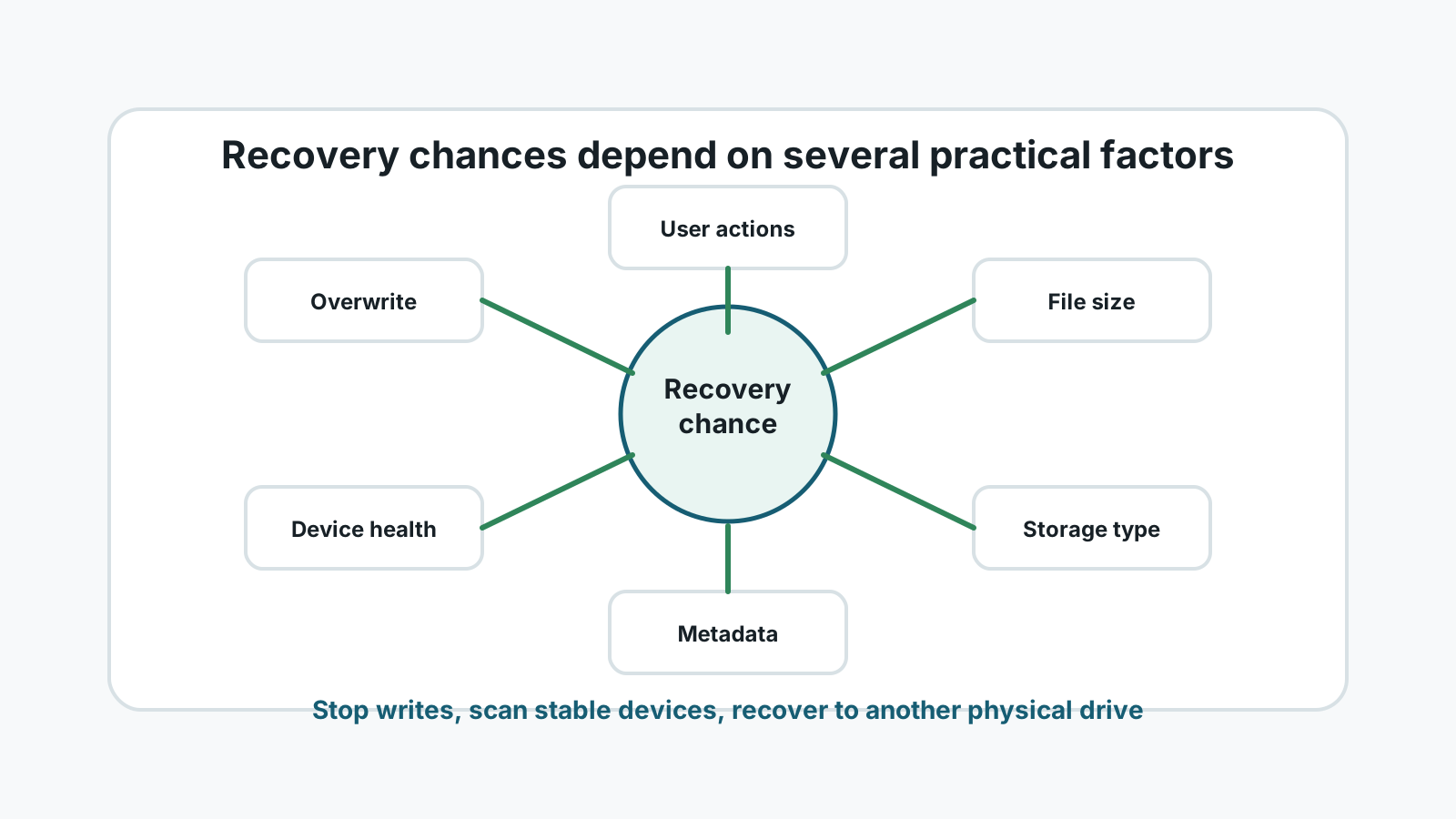
The main factors
Overwrite
New data written to the same space is the biggest reason deleted files become unrecoverable.
Device health
Stable drives are better candidates for software scans. Physically failing drives need specialist handling.
File system metadata
When records survive, original names and folders are more likely to be found.
Storage type
SSD TRIM, removable media behavior, and drive format can change what remains available.
File size and fragmentation
Large videos, archives, and documents may be scattered across the disk and recover less cleanly.
User actions after loss
Installs, downloads, repairs, formatting, and same-drive recovery output can reduce chances.
Situations with better odds
- Recent deletion with little or no new activity on the source drive.
- Files still available in Recycle Bin, File History, Previous Versions, cloud trash, or app autosave.
- Quick format followed by no new copying to the device.
- Healthy USB drive, external drive, or memory card that was stopped quickly.
- Small or non-fragmented files in common formats.
Situations with lower odds
- The drive was used normally for days or weeks after deletion.
- A new operating system, app, or large files were installed on the source disk.
- The data was on an SSD where TRIM already cleared deleted blocks.
- The device clicks, overheats, disconnects, or was physically damaged.
- The missing files were large fragmented videos, archives, or databases.
What to do next
1. Stop writes
Prevent additional overwrite before deciding on a tool or repair.
2. Check safer restore paths
Use Recycle Bin, File History, Previous Versions, cloud versions, and app autosaves first.
3. Scan only stable devices
Use local recovery software when the device is healthy enough to read.
4. Export elsewhere
Save recovered files to another physical disk and verify important results.
Recovery chance FAQ
Can any tool predict recovery perfectly?
No. A scan can show candidates, but final recovery depends on file integrity, overwrite, and device condition.
Does waiting reduce recovery chances?
Waiting alone is not always the issue. New writes during that time are the real risk.
When should I stop using software?
Stop when there are physical failure symptoms, critical business data, or repeated read failures.