
Can Shift Deleted Files Be Recovered on Windows?
Shift Delete bypasses the normal Recycle Bin path, so the file will not be waiting there for a simple restore. That still does not guarantee the content is gone immediately, but it does make safe next steps more important.
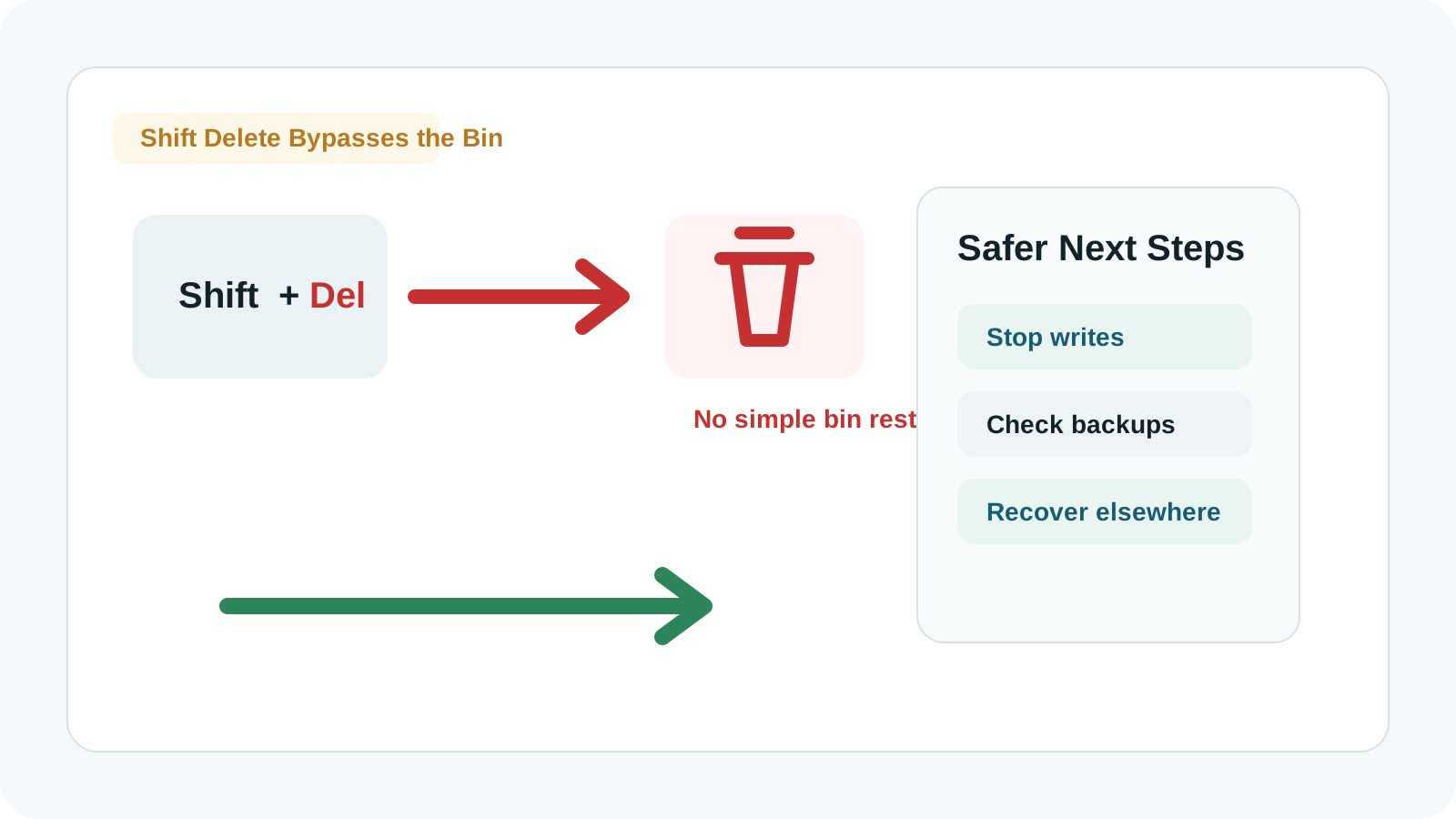
What Shift Delete changes
The normal delete path sends many files to the Recycle Bin. Shift Delete skips that holding area and removes the visible file entry more directly.
Recovery then depends on whether file content and metadata still exist on disk and have not been overwritten or trimmed away.
What to check before scanning
File History or backup software
A backup copy is more predictable than trying to reconstruct deleted data.
OneDrive or SharePoint
Synced files may have a cloud recycle bin or version history even after local deletion.
App autosaves
Office and creative apps may keep recent versions, temporary files, or recovery copies.
Other devices
Check USB drives, external disks, email attachments, and shared folders before scanning.
How to try local recovery
1. Pause writes to the source drive
This is especially important when the deletion happened on the Windows system drive.
2. Run Recovery Studio from elsewhere
Use another drive for installation and recovery output when possible.
3. Scan the original location
Select the drive or partition where Shift Delete was used.
4. Preview and recover to another disk
Check supported previews, then export only to a different physical drive.
Set realistic expectations
- Recovery is not guaranteed after Shift Delete.
- Original names and folders may be missing in deep scan results.
- Files on SSDs may become unrecoverable faster because of TRIM.
- Partially overwritten files may open incorrectly or not at all.
FAQ
Do Shift Deleted files go to the Recycle Bin?
No. Shift Delete bypasses the normal Recycle Bin path, so you usually cannot restore the file from there.
Does Shift Delete erase the file content immediately?
Not always. The content may remain until overwritten or trimmed, but recovery is not guaranteed.
Should I scan the whole drive?
Scan the original disk or partition where the file was stored, while keeping recovery output on another physical drive.
Can physical damage be handled by software?
No. Clicking, unstable, dropped, or water-damaged drives should be handled by a specialist.