
Where Do Deleted Files Go After the Recycle Bin Is Emptied?
After the Recycle Bin is emptied, deleted files usually do not move to a secret visible folder. Instead, Windows typically removes the file references and marks the underlying space as available for reuse. That is why the next thing you do matters so much.
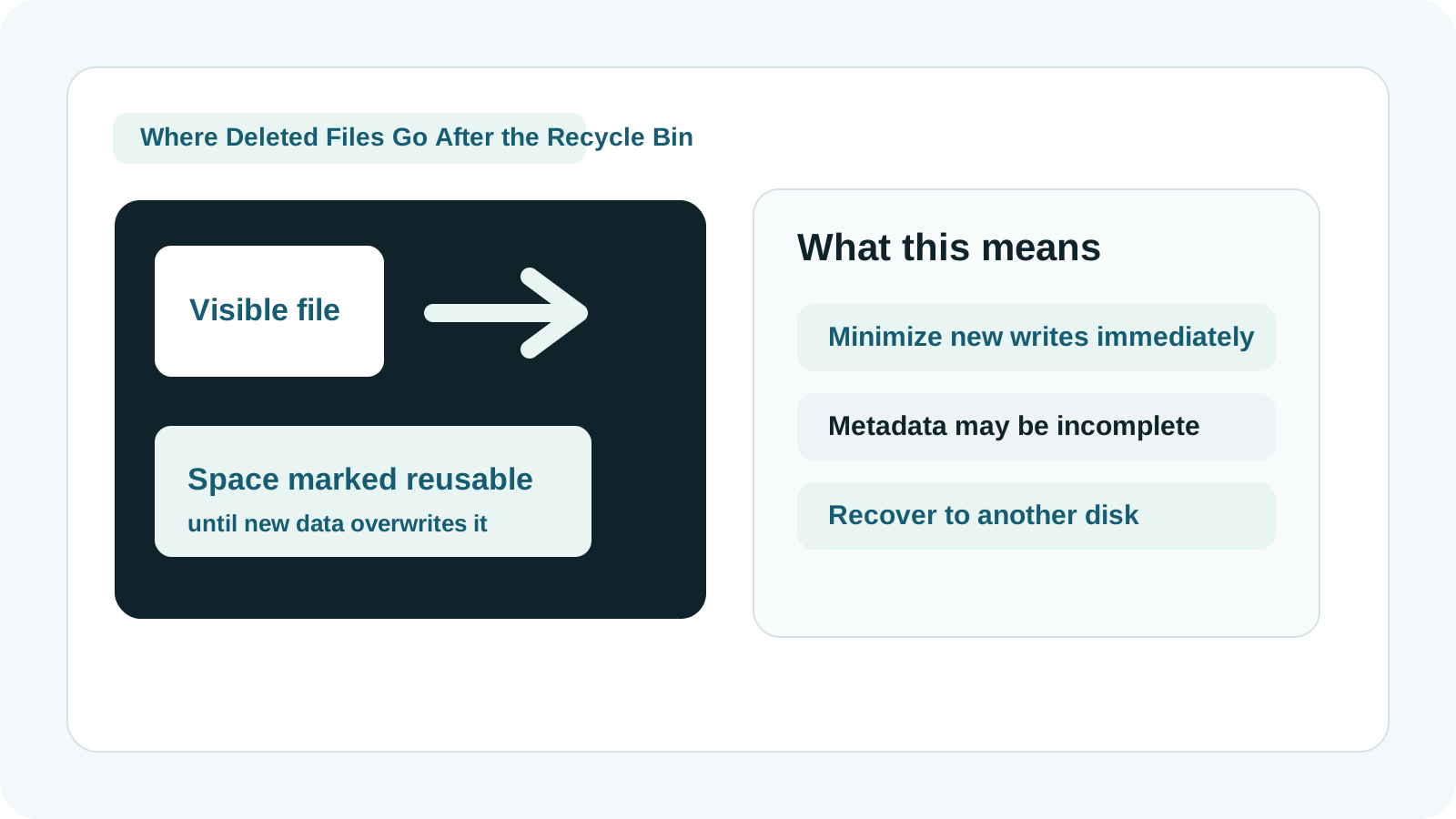
What Windows usually changes after the Recycle Bin is emptied
The directory entries and metadata that make the file visible to Windows may be removed or flagged as deleted.
The storage blocks used by the file are often treated as reusable space until new data is written there.
Why unallocated space matters for recovery
Content may still remain
The bytes that made up the file can still exist temporarily if nothing has overwritten them yet.
Metadata may be incomplete
Even if the file content survives, original names or folder paths may not.
System activity can overwrite it
Windows updates, browser downloads, temp files, and app installs can all consume free space.
Physical damage changes the picture
If the device is unstable, logical explanations are less useful than specialist handling.
What not to do next
- Do not save new files to the same drive.
- Do not install recovery software onto the affected disk.
- Do not use the same drive as the recovery destination.
- Do not keep stressing a physically damaged drive with repeated scans.
How a local recovery workflow uses this knowledge
1. Reduce writes immediately
The goal is to preserve the free space area before other files reuse it.
2. Check backup paths first
Cloud restore, File History, and previous versions are safer than scanning if they exist.
3. Scan the source drive locally
Recovery Studio can scan the affected disk or removable media on your Windows PC.
4. Recover to another drive
Export selected results to a different physical device so you do not overwrite the remaining free space.
What this explanation does not guarantee
Knowing where deleted files 'go' does not guarantee they can be recovered. Some files are partly overwritten, some SSDs trim data aggressively, and some deep scans can only restore file content with generated names.
FAQ
Do deleted files go to a hidden folder after the Recycle Bin?
Not in a simple user-facing way. Windows typically marks the space as reusable rather than moving the file to a normal accessible folder.
Why can recovery still work sometimes?
Because the underlying file content may still exist until new data overwrites those disk blocks.
Can the original file name be missing?
Yes. If metadata is deleted or damaged, the content may be found without the original name or folder structure.
When should I stop trying software recovery?
Stop if the device has physical damage symptoms such as clicking, repeated disconnects, or failure to spin up.