
Can Permanently Deleted Files Be Recovered on Windows?
On Windows, 'permanently deleted' usually means the file no longer appears in the Recycle Bin. It does not always mean the file content was instantly destroyed. In many cases, Windows simply marks the space as reusable until something else overwrites it.
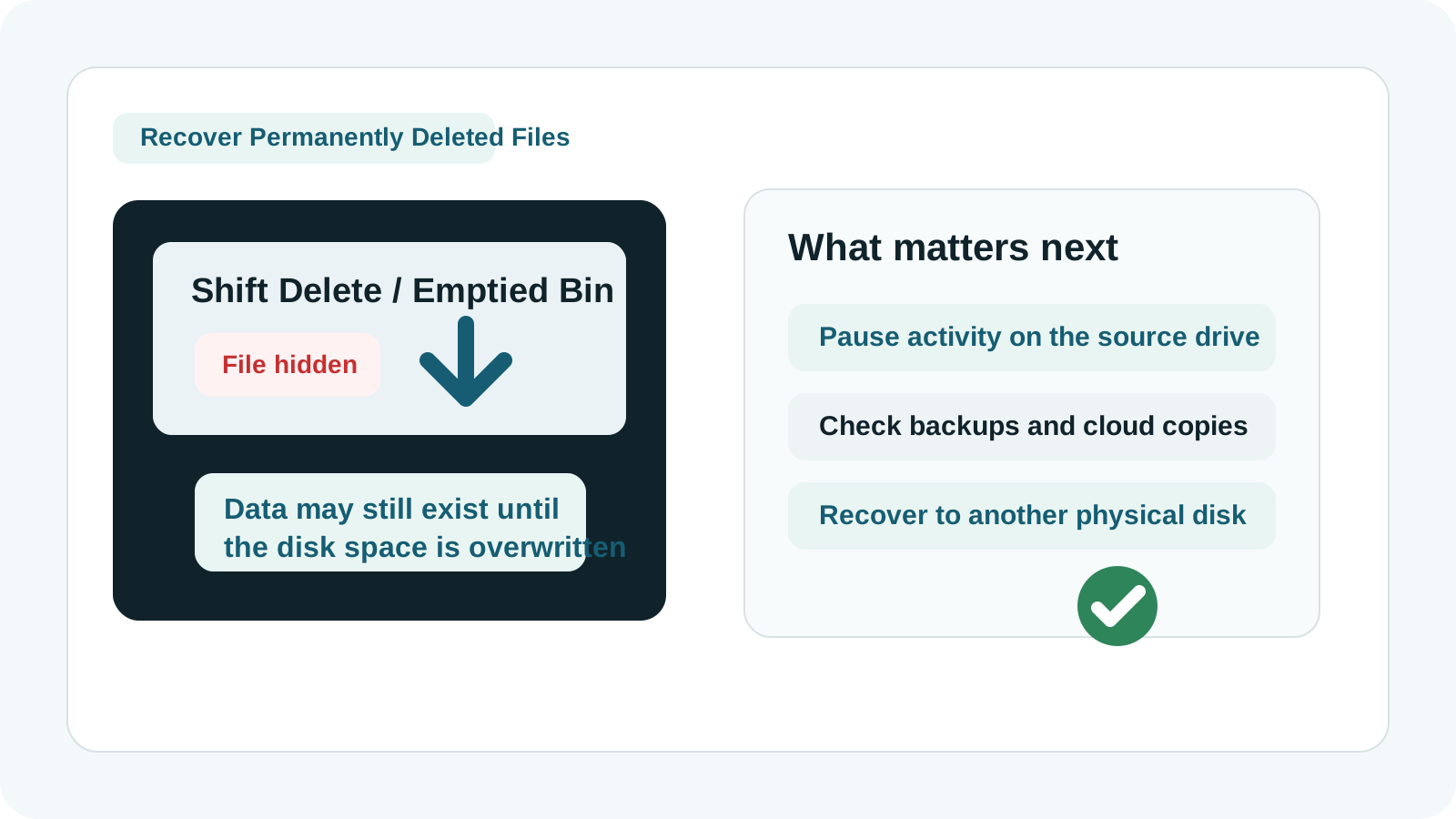
What 'permanently deleted' usually means
The file entry may be removed from the normal directory view, while the underlying disk space is marked as free. Until new data reuses that space, some or all file content may still remain.
That is why immediate behavior matters. Continued use of the PC can reduce recovery chances even when you do nothing that feels related to the missing file.
Common situations that bypass the Recycle Bin
Shift Delete
Windows skips the normal Recycle Bin step and removes the visible directory entry immediately.
Emptied Recycle Bin
Files that were temporarily staged are removed from the bin view and become harder to recover safely.
Removable drives
USB drives and some external media may bypass the Recycle Bin entirely depending on how the deletion happened.
Command line or app cleanup
Some tools delete data without the normal Windows restore path, which increases the need for a careful scan workflow.
What to check before using recovery software
- File History, Previous Versions, or another local backup.
- OneDrive, Dropbox, Google Drive, SharePoint, or business sync recycle bins.
- Autosaves and temp versions in apps such as Office, Adobe tools, or note apps.
- Email attachments, exported copies, or previous transfers to another device.
How to try recovery more safely
1. Pause activity on the affected drive
Avoid installing, downloading, unpacking, or copying new files to the source drive.
2. Start a local scan from a safe location
Run Recovery Studio from another drive when possible so the source disk receives fewer new writes.
3. Scan the original location
Select the disk or removable media where the permanent deletion occurred.
4. Preview and prioritize
Preview the most valuable files first. This helps avoid exporting a large volume of low-value results.
5. Recover to a different physical disk
Send recovered files to another SSD, HDD, or USB drive rather than the original one.
When recovery may fail
- The deleted space has already been overwritten.
- The drive uses SSD features such as TRIM and the data blocks are no longer accessible.
- The file system is badly damaged and little useful metadata remains.
- The device has physical faults, unstable connection, or head/media damage.
FAQ
Does permanently deleted mean the file is gone forever?
Not always. It often means the file is no longer listed normally, but the underlying data may still exist until it is overwritten or trimmed away.
Can I keep using my PC while deciding what to do?
You should minimize activity, especially if the missing files were on the system drive. New writes reduce recovery chances.
Should I recover files to the same USB drive or partition?
No. Recovery output should go to a different physical drive.
What if the drive is making noise or disconnecting?
Stop scanning and contact a professional recovery service. Continued use can worsen physical damage.
Related guides
Recover deleted files on Windows
See the broader workflow for deletion scenarios on Windows PCs.
Where do deleted files go after the Recycle Bin?
Understand unallocated space and why overwrite changes recovery odds.
Download Recovery Studio for Windows
Run a local scan and export recovered files to another drive.