
USB Drive Says It Needs to Be Formatted? Recover Files First
The message 'You need to format the disk before you can use it' usually means Windows cannot read the file system. It does not prove the files are gone. If the data matters, do not click Format. Recover important files first, then decide whether to repair or reformat the USB drive.
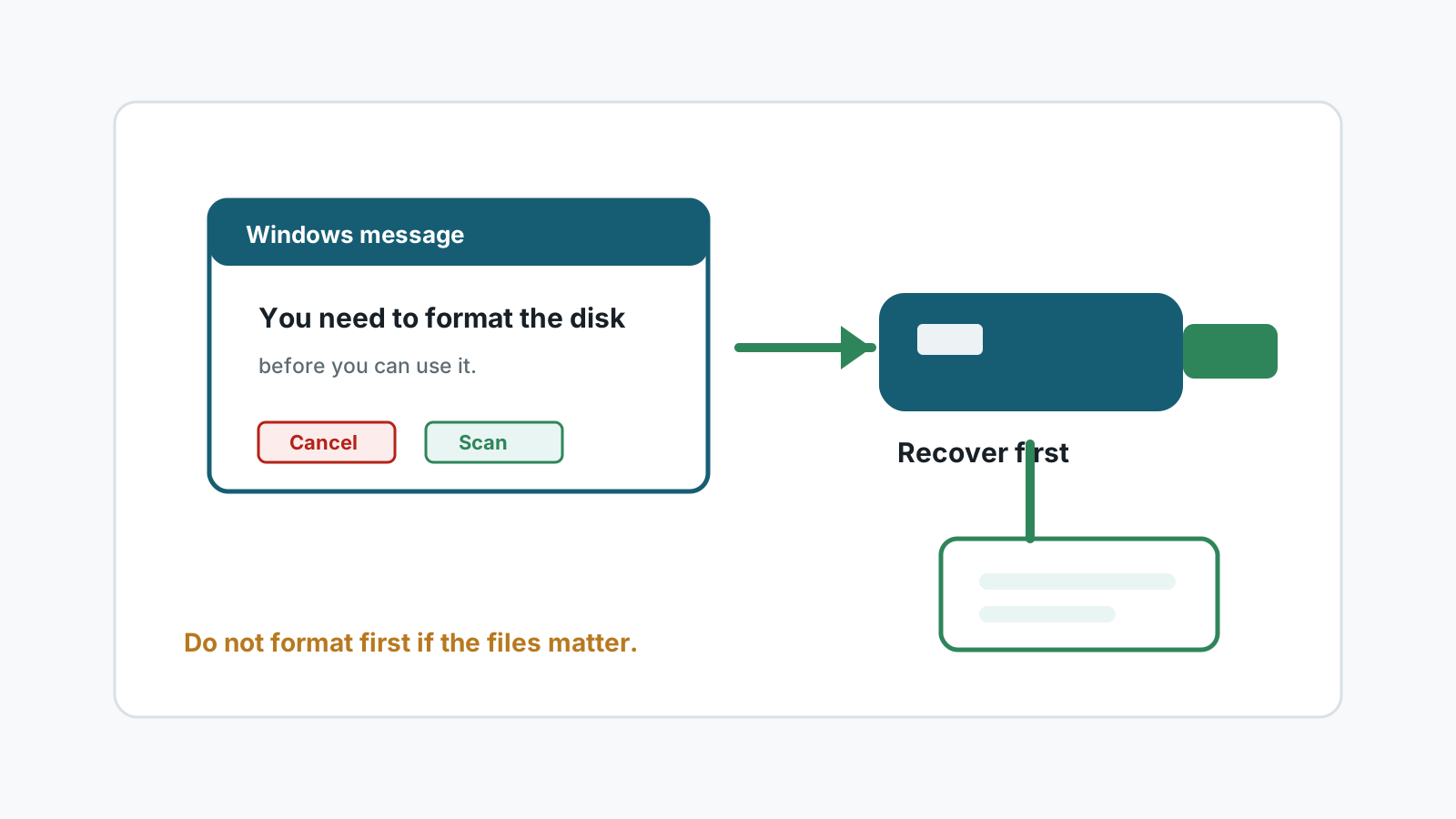
What the format prompt means
Windows shows this prompt when it cannot mount the USB file system. Common causes include improper ejection, file system corruption, unsupported formatting, or device failure.
The prompt is a repair option for usability, not a data recovery step. If you format first, you may lose paths, names, or recoverable content.
What to do first
1. Cancel the format prompt
Do not click Format if files on the USB drive still matter.
2. Try a stable connection
Use another port or PC only for detection. Do not copy files to the USB drive.
3. Scan or image the USB drive
Use local recovery software, or image the drive first if it is unstable but still readable.
4. Recover files to another disk
Save recovered data elsewhere before formatting or repairing the USB drive.
Repair comes after recovery
Format after recovery
Once important files are safe, formatting may make the USB usable again, but it is not a recovery step.
Replace unreliable drives
If the prompt returns, retire the USB drive instead of trusting it with new data.
Use a specialist for damage
Physical damage, heat, repeated disconnects, or critical files should go to a professional.
Expect naming limits
If file system metadata is damaged, deep scan results may not keep original folders or names.
Avoid these actions before recovery
- No software can guarantee 100% recovery after a USB format prompt.
- Do not click Format just to see whether the USB becomes readable.
- Do not save recovered files back to the USB drive.
- Do not install recovery software on the affected USB drive.
- Do not promise yourself that a repair command will be reversible.
FAQ
Does the format prompt mean my files are gone?
No. It means Windows cannot read the file system normally. Some files may still be recoverable.
Can I format and then recover?
It is safer to recover or image first. Formatting can remove metadata and create new writes.
Can Recovery Studio scan a USB that asks to format?
If Windows can still detect the device reliably, a local scan may find recoverable files.
What if the USB drive keeps disconnecting?
Stop DIY recovery and consider a specialist, especially if the files are important.