
How to Recover Files From a Corrupted USB Drive on Windows
A corrupted USB drive may show errors, ask for formatting, appear as RAW, or disconnect during use. If the files matter, recovery should come before repair. Repair tools can be useful later, but they can also change metadata needed for recovery.
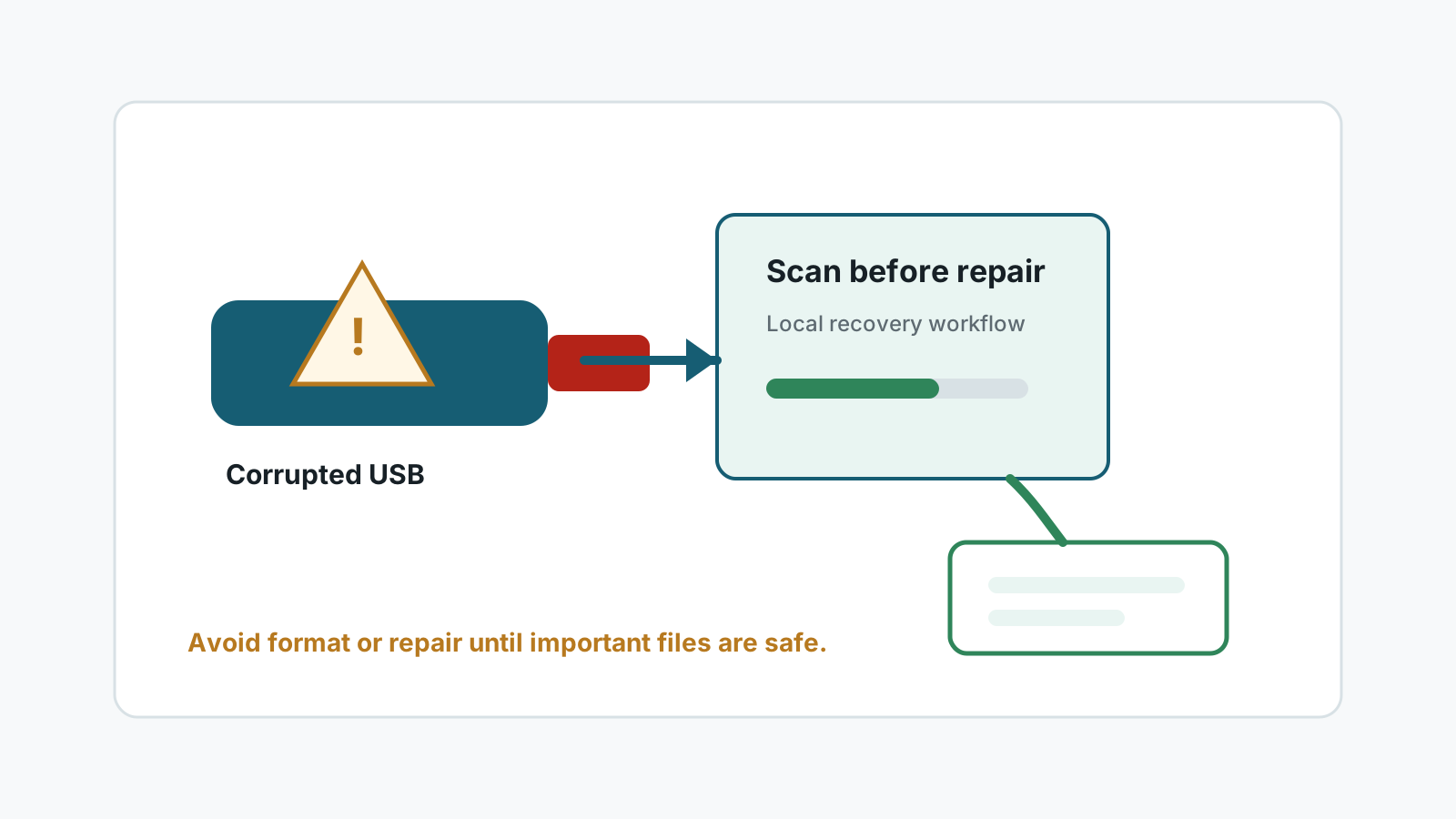
Signs of USB corruption
- Windows says the drive needs to be formatted.
- Disk Management shows the USB drive as RAW or with the wrong capacity.
- Folders open slowly, show errors, or disappear.
- The USB drive disconnects, overheats, or fails on multiple ports.
Decide whether DIY recovery is safe
Detected and stable
A local recovery scan may be reasonable if the drive stays connected and files are valuable.
Detected but RAW
Recover or image data before formatting or repair because metadata may be damaged.
Disconnects repeatedly
Repeated scans can worsen damage. Stop and consider a specialist.
Physical damage
Bent connector, water damage, heat, or broken casing should be handled professionally.
Safe corrupted USB recovery workflow
1. Stop writing to the USB drive
Do not format, repair, or copy files to the affected drive.
2. Connect directly and gently
Use a reliable port and avoid adapters that cause disconnects.
3. Scan or image before repair
Use local recovery to find files, or create an image first when the drive is unstable but still readable.
4. Recover elsewhere
Export to another physical disk and verify files before attempting USB repair.
After important files are safe
No software can guarantee 100% recovery from a corrupted USB drive, especially when file content is overwritten or the device is physically unstable.
Only after recovery should you consider formatting, file system repair, or replacing the USB drive.
If corruption returns, retire the device. A cheap USB drive is not worth repeated data loss.
FAQ
Can a corrupted USB drive be recovered?
Sometimes, if the drive is still readable and the file content has not been overwritten or physically damaged.
Should I run CHKDSK on a corrupted USB drive?
If the files matter, recover or image the data first when possible because repair can change metadata.
Can Recovery Studio fix the USB drive?
Recovery Studio is focused on scanning and recovering files, not guaranteeing repair of a damaged USB device.
When should I use a professional service?
Use a specialist for physical damage, repeated disconnects, critical business files, or devices that are no longer detected.