
USB Data Recovery for Windows: Safe Local Scan Workflow
USB data recovery starts with one rule: stop writing to the USB drive. Recovery Studio helps Windows users scan removable drives locally, preview common file types, and recover selected files to another physical disk without uploading personal data.
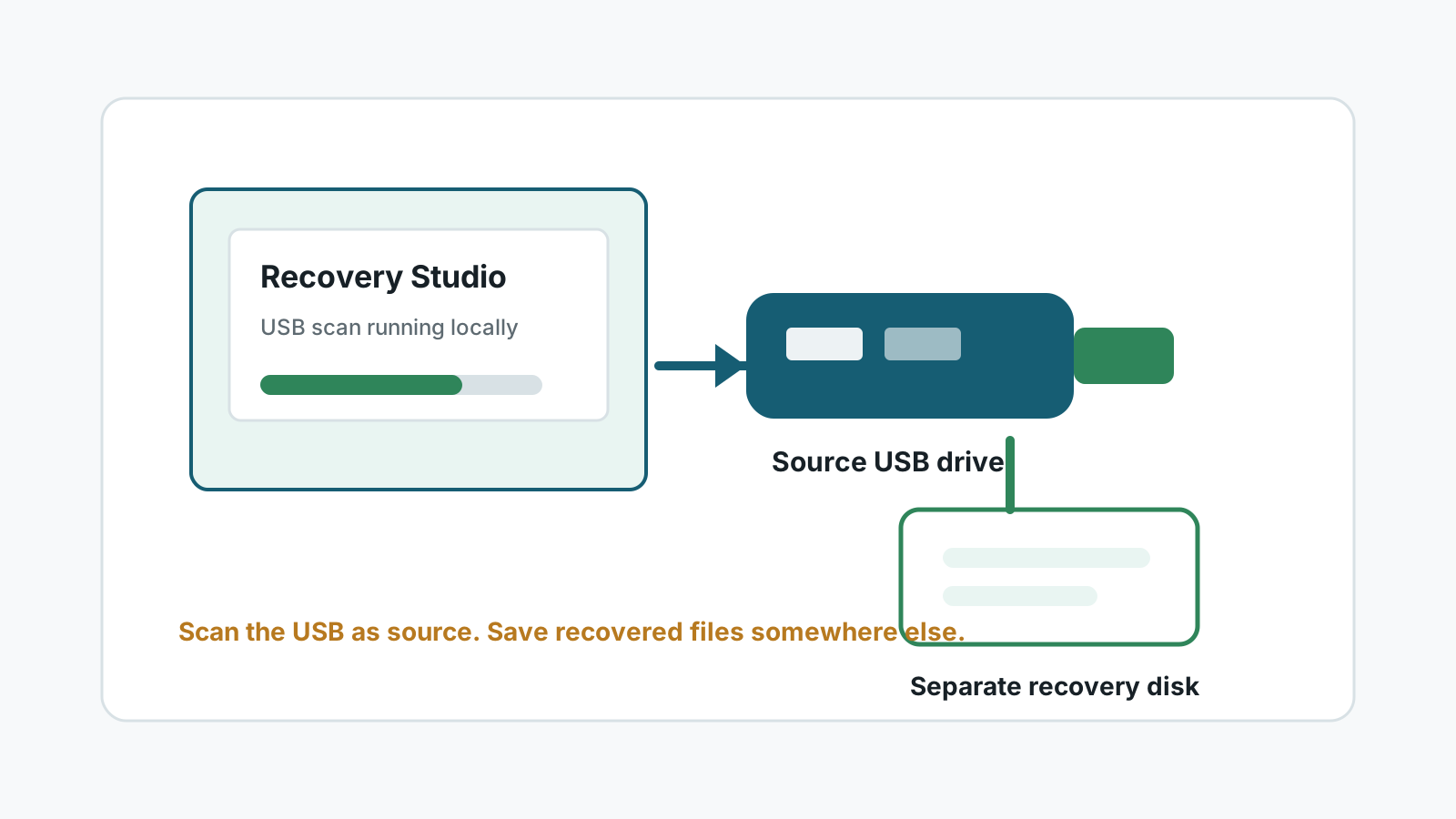
When USB data recovery software can help
A local Windows scan is a reasonable next step when files were deleted from a USB drive, the drive was quick formatted, the file system became RAW, or folders no longer appear even though the device is still detected.
Software recovery is less suitable for physical damage, severe controller failure, or a drive that repeatedly drops offline. Continued DIY attempts can make a professional recovery harder.
Common USB recovery cases
Deleted files
USB deletions may bypass the normal Recycle Bin. Stop using the drive and scan before copying anything new to it.
Quick format
A quick format may leave file content in place until new data overwrites it, but original folders may not survive.
Files not showing
Files can be hidden, indexed incorrectly, or lost after file system damage. Check visibility before repair.
Windows asks to format
Do not format first if the files matter. Recover or image the data before attempting repair.
How to recover USB data on Windows
1. Stop using the USB drive
Unplug it if you are tempted to copy new files to it. New writes can overwrite recoverable data.
2. Prepare another physical destination
Use an internal disk or another external drive with enough free space for recovered files.
3. Scan the USB drive locally
Select the USB drive as the source, run a scan, and review results by file type, search, and preview.
4. Export only to the separate drive
Open recovered files from the destination first. Reformat the USB drive only after important files are safe.
Recovery limits to understand
- No data recovery software can guarantee 100% recovery.
- Overwritten file content is usually not recoverable by software.
- Deep scans may recover files with generated names and no original folder structure.
- Corrupted documents, large fragmented videos, and physically failing USB drives may need specialist help.
USB data recovery FAQ
Can USB data be recovered on Windows?
Sometimes, if the USB drive is still detected and the old file content has not been overwritten.
Should I format the USB drive first?
No. Formatting can create new writes and make recovery harder. Recover or image important data first.
Are files uploaded during recovery?
No. Recovery Studio is designed for local Windows scanning and local recovery.
Where should recovered USB files be saved?
Save them to another physical drive, never back to the USB drive being scanned.