
How to Recover Files After Formatting a Hard Drive
Formatting the wrong hard drive is serious, but your next actions matter. If the format did not overwrite all sectors and the drive is healthy, a local scan may still find files. Reduce new writes immediately and prepare a separate recovery destination before scanning.
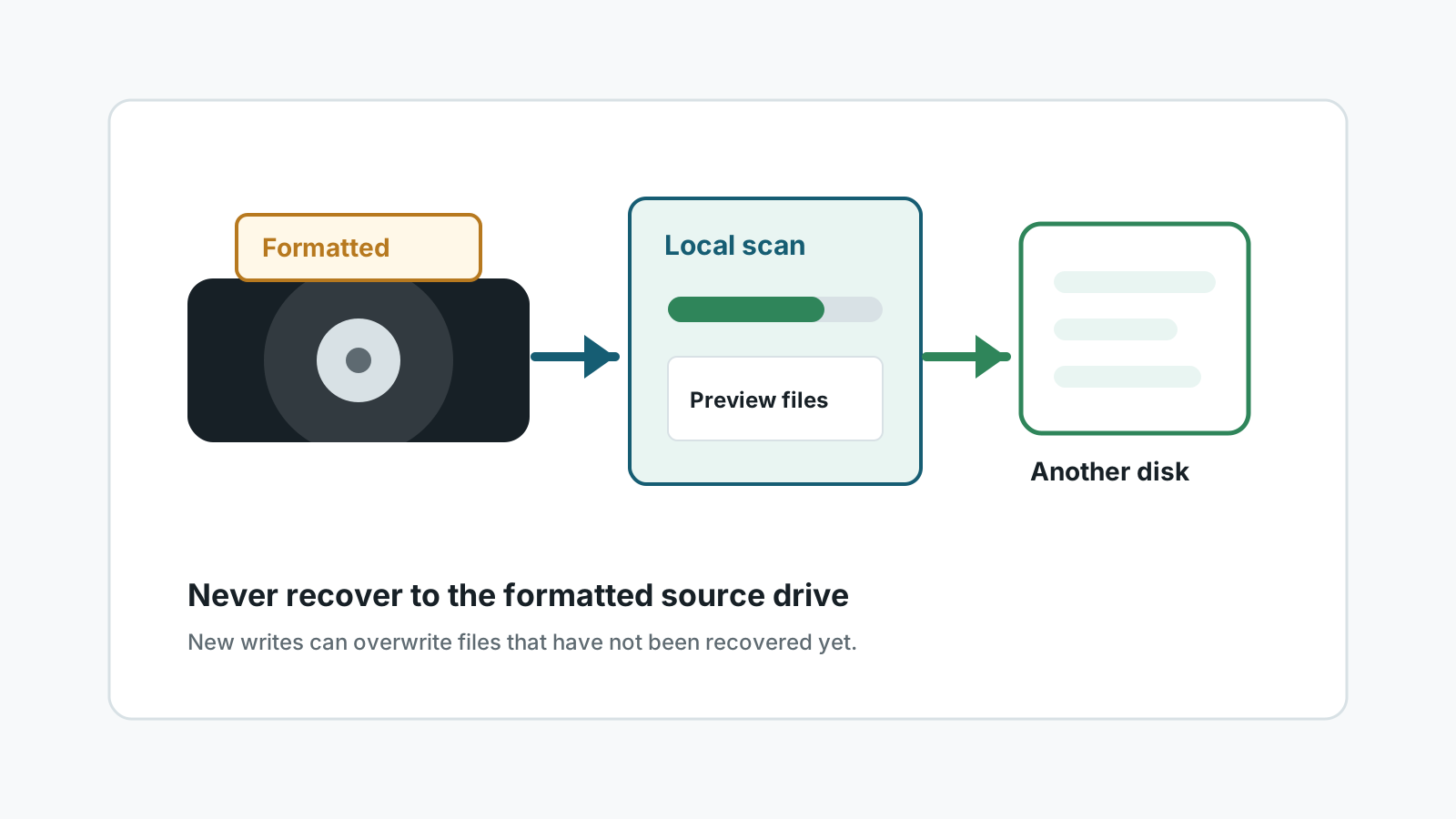
First triage after formatting a hard drive
- Stop copying files to the formatted drive.
- Do not create new partitions or run repair commands before preserving recovery options.
- Check whether the format was quick, full, or part of a Windows reinstall.
- Decide whether the data is valuable enough for a specialist before powering a failing drive repeatedly.
Check safer restore paths first
External backup
A backup restore is usually safer and more complete than scanning a formatted drive.
File History or Previous Versions
Windows backup features may still contain older copies of user folders.
Cloud sync
OneDrive or another sync service may hold copies, deleted items, or version history.
Windows.old
If formatting happened during an upgrade-style reinstall, check whether a Windows.old folder exists.
How to scan a formatted hard drive
1. Use a separate system or destination when possible
Avoid installing tools on the affected hard drive, especially if it is the Windows system disk.
2. Select the formatted drive as source
Confirm model, capacity, and partition before scanning.
3. Use deep scan when folders are gone
Deep scans can find common file signatures but may not preserve the original folder tree.
4. Save and verify elsewhere
Recover to another physical disk, then open important documents, photos, and archives to confirm they are usable.
Set realistic expectations
A formatted hard drive can contain a mix of recoverable files, partial files, renamed files, and unrecoverable overwritten areas.
Large fragmented files, damaged archives, and files overwritten by a new operating system or new data may not open correctly even if a scan finds entries.
FAQ
Can a formatted hard drive be fully restored?
Not reliably. Some files may be recoverable, but full original structure and 100% recovery cannot be promised.
Is deep scan required after formatting?
Often yes, especially if normal filesystem records no longer show the old folders.
Can I recover to a new partition on the same drive?
No. Creating or writing to a partition on the source physical disk can overwrite recoverable data.
When should I use a specialist?
Use a specialist when the drive is physically unstable, the data is critical, or the format was followed by major writes.