
Can Files Be Recovered After Reinstalling Windows?
Files after a Windows reinstall are a high-risk recovery case because the reinstall itself writes many new system files. Some files may still be available in Windows.old, backups, or cloud sync. If not, a local scan may help only when the old data has not been overwritten.
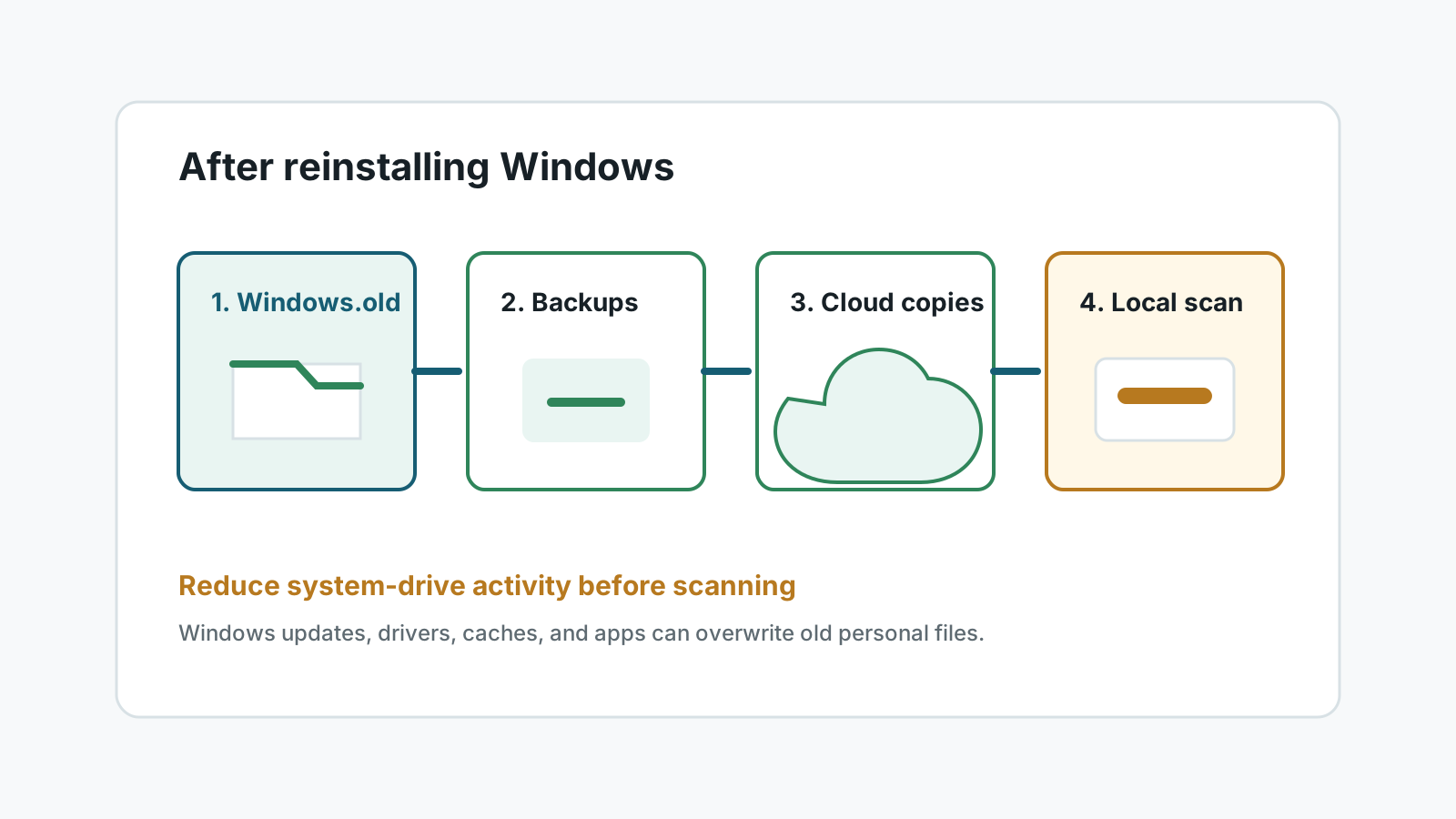
Why reinstall recovery is harder
A Windows reinstall can create large numbers of new files on the system drive. Those writes may occupy space where old personal files used to live.
The exact chance depends on how Windows was reinstalled, whether personal files were kept, whether Windows.old exists, and how much the PC has been used since.
Check these locations before scanning
Windows.old
After some upgrade-style installs, user folders may be temporarily stored under C:\Windows.old\Users.
OneDrive
Desktop, Documents, and Pictures may have synced copies, deleted items, or version history.
File History or external backup
A backup restore is safer than scanning a newly reinstalled system drive.
Other drives
Check secondary partitions, external drives, and app-specific export folders before deep scanning.
If files are still missing
1. Stop normal use
Avoid downloads, Windows updates, game installs, and large app installs on the source drive.
2. Use another disk for tools and output
If possible, scan from another Windows installation or install recovery software on a different physical drive.
3. Scan the affected drive
Expect many system files and partial results. Use filters and preview to focus on photos, documents, and archives.
4. Recover to another physical drive
Never write recovered files back to the same system drive during recovery.
What may be unrecoverable
- Files overwritten by the new Windows installation, updates, or drivers.
- Data removed by a clean installation with formatting and heavy post-install use.
- Original folder structure when filesystem metadata was replaced.
- Files from a physically failing disk that was repeatedly powered during reinstall attempts.
FAQ
Does Windows.old always exist after reinstalling Windows?
No. It depends on the reinstall method, and Microsoft notes some reset or fresh-install paths do not create a usable Windows.old folder.
How long should I wait before scanning?
Do not wait while using the PC. Reduce activity immediately and prepare a separate recovery destination.
Can software recover files overwritten by Windows?
No consumer software can reliably recover overwritten file content.
Should I reinstall Windows again to fix it?
No. Another reinstall can delete Windows.old and write more data over the source drive.