
How to Recover Files Deleted by a Drag-and-Drop Mistake
A drag-and-drop mistake can delete files, move them to a different folder, or place them inside another directory by accident. Before scanning, confirm the files are truly missing.
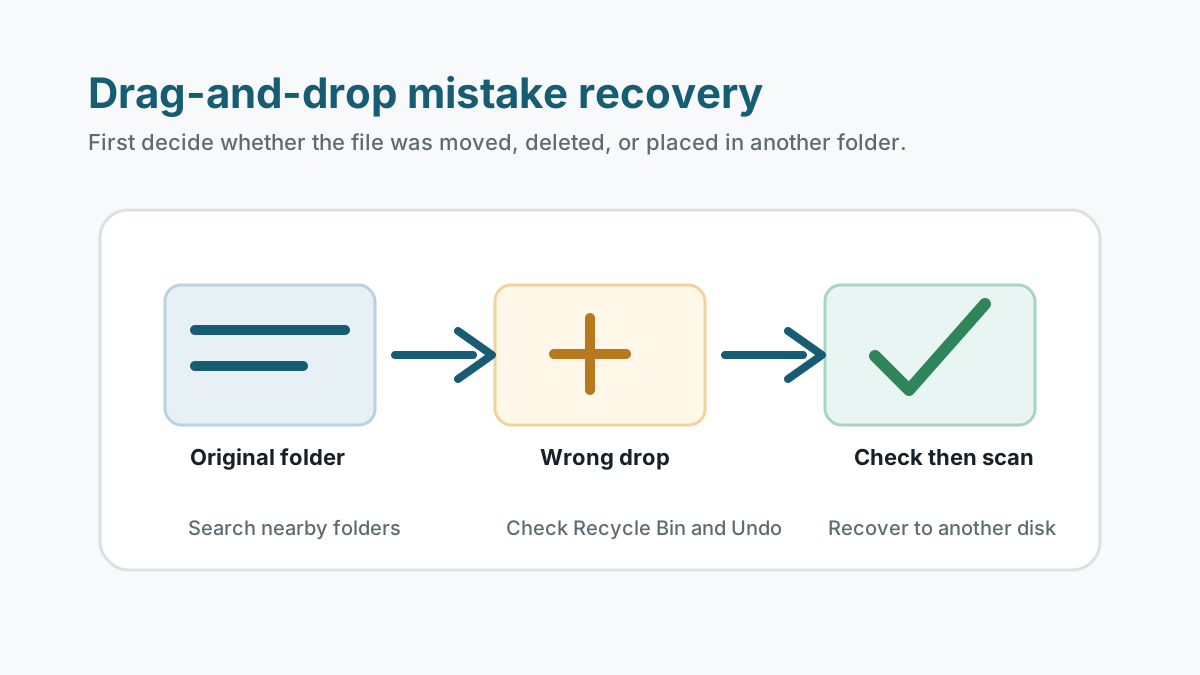
Quick checks before recovery software
- Press Undo only if you are still in the same File Explorer session and know what it will reverse.
- Check Recycle Bin for deleted files.
- Search nearby folders and the destination window where the drag ended.
- Sort by date modified to find accidentally moved files.
Protect the affected drive
If the files were deleted rather than moved, stop using the source drive. New downloads, installs, cache writes, or recovery output can overwrite deleted content.
For removable media, disconnect the USB drive, SD card, or external drive until you are ready to scan from a stable Windows computer.
Scan only after the simple checks fail
1. Select the original folder's drive
Scan the drive where the files existed before the drag-and-drop action.
2. Use categories and search
Look by file type and approximate name. Deep scan results may not keep original paths.
3. Preview useful results
Open supported previews before exporting to avoid unnecessary writes.
4. Recover to another physical disk
Do not recover to the source drive or the folder where the mistake happened.
How to avoid the same mistake next time
Use copy before delete
Copy files first, verify the destination, then delete the source only when needed.
Use backups for work folders
File History, OneDrive version history, or project backups make mistakes easier to reverse.
Be careful with Downloads
Downloads often live on the system drive, where new writes happen constantly.
Accidental file loss FAQ
What if I dragged files into another folder, not deleted them?
Search nearby folders, sort by date, and use Windows search before running recovery software.
Can Undo make things worse?
Undo is useful only when you know the last File Explorer action. If unsure, avoid more writes and check manually.
Should I recover to the same folder?
No. Recover to another physical disk to reduce overwrite risk.