
Can You Recover Files After Running Disk Cleanup?
Disk cleanup is designed to delete files. Recovery depends on what was removed, whether the files were overwritten, and whether a backup or download source still exists.
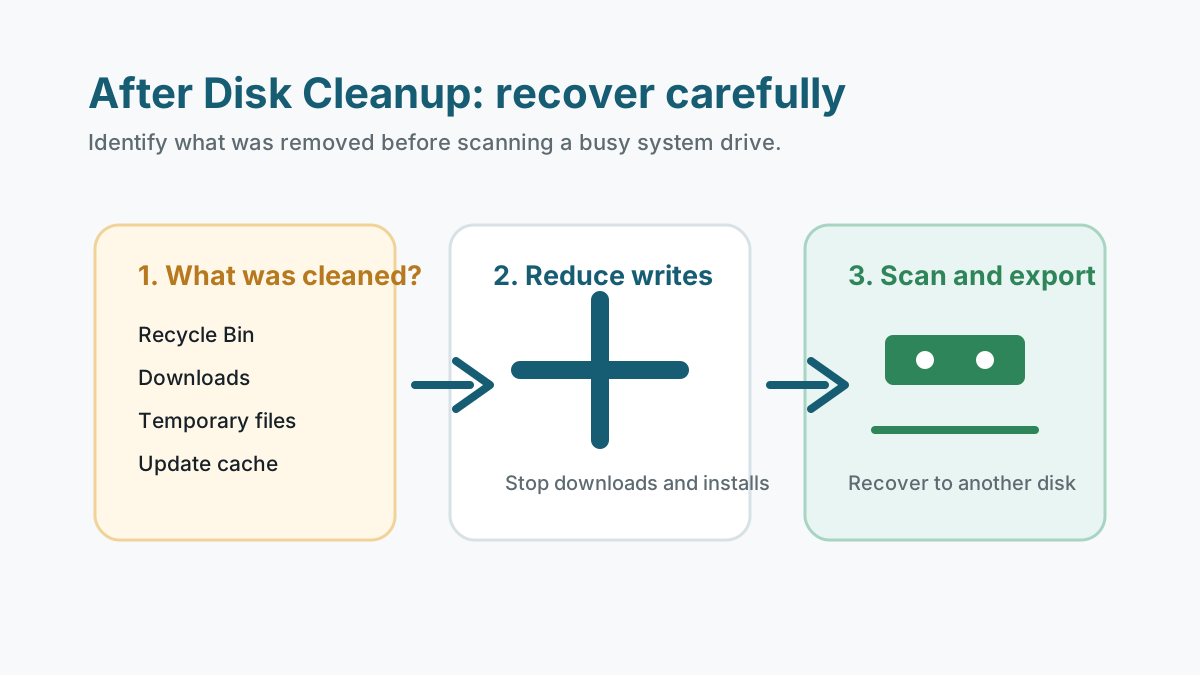
Identify what cleanup removed
- Check whether Recycle Bin, Downloads, temporary files, thumbnails, or update files were selected.
- Do not run cleanup again until important files are safe.
- Avoid new downloads and installs on the same drive.
- Prepare another physical disk before attempting recovery.
What may still be recoverable
User files from Downloads
If Downloads was cleared, check browser history, cloud copies, and backups before scanning.
Recycle Bin items
Once emptied, recovery depends on overwrite and storage behavior.
Temporary files
Temporary data is often incomplete, app-specific, or not useful after deletion.
System update files
These are usually not personal files and are not a meaningful recovery target.
How to scan after disk cleanup
If personal files were removed and no safer copy exists, scan the affected drive with realistic expectations. On a system drive, normal Windows activity can quickly reuse free space.
Use filters for the file types that matter, preview candidates, and recover only to another physical disk.
1. Reduce system-drive writes
Stop downloads, installs, and large app activity.
2. Scan for specific file types
Look for documents, archives, photos, or PDFs rather than every possible temporary file.
3. Validate recovered copies
Open files from the destination disk and keep the source drive unchanged until you finish checking.
When recovery is unlikely
- The data was already overwritten by cleanup or later system activity.
- The removed items were temporary fragments rather than complete files.
- SSD TRIM removed deleted data before the scan.
- The drive shows hardware failure symptoms.
Accidental file loss FAQ
Does Disk Cleanup delete personal files?
It can if user folders such as Downloads or Recycle Bin are selected. Check exactly what was cleaned.
Can temporary files be recovered?
Sometimes fragments can be found, but they are often incomplete or not useful as personal files.
Should I keep using the PC after cleanup?
Reduce use of the affected drive until important files are recovered or confirmed safe elsewhere.