
Can Files Be Recovered After Running CHKDSK?
CHKDSK can repair file system records, but repair may also move damaged fragments, remove invalid entries, or change what Windows shows. If files disappeared after CHKDSK, stop writing to the drive and recover before running more repairs.
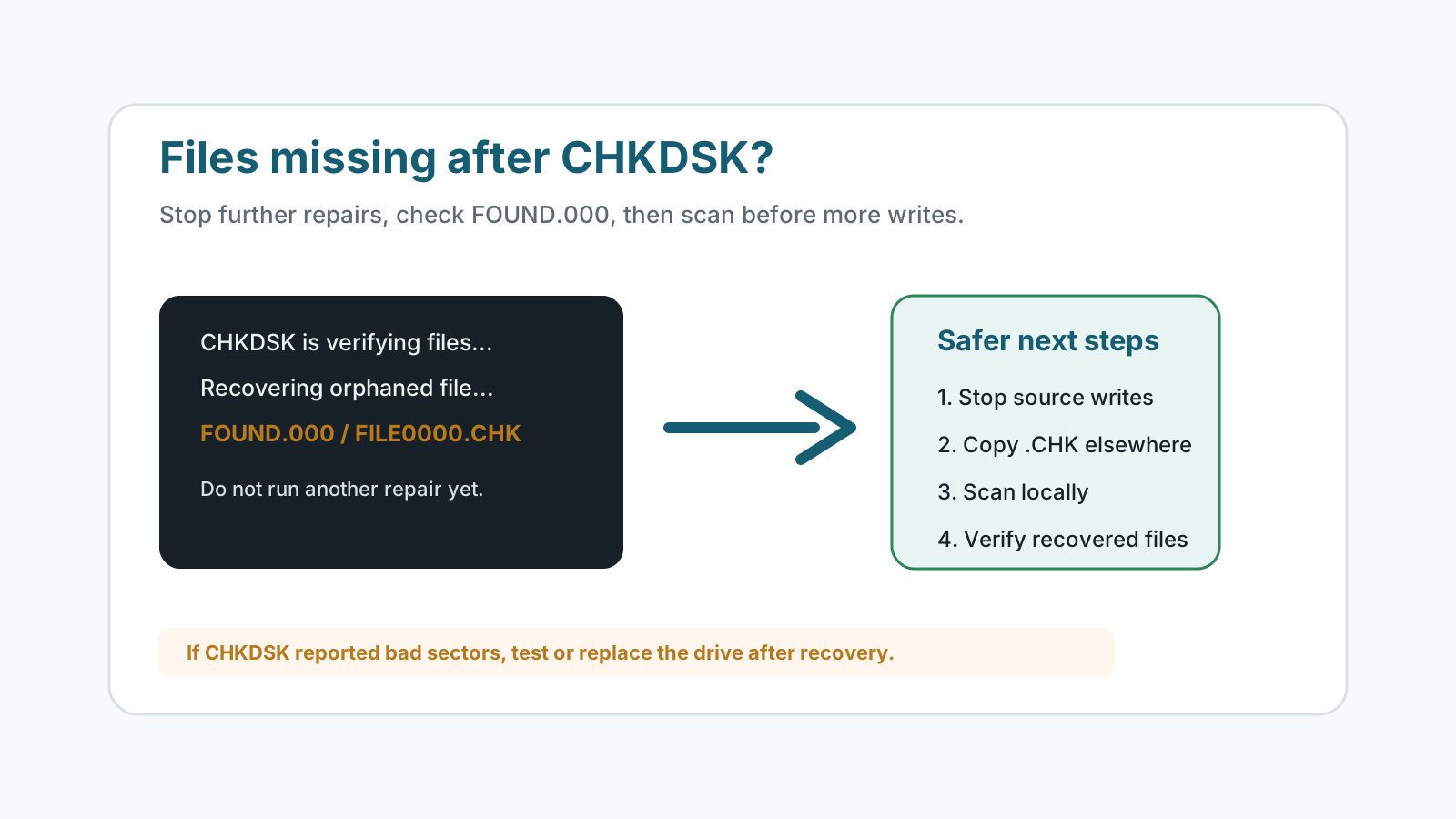
What may have happened after CHKDSK
FOUND.000 folder
Windows may place file fragments into a hidden FOUND.000 folder with .CHK names.
Removed directory entries
Repair can remove records that Windows considers invalid or damaged.
Bad sectors marked
CHKDSK may mark unreadable areas, which can point to device health problems.
Changed metadata
Folder structure, filenames, or allocation records may have changed during repair.
What to do immediately
- Do not run CHKDSK again until important files are recovered or backed up.
- Do not defragment, optimize, format, or copy new files to the affected drive.
- Enable hidden items and check for FOUND.000, but do not move it on the same drive.
- Prepare another physical disk for any recovered or copied files.
How to recover after CHKDSK
1. Check backups and FOUND.000
Backups are safest. If FOUND.000 exists, copy useful .CHK candidates to another disk before testing them.
2. Scan the affected drive
If files are still missing, run a local recovery scan while keeping output off the source drive.
3. Preview and verify
Open recovered files from the destination disk. Some fragments may be incomplete or corrupted.
4. Test drive health
If CHKDSK reported bad sectors or the drive behaves poorly, replace it after data is safe.
Limits after a repair command
Recovery after CHKDSK is possible in some cases, but there is no guarantee. If CHKDSK moved fragments or metadata was overwritten, some original names, folders, or file content may be lost.
Drive error recovery FAQ
What is FOUND.000?
It is a hidden folder Windows may create during repair. It can contain .CHK fragments that sometimes represent recoverable files.
Should I run CHKDSK again if files disappeared?
No. Stop writing to the drive and recover or copy important data first.
Can .CHK files be opened?
Sometimes. They may be complete files, partial fragments, or unusable data. Copy them to another disk before testing.
Does CHKDSK mean my drive is failing?
Not always, but bad-sector messages, repeated errors, clicking, or disconnects are warning signs.
Related recovery guides
Recovery Safety Guide
Review source-drive, overwrite, and damaged-device precautions.
Should you run CHKDSK before recovery?
Understand why repair commands can change the file system before recovery.
What affects recovery chances
See how overwrite, device health, metadata, and storage type change outcomes.