
What to Do After Accidentally Deleting Important Files
Accidental deletion is one of the better recovery scenarios only if you slow down quickly. The files may still exist in free space or a backup location, but new writes to the same drive can replace them.
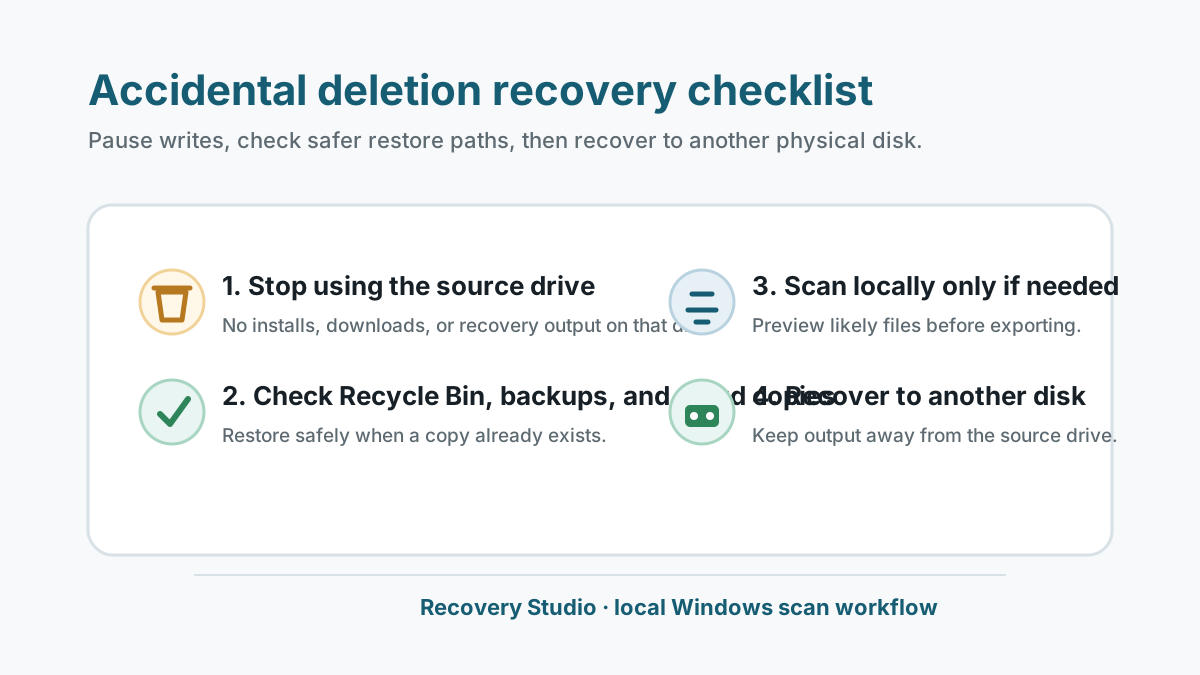
Do these things first
- Stop using the drive where the files were deleted.
- Do not install recovery software on that source drive.
- Prepare a different physical disk for any recovered output.
- If the device has physical warning signs, stop and use a specialist.
Check safer restore paths
Recycle Bin
If the files are still there, restore them first because names and folders are usually preserved.
File History or Previous Versions
A backup restore is safer than writing new recovery output to the source drive.
OneDrive or app history
Cloud recycle bins, autosaves, and version history may solve the problem without a disk scan.
Other copies
Check email attachments, external drives, shared folders, and exported copies before scanning.
When a local scan makes sense
If the file is not in a safer restore source, Recovery Studio can scan the original disk, USB drive, external drive, or memory card locally on Windows.
The scan cannot guarantee results. Overwrite, SSD TRIM, damaged metadata, and physical device problems can limit recovery.
1. Select the original source
Choose the drive or partition where the file lived before deletion.
2. Preview likely matches
Use preview and file categories to identify useful results before exporting.
3. Recover elsewhere
Save selected files to a separate physical disk, then open and verify those copies.
Mistakes that reduce recovery chances
- Installing tools, browser downloads, or updates on the source drive.
- Recovering files back to the same drive or partition.
- Running repair tools before important files are copied or recovered.
- Repeated scans on a clicking or unstable drive.
Accidental file loss FAQ
Can accidentally deleted files always be recovered?
No. Recovery depends on overwrite, storage type, metadata, and device health.
Should I restore from Recycle Bin or scan first?
Use Recycle Bin first when the files are still there. It is safer and usually preserves the original location.
Where should recovered files be saved?
Use another physical disk, not the drive where the files were deleted.