
How to Recover Files When Windows Says The Parameter Is Incorrect
The Windows message 'The parameter is incorrect' often appears when a drive cannot be accessed normally. Treat it as a data-protection problem first, not just an error to clear.
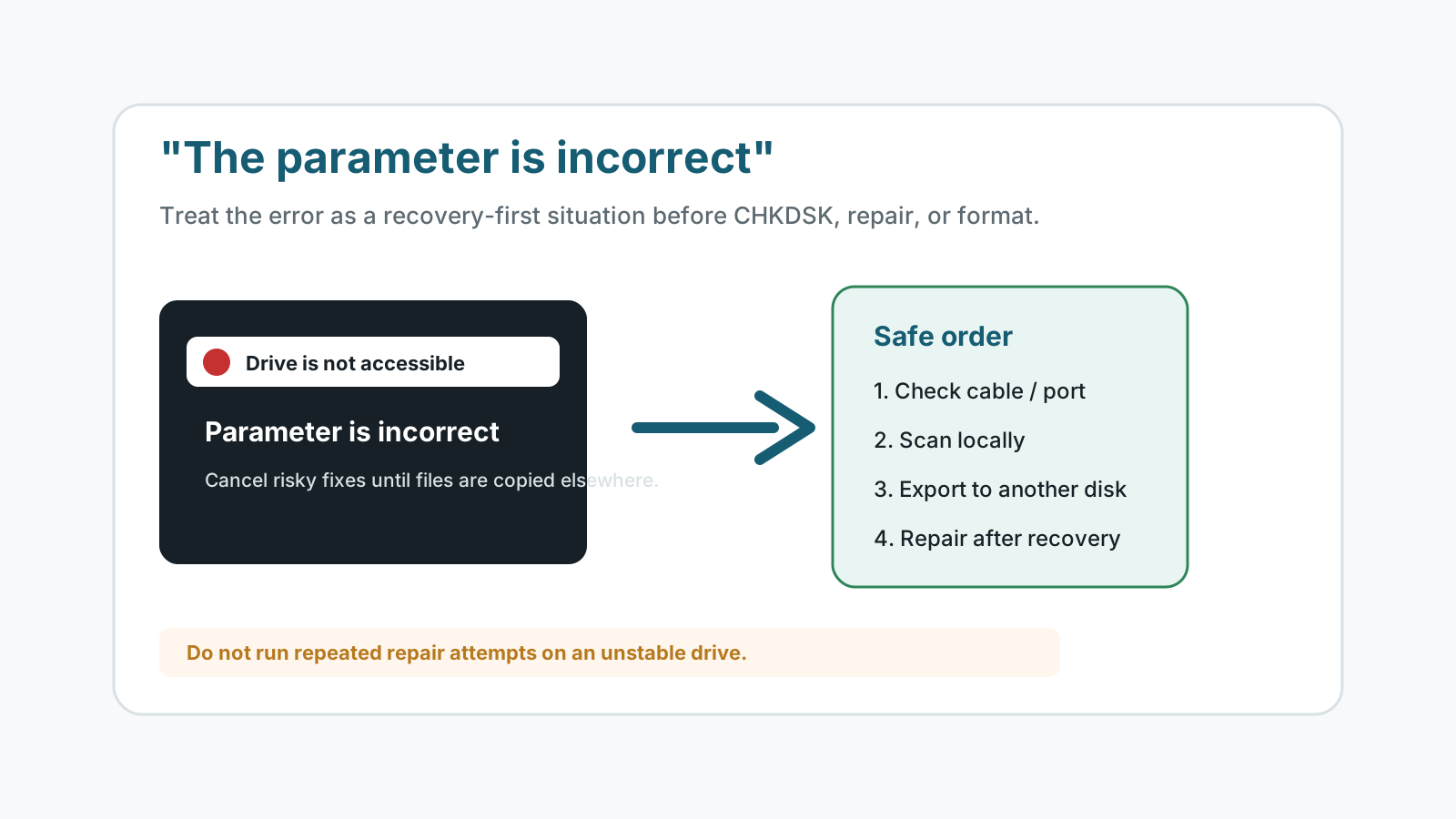
Start with low-risk checks
- Try another USB port, cable, card reader, or Windows PC if the drive is removable.
- Do not format the drive to make the error disappear.
- Do not run repeated repair attempts if the drive disconnects or becomes very slow.
- If the files are valuable, prepare another disk before scanning.
What the error can mean
File system damage
Windows can see the device but cannot read its file system cleanly.
Unsafe removal
A sudden unplug or power loss can leave directory records inconsistent.
Bad sectors
Read errors can make normal file browsing fail while some data remains recoverable.
Controller or cable issues
A bad enclosure, cable, or reader can mimic drive corruption.
Recover files before repair
1. Confirm the drive is detected
If Windows sees the device, scan it before repair or format operations.
2. Scan locally
Run recovery from a different drive and keep the affected drive read-only as much as possible.
3. Save to another physical disk
Never recover files back to the drive showing the error.
4. Repair after verification
After recovered files open from the destination, decide whether to run CHKDSK, format, or replace the device.
When to stop DIY recovery
Stop if the drive clicks, spins up and down, disappears, overheats, or contains critical business data. A specialist may image the device first and work from the copy.
Drive error recovery FAQ
Should I run CHKDSK for the parameter is incorrect?
Recover important files first. CHKDSK can modify file system records, which is risky when the only copy of the data is on that drive.
Is this error always physical damage?
No. It can be cable, enclosure, file system, or sector trouble. Physical symptoms mean you should stop DIY attempts.
Can I format the drive and then recover files?
That is a worse order. Recover first, then format only after useful files are safe elsewhere.
Can Recovery Studio scan this drive?
If Windows can still detect the drive, Recovery Studio can attempt a local scan, but recovery is not guaranteed.
Related recovery guides
Recovery Safety Guide
Review source-drive, overwrite, and damaged-device precautions.
Should you run CHKDSK before recovery?
Understand why repair commands can change the file system before recovery.
What affects recovery chances
See how overwrite, device health, metadata, and storage type change outcomes.