
How to Recover Deleted Files From a USB Drive on Windows
Deleted USB files often need a different recovery workflow than files deleted from your Windows desktop. Removable-drive deletions may not appear in the normal Recycle Bin, so the safest move is to stop using the USB drive and scan it before new files overwrite old data.
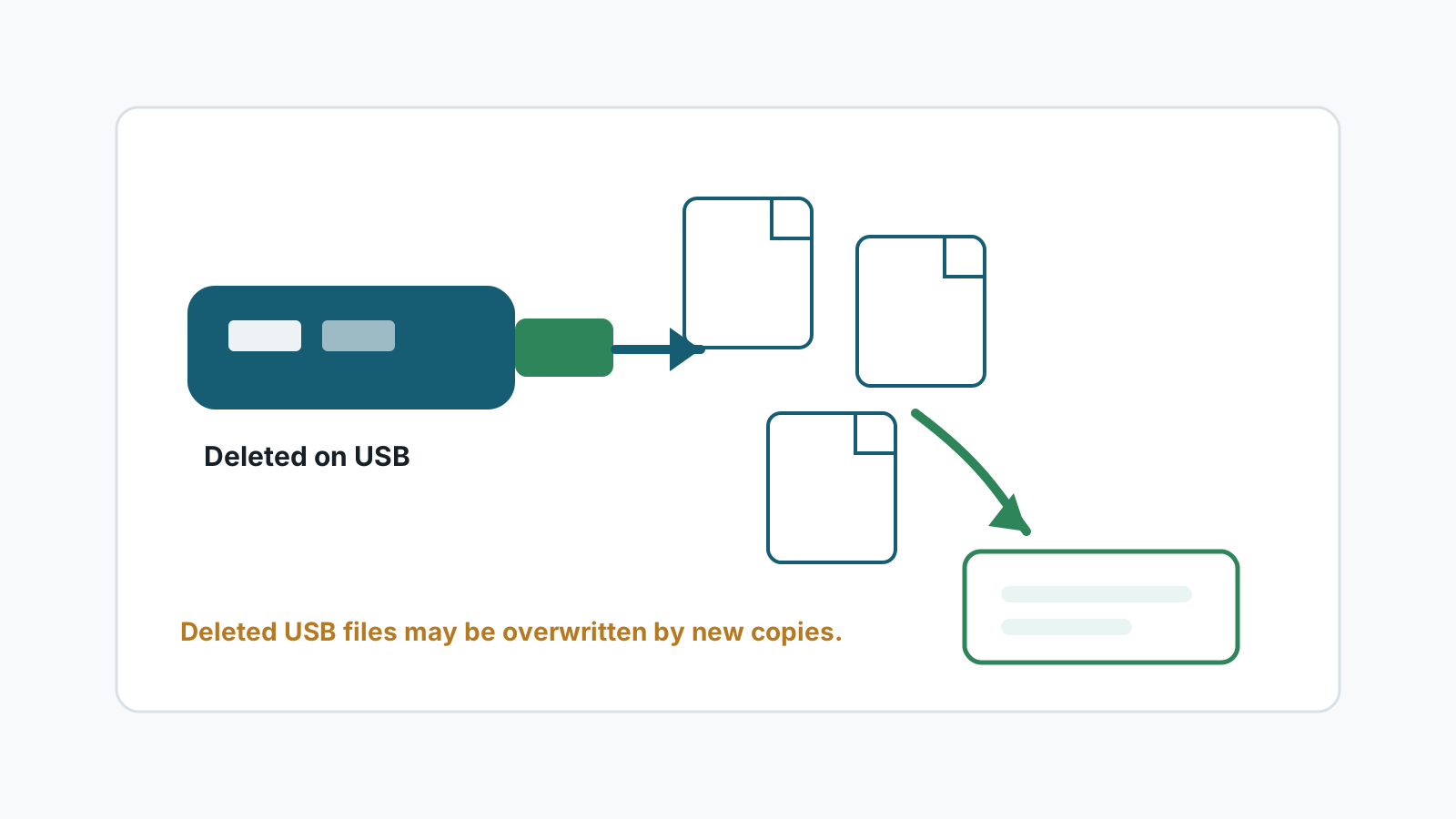
Why USB deletions are different
Windows may send some deleted files to a Recycle Bin on fixed drives, but removable-drive behavior varies by settings, file size, and how the deletion happened.
If the files were deleted with Shift Delete, by another computer, or by a camera or embedded device, assume the file content is at risk of overwrite.
Check these places first
Hidden $RECYCLE.BIN
Some removable drives may contain a hidden recycle folder. Check before scanning.
Another PC
If deletion happened on a different Windows account or PC, check that system's Recycle Bin and backups.
Cloud copies
Files copied from OneDrive, Google Drive, or Dropbox may still have cloud trash or version history.
Original device
Cameras, recorders, and workstations may still have another copy of the file.
Safe recovery steps
1. Stop using the USB drive
Do not copy replacement files or run cleanup tools on the USB drive.
2. Install recovery software elsewhere
Use the Windows system drive or another disk, not the affected USB drive.
3. Scan the USB drive
Filter by file type and use preview where possible to identify the files that matter.
4. Recover to another drive
Save recovered files to a separate physical disk and verify them before reusing the USB drive.
What to expect from results
- No USB recovery tool can guarantee 100% recovery.
- Recent deletions with little USB activity have better chances.
- Original filenames may be available only when filesystem metadata remains intact.
- Deep scans may return generated filenames by type.
- Files overwritten by new copies cannot be reliably recovered by software.
FAQ
Do deleted USB files go to the Recycle Bin?
Sometimes, but not always. It depends on Windows settings, deletion method, drive type, and file size.
Can Shift Deleted USB files be recovered?
Sometimes, if the file content has not been overwritten and the USB drive is healthy enough to scan.
Can I recover to the same USB drive after scanning?
No. Save recovered files to another physical disk to avoid overwriting data that has not been recovered yet.
Will deleted USB files keep their names?
Possibly during filesystem-aware recovery, but deep scan results may use generated names.