
Windows File Recovery Alternative With a GUI: When Command Line Is Too Much
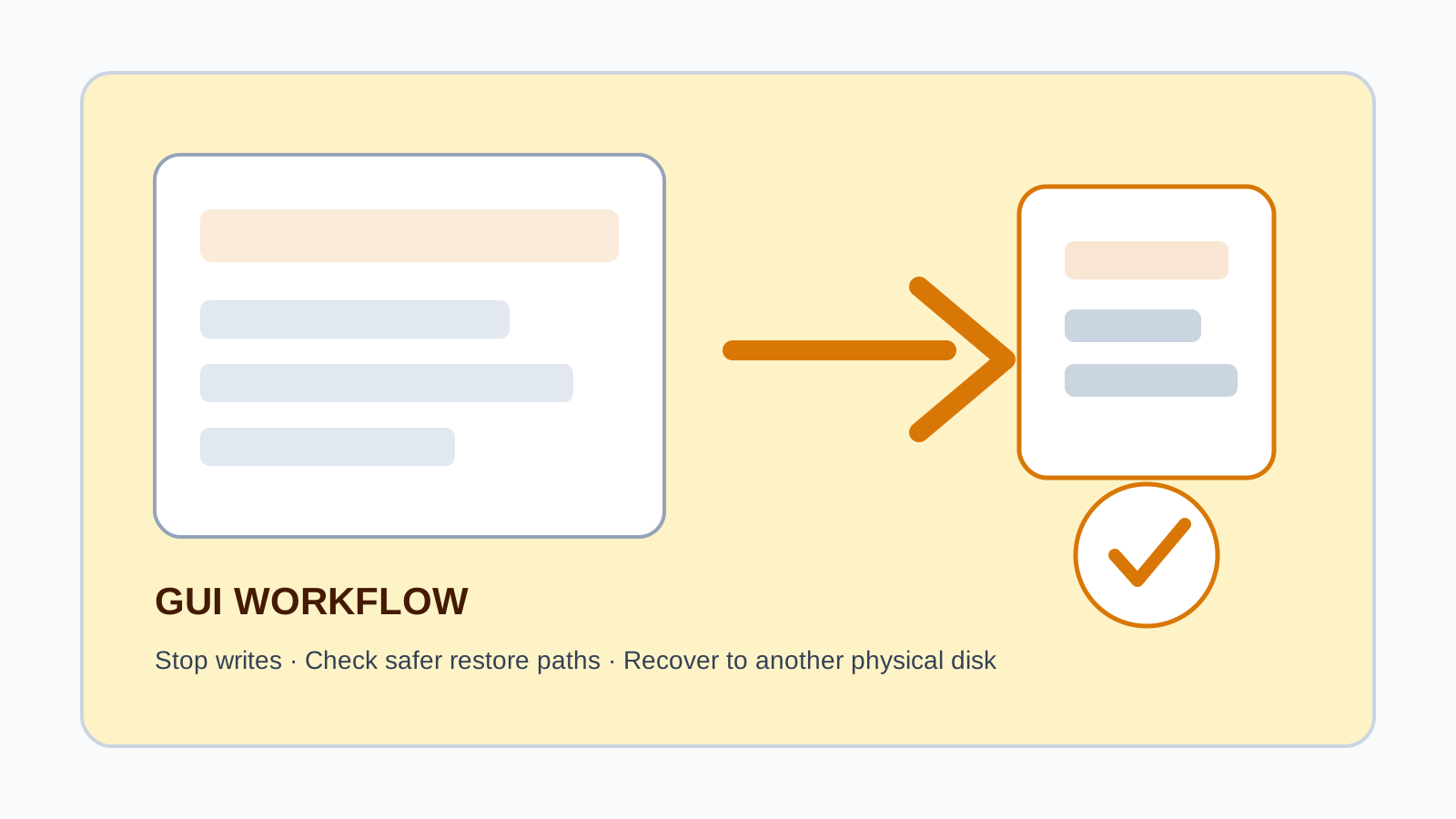
Microsoft Windows File Recovery is useful, but it is a command-line tool. If you are not comfortable choosing modes, paths, and commands under pressure, a GUI recovery workflow can reduce mistakes. The safety rules are the same: stop using the source drive and recover to another physical disk.
What Windows File Recovery is good at
Windows File Recovery is Microsoft's command-line app for trying to recover deleted local files that are not in the Recycle Bin. It can target internal drives, external drives, and USB devices, but it does not recover cloud-only files or network shares.
For technical users, command-line control is powerful. For ordinary users, the risk is choosing the wrong source, destination, mode, or file filter.
Why some users prefer a GUI alternative
Drive selection is visible
A guided interface can show disks, partitions, and warnings before a scan starts.
Results are browsable
Categories, search, filters, and preview help users choose what to recover.
Destination checks are clearer
A GUI can warn when the output location appears to be on the source physical disk.
Less command pressure
You do not need to build syntax while worried about lost files.
When to use each option
- Use built-in backups first when File History, OneDrive, or Previous Versions can restore the file.
- Use Windows File Recovery if you are comfortable with command-line recovery and can choose a safe destination.
- Use a GUI tool when you need visual selection, preview, filtering, and clearer destination warnings.
- Use a specialist instead of software if the device clicks, disconnects, has water damage, or shows physical failure.
Safe workflow for any recovery tool
1. Stop writing to the source drive
Avoid downloads, installs, and copying files to the affected disk.
2. Prepare another physical disk
Use it as the recovery destination before launching any tool.
3. Scan locally
Recovery Studio scans on the Windows PC and does not upload user files.
4. Verify recovered files
Open important files before copying them back to their original location.
FAQ
Is Windows File Recovery bad?
No. It is a legitimate Microsoft command-line tool. A GUI alternative is mainly about usability and guided checks.
Can a GUI tool guarantee better recovery?
No. Recovery still depends on overwrite, device health, file type, and filesystem condition.
Can I recover to the same drive if the tool allows it?
You should not. Use another physical drive to reduce overwrite risk.
Does Recovery Studio upload files?
No. It is positioned as local Windows recovery software, not a cloud recovery service.