
Can You Recover Deleted Files Without a Backup? Realistic Windows Options
No backup does not always mean no chance, but it does mean you must protect the remaining data immediately. Deleted file content may remain until overwritten. The safest path is to stop using the source drive, check any overlooked restore locations, and scan locally only to a separate destination.
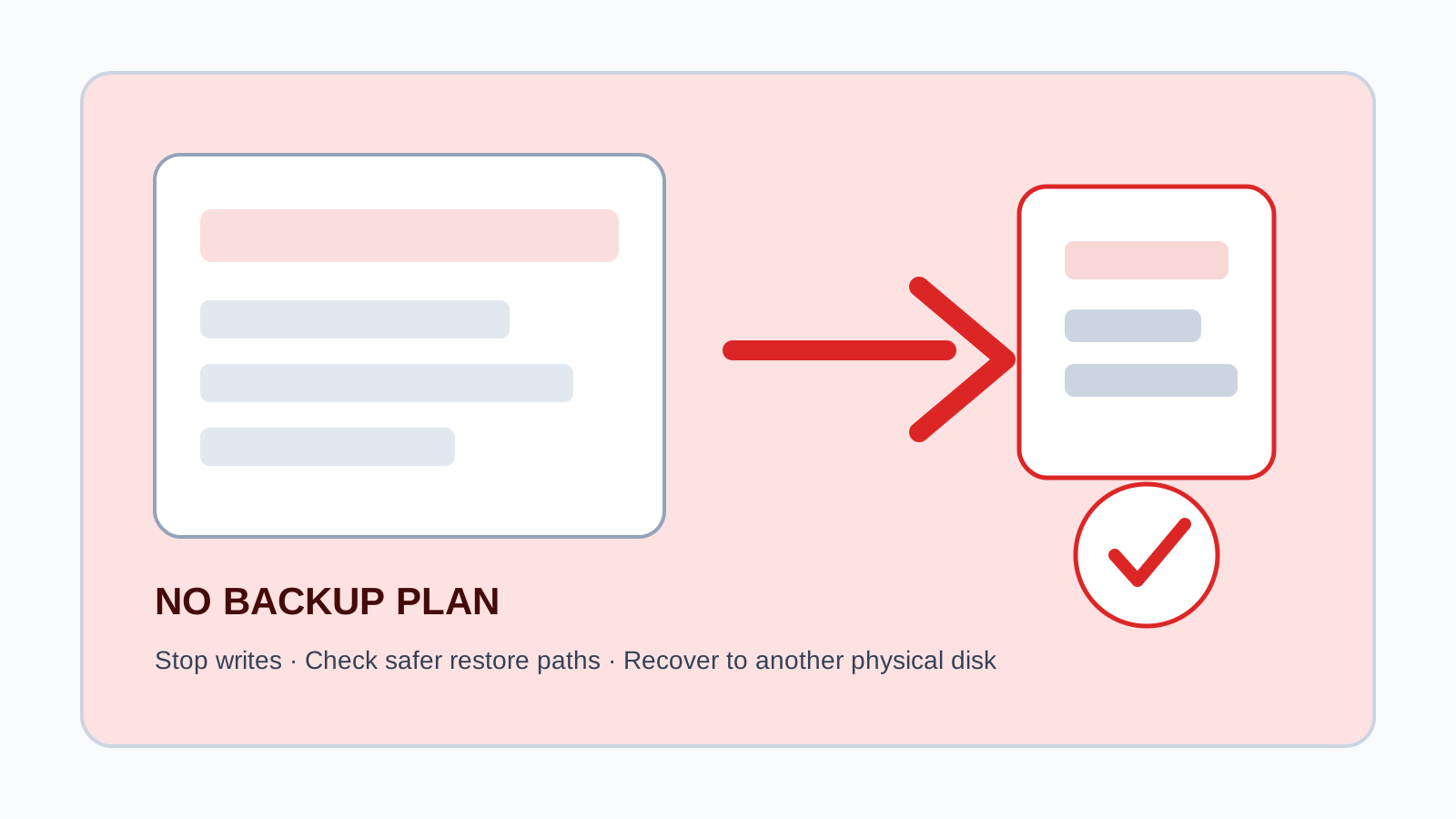
What is still possible without a backup
When a file is deleted, Windows usually removes the directory entry or marks space as reusable. The actual content may remain for a while, but normal computer activity can overwrite it at any time.
Your chances are better when the deletion was recent, the drive has had little new activity, and the file was on a removable drive that you stopped using immediately.
Check overlooked restore paths first
Recycle Bin
The file may still be restorable unless it was Shift Deleted, too large for the bin, or the bin was emptied.
OneDrive or cloud sync
Synced folders may have a cloud recycle bin or version history.
File History and Previous Versions
Even if you forgot about backups, Windows may list older copies for some folders.
App autosaves
Office, creative apps, editors, and browsers may keep recent or temporary copies.
How to scan when backup paths fail
1. Stop using the source drive
Reduce new writes immediately. For a system drive, avoid installs and downloads.
2. Prepare a separate output drive
Use another physical disk with enough free space for recovered files.
3. Run a local scan
Choose the affected disk or partition and review results by type, search, and preview.
4. Recover selected files elsewhere
Save recovered files to the separate drive and verify they open before copying them back.
Realistic limits without a backup
- No software can guarantee 100% recovery.
- Overwritten data is usually unrecoverable by software.
- Deep scans may lose original names and folder structure.
- Large fragmented videos and damaged documents may not open intact.
- Physical damage should be handled by a professional recovery lab.
FAQ
Is recovery possible with no backup?
Sometimes, if the deleted data has not been overwritten and the device is healthy enough to scan.
What should I do first?
Stop using the source drive and prepare another physical drive before installing or running recovery software.
Can deleted files keep their original names?
Backup restores often can. Deep scans may not, especially when filesystem metadata is gone.
When should I avoid DIY recovery?
Avoid it when the drive clicks, disconnects repeatedly, has water damage, or contains critical business data.