
Why Does a Data Recovery Scan Take So Long?
A long recovery scan is not automatically a problem. The software may be reading a large disk, checking file system records, searching file signatures, or slowing down because the device is struggling to read certain areas.
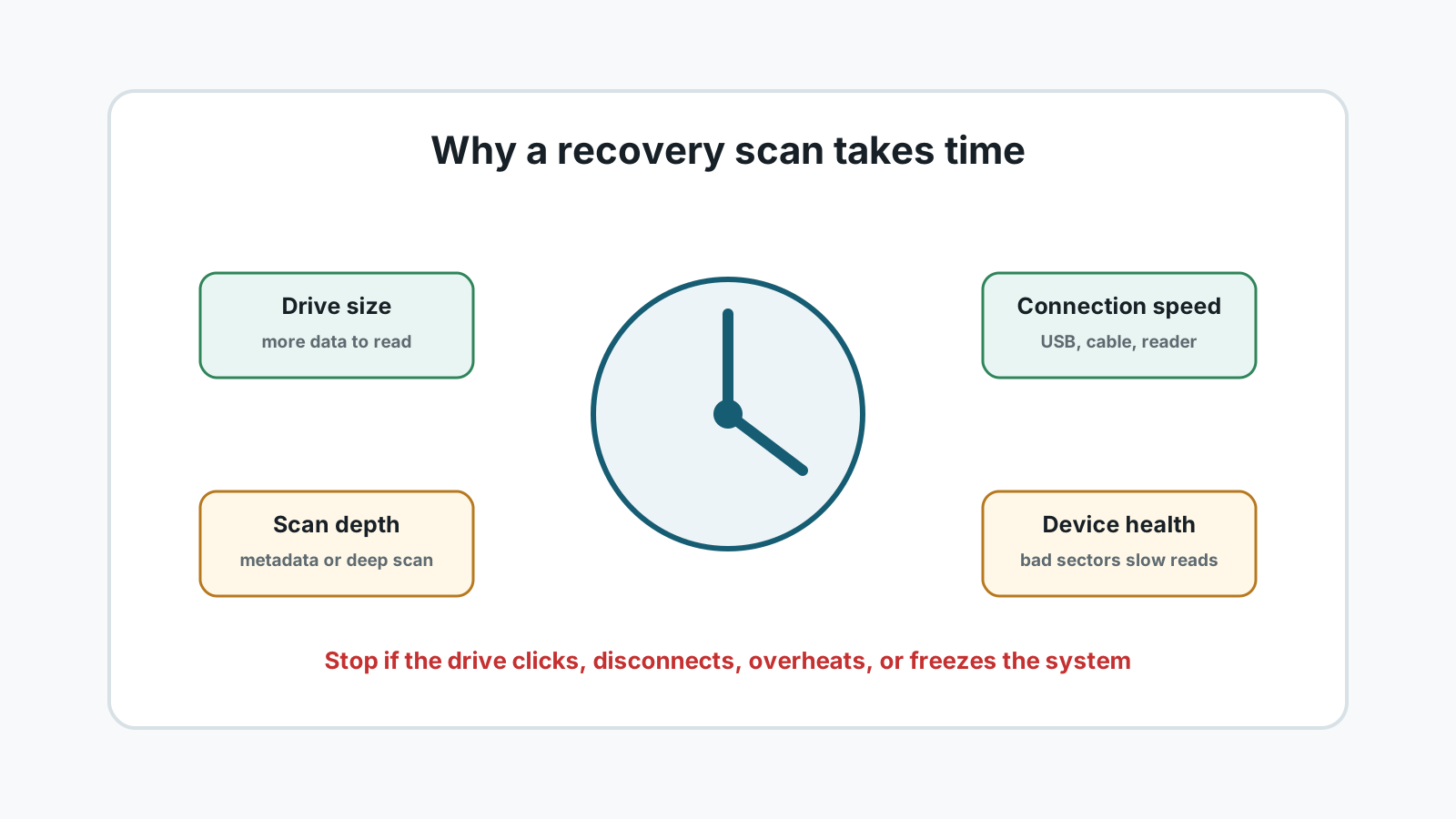
The main factors that affect scan time
Drive capacity
A 4 TB drive usually takes longer to scan than a 256 GB drive because there is more space to read.
Connection speed
USB 2.0, slow card readers, loose cables, and old external enclosures can reduce throughput.
Scan depth
A deep scan checks more disk areas and file signatures, so it is slower than a metadata-focused scan.
Device health
Bad sectors, unstable reads, disconnects, heat, or clicking noises can make scanning slow and risky.
Long scan or warning sign?
- Normal: a large healthy drive keeps progressing slowly and stays connected.
- Normal: the estimated time changes during the scan as read speed varies.
- Warning: the drive clicks, disappears, overheats, or repeatedly reconnects.
- Warning: the computer freezes for long periods while the drive retries bad areas.
What you can safely do
1. Keep the source drive stable
Use a reliable cable, power supply, and port. Avoid bumping removable drives during scanning.
2. Avoid source-drive writes
Do not install, download, or save recovered files to the drive being scanned.
3. Filter results during or after scan
Use file categories and search to focus on the files you need instead of exporting everything.
4. Stop if physical symptoms appear
If the drive shows physical failure signs, stop DIY scanning and contact a specialist.
Why faster is not always safer
Data recovery is about reading the source as carefully as possible, not forcing the shortest scan. Aggressive repeated scans on a failing drive can make a bad situation worse.
If the scan is for a healthy deleted-file case, patience is often reasonable. If the drive is physically unstable, the safer path is professional imaging rather than repeated software scans.
Using Recovery Studio FAQ
Is it normal for a deep scan to take hours?
Yes. Large drives, slow connections, and deep signature scans can take hours or longer.
Why does the time estimate keep changing?
The estimate depends on current read speed and disk areas being scanned. It can rise or fall as the scan moves through different regions.
Should I cancel a long scan?
If the drive is healthy and progressing, cancellation is usually optional. If the drive clicks, disconnects, overheats, or freezes the system, stop and seek specialist help.
Can I make the scan faster by saving results to the same drive?
No. Saving to the source drive is unsafe because it can overwrite data that has not been recovered yet.