
Where Should You Save Recovered Files?
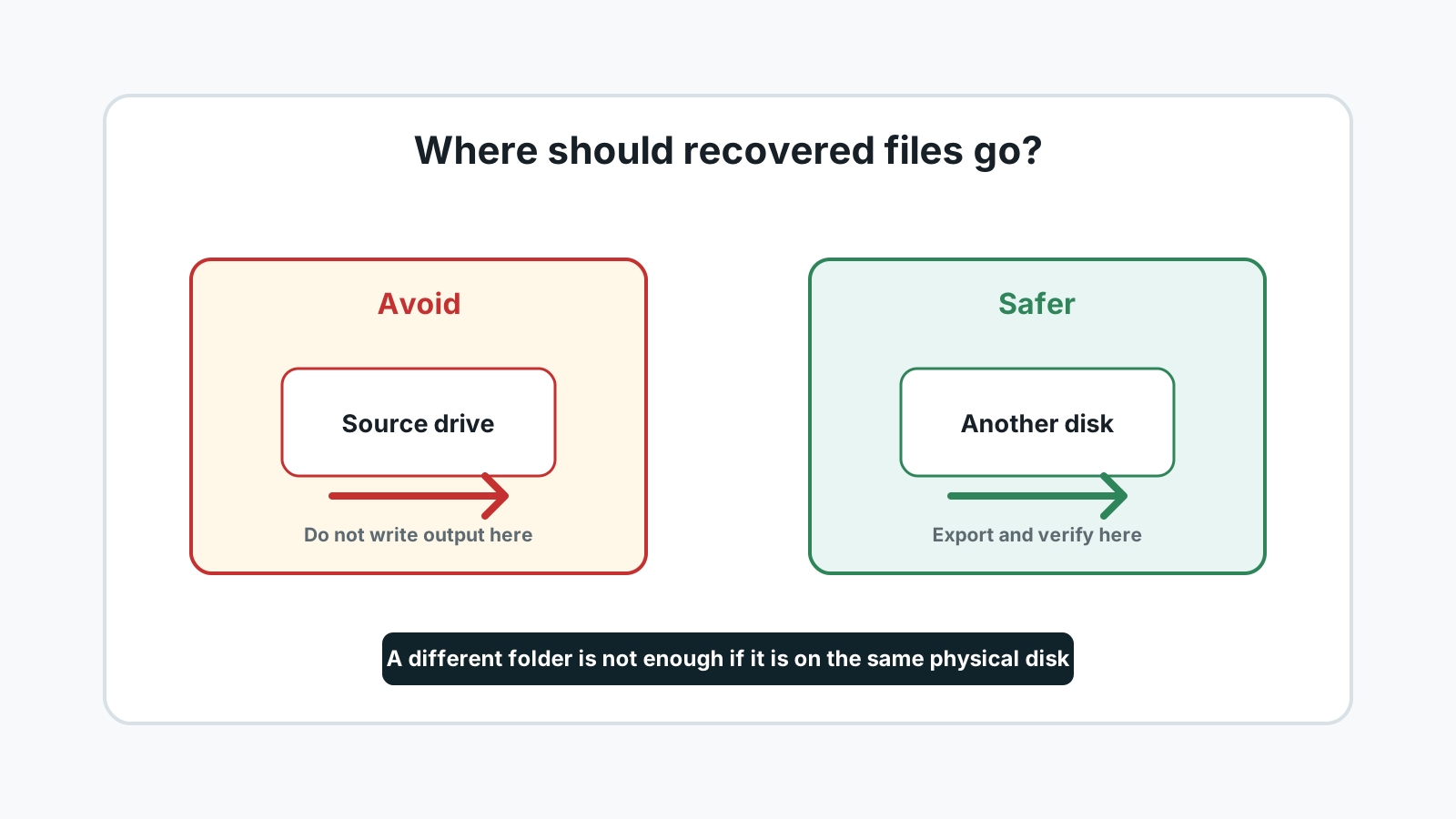
The safest recovery destination is a different physical disk with enough free space. Saving recovered files back to the source drive can overwrite other deleted data that has not been recovered yet.
The short answer
Save recovered files to another physical drive: an external SSD, external HDD, second internal disk, or another USB drive with enough capacity.
Do not use another folder on the same affected disk. A different drive letter is not always a different physical disk, so check the actual device when possible.
Safer recovery destinations
External SSD or HDD
Best for larger recoveries because it has more capacity and fewer space surprises.
Second internal drive
Reasonable when it is a separate physical disk, not just another partition on the same device.
Another USB drive
Useful for small recoveries if it has enough free space and is not the source device.
Network storage after recovery
Copy verified files later if needed, but avoid slow or unstable destinations during the first export.
Destinations to avoid
- The same drive where the files were deleted or lost.
- Another partition on the same physical disk when the source disk is affected.
- The formatted USB drive or memory card you are trying to recover.
- A physically unstable drive that disconnects, clicks, overheats, or reports errors.
How to choose the destination in Recovery Studio
1. Estimate space needs
Make sure the destination has more free space than the selected recovery set.
2. Pick a separate disk
Use a physically separate destination whenever possible.
3. Export selected files
Recover a focused batch first, then validate the files from the destination.
4. Copy back later if needed
Only after validation should you copy files back to the original drive, and only if you no longer need further recovery from it.
Using Recovery Studio FAQ
Is a different folder enough?
No. The safest destination is a different physical disk, not simply another folder on the source drive.
Can I recover to the same USB drive after formatting?
No. Writing recovered files to the formatted USB drive can overwrite other recoverable data.
Can I copy files back later?
Yes, after you have finished recovery and verified the files from the separate destination.
What if I do not have another drive?
Borrow or buy temporary storage before recovery. Saving back to the source drive is a major avoidable risk.