
What Is File Signature Recovery?
File signature recovery looks for recognizable patterns inside file content instead of relying only on folder records. It can help when metadata is missing, but it has clear limits.
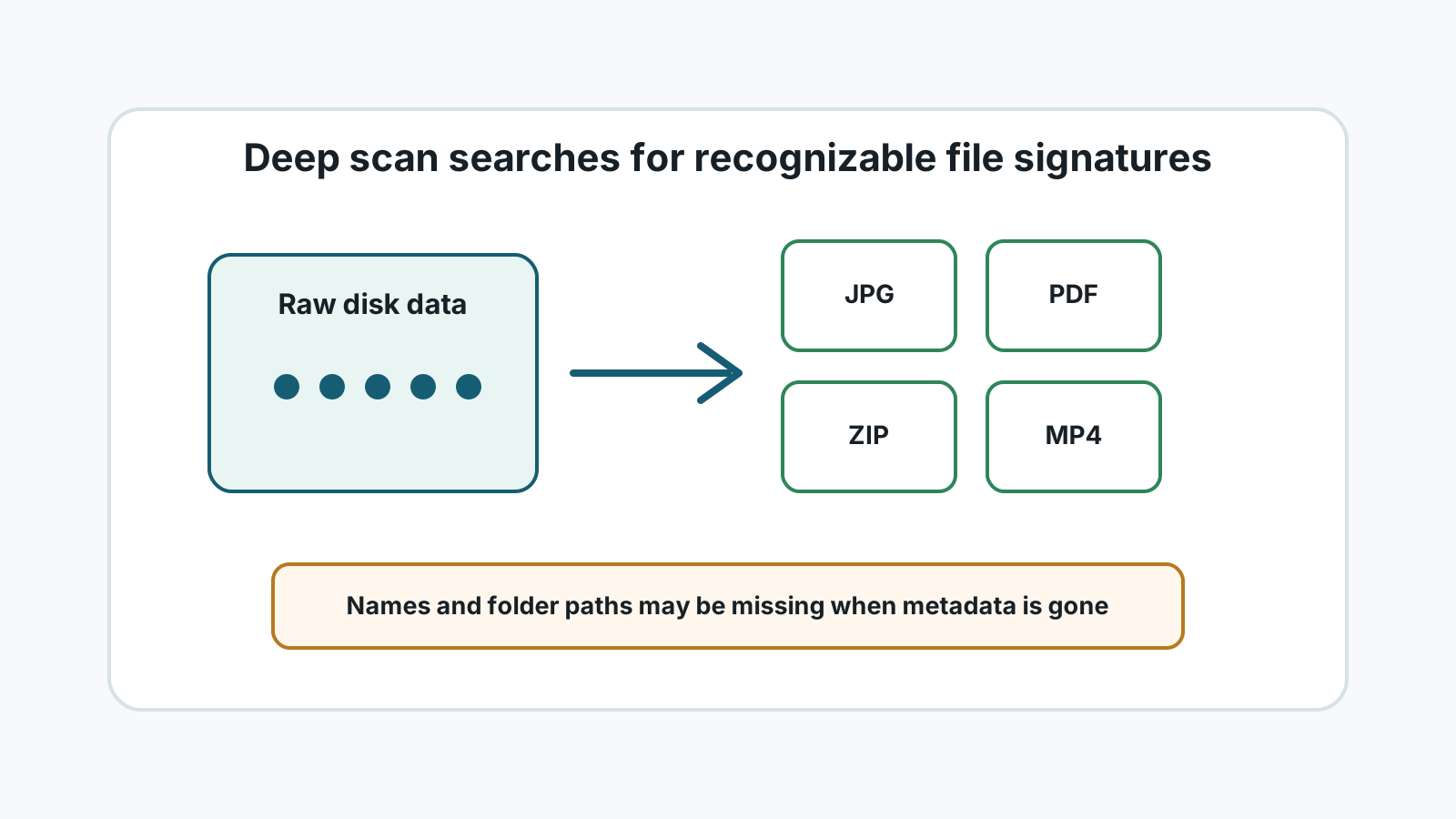
What a file signature is
Many file types contain recognizable bytes near the beginning or inside the file. Recovery tools can use those patterns to identify likely photos, documents, videos, archives, and other file types.
This is sometimes called deep scan or file carving. It is useful when file system records are damaged, missing, or no longer point to the original file location.
When signature recovery helps
- A USB drive, SD card, or external drive was quick formatted.
- A file system is corrupted or appears RAW.
- Original folder records are missing but file content may remain.
- You mainly need common file types such as JPG, PNG, PDF, DOCX, ZIP, MP4, or MOV.
What signature recovery may lose
Original names
The scan may assign generic names because the name lived in missing metadata.
Folder structure
Deep scans often recover by type rather than original path.
Fragmented files
Large videos, archives, and documents may be incomplete when their pieces are scattered.
Unsupported formats
Unknown or custom formats may not have a signature the tool can identify.
How to use deep scan safely
1. Stop using the device
New writes can overwrite content that a signature scan might still find.
2. Scan locally
Run the scan on a stable Windows PC without uploading files.
3. Sort by type and preview
Use categories and preview to identify useful results among generic names.
4. Export to another disk
Save results to a different physical drive and verify important files.
File signature recovery FAQ
Is signature recovery the same as guaranteed recovery?
No. It is a scanning method. Results still depend on overwrite, fragmentation, device health, and format support.
Why are names missing after deep scan?
The file content may be found even when the metadata that stored the original name and path is gone.
Should I use deep scan first?
Check safer restore paths first. Use deep scan when normal records or backups do not provide the files.