
Recovered Files Are Corrupted: What Should You Do?
A recovered file that will not open can be frustrating, but it does not mean you should keep writing to the original drive. Treat corruption as a signal to verify safely, check alternate copies, and avoid extra source-drive changes.
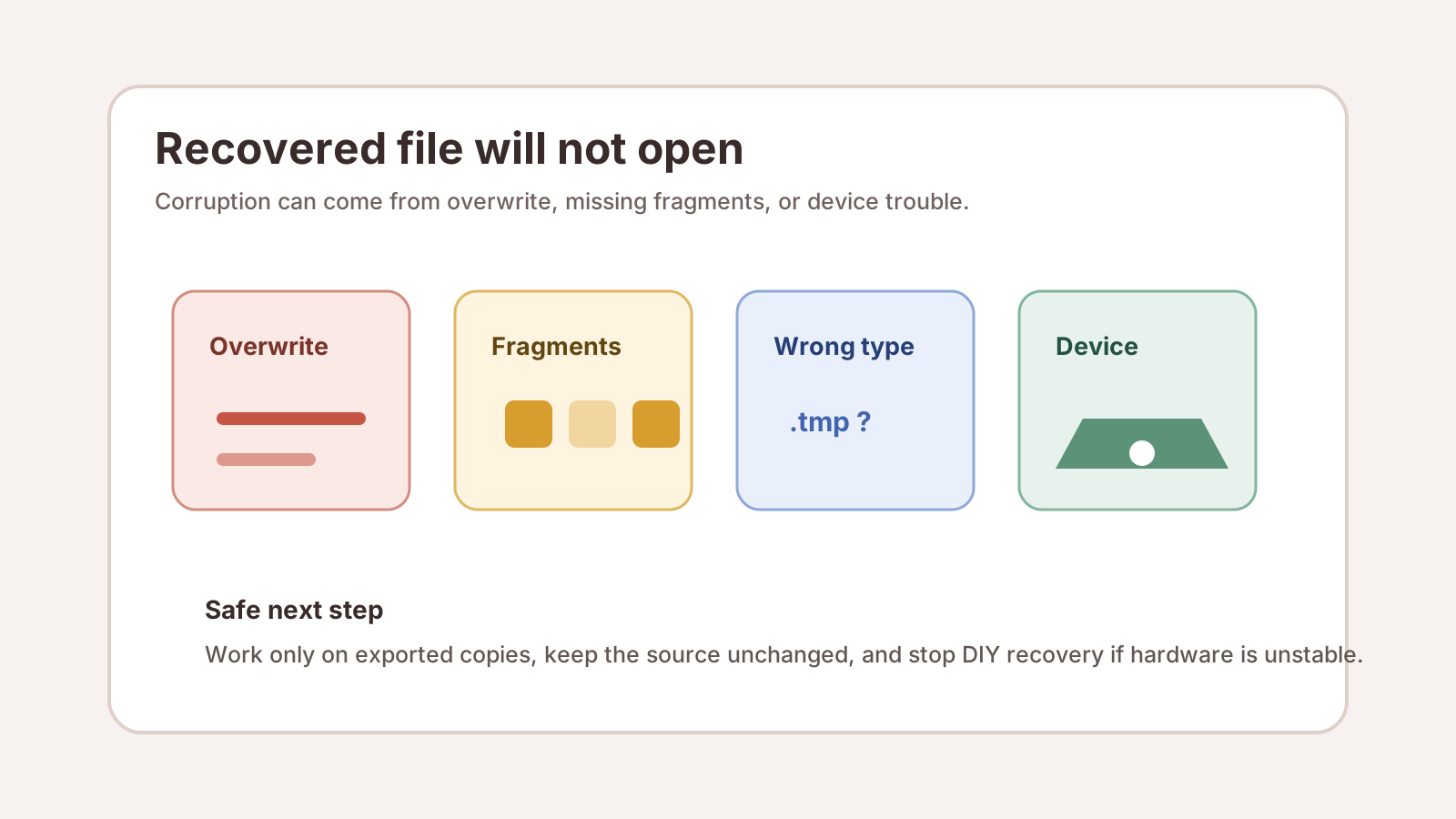
Why recovered files may be corrupted
Partial overwrite
Part of the original content may have been reused by Windows or another app before recovery.
Missing fragments
Large files can be fragmented, and a deep scan may not rebuild every piece.
Wrong or partial signature
A file header may be found even when the rest of the file is incomplete.
Device trouble
Bad sectors, disconnects, and physical damage can produce incomplete recovered copies.
What to check first
1. Open the exported copy only
Do not edit or repair files directly on the source drive.
2. Try the correct app
Use the application that normally opens the file type, then try a viewer or repair tool on the exported copy.
3. Compare file size
A much smaller file may be a thumbnail, placeholder, or partial recovery.
4. Search for alternate results
Deep scans may produce multiple candidates. Preview and export the most complete-looking copy.
What to avoid after corrupt recovery
- Do not save repaired files back to the source disk.
- Do not repeatedly scan a clicking, overheating, or disconnecting drive.
- Do not assume a file repair app can recreate missing data that was overwritten.
- Do not format or run repair commands until important files are copied elsewhere.
Next options
If the source device is healthy, you may run a different scan mode or look for another candidate copy. If the device is unstable or physically damaged, stop and contact a professional before more reads make the condition worse.
For important work, client, legal, or accounting files, keep the source unchanged until you know whether a specialist or backup restore is the better path.
Deep scan result FAQ
Can corrupted recovered files be repaired?
Sometimes, but only work on exported copies. Repair tools cannot reliably recreate content that was overwritten or never recovered.
Does a failed preview mean the file is impossible to recover?
Not always. It can mean the candidate is partial or unsupported. Look for alternate candidates and verify exported copies safely.
Should I keep scanning a failing drive?
No. Clicking, overheating, repeated disconnects, or water damage are reasons to stop DIY recovery and use a specialist.