
How to Recover Deleted PNG Files on Windows
PNG files often contain screenshots, transparent graphics, UI assets, and design exports. If they were deleted from Windows, a USB drive, or an external disk, the first goal is to avoid overwriting the storage area where those PNG files may still exist.
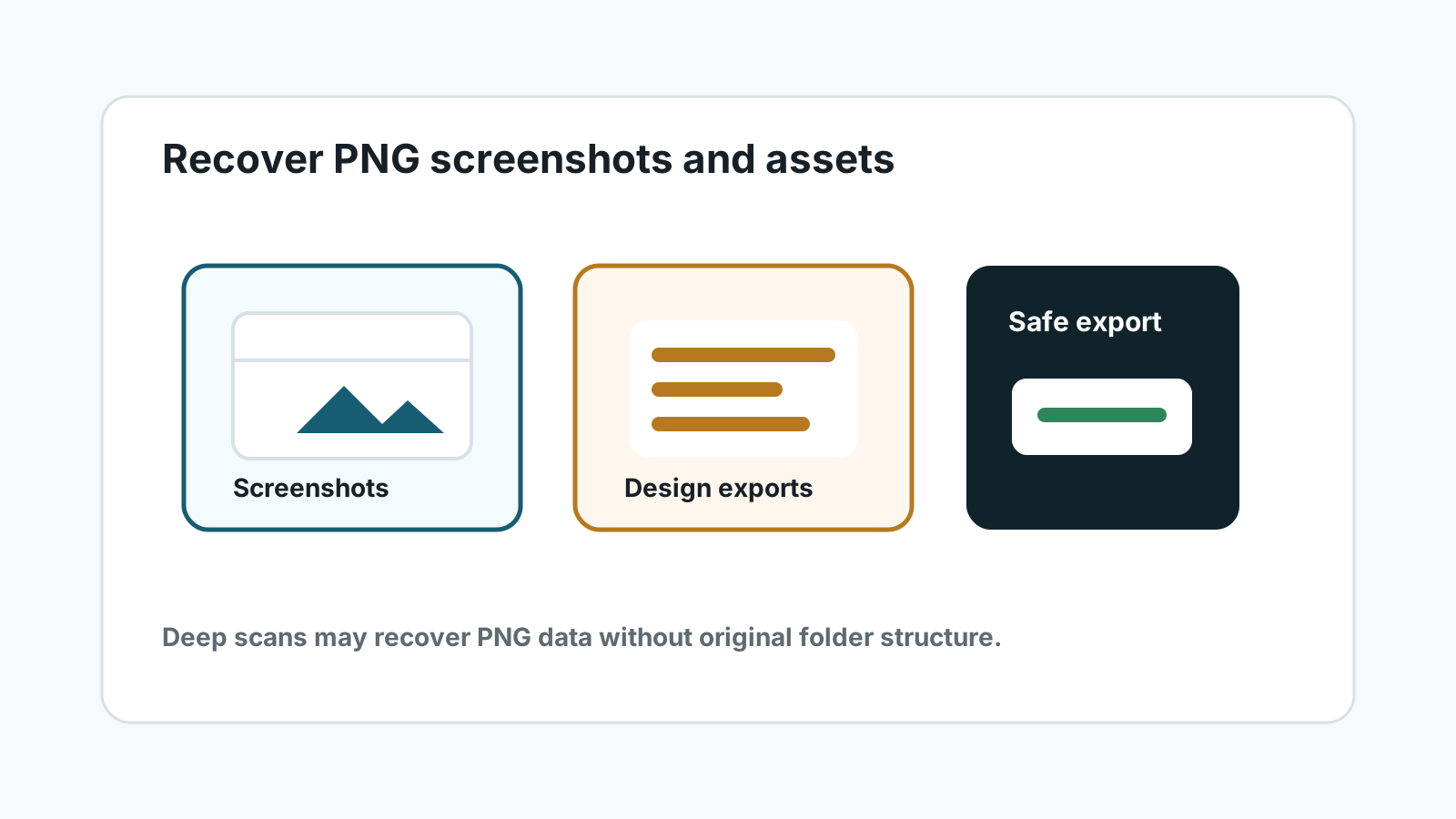
Common PNG loss scenarios
Deleted screenshots
Screenshots may be deleted from Pictures, Desktop, Downloads, or app-specific folders.
Design exports
Transparent PNG assets may disappear after cleanup, sync errors, or accidental folder deletion.
Formatted removable storage
USB drives and external disks can still contain recoverable PNG data after a quick format.
Corrupted directories
When folder listings are damaged, deep scans may still find PNG signatures.
What to do first
- Stop saving screenshots, browser downloads, and design exports to the source drive.
- Check Recycle Bin, File History, Previous Versions, cloud sync, and design tool history.
- Do not run cleanup tools, repair commands, or formatting before recovery.
- Prepare a different physical drive for recovered PNG files.
A safer Windows PNG recovery workflow
1. Scan the original source
Select the device or partition where the PNG files were lost, not the destination drive.
2. Filter for image results
Use image categories and search filters to narrow PNG, screenshot, and design asset results.
3. Preview before recovery
PNG files may rely on complete headers and image chunks. Preview helps identify usable results.
4. Export away from the source
Recover selected PNG files to another physical disk and verify them before copying anything back.
PNG recovery limits to expect
Deep scans may recover PNG files with generated names and without the original folder structure. If a PNG was partially overwritten or truncated, it may not open even if a file entry appears in the results.
For physically damaged devices, repeated scanning can worsen the situation. Stop if the device is unstable, hot, cracked, wet, or disconnects repeatedly.
FAQ
Can deleted PNG screenshots be recovered?
Sometimes, if their storage blocks have not been overwritten and the source device can be read safely.
Why do recovered PNG files not have transparent previews?
The file may be incomplete, damaged, or only partially recovered. Preview and open-test important images before relying on them.
Will folder structure be preserved?
Built-in restore or backup may preserve it. Deep scan results may lose original folders and names.
Is cloud recovery required?
No. Recovery Studio is designed for local Windows scanning and does not upload user files for recovery.