
How to Recover Files From a RAW Drive Without Formatting
A RAW drive usually means Windows cannot read the file system. The format prompt is not a recovery step. If the files matter, protect the drive first, recover or copy data elsewhere, then decide how to repair the device.
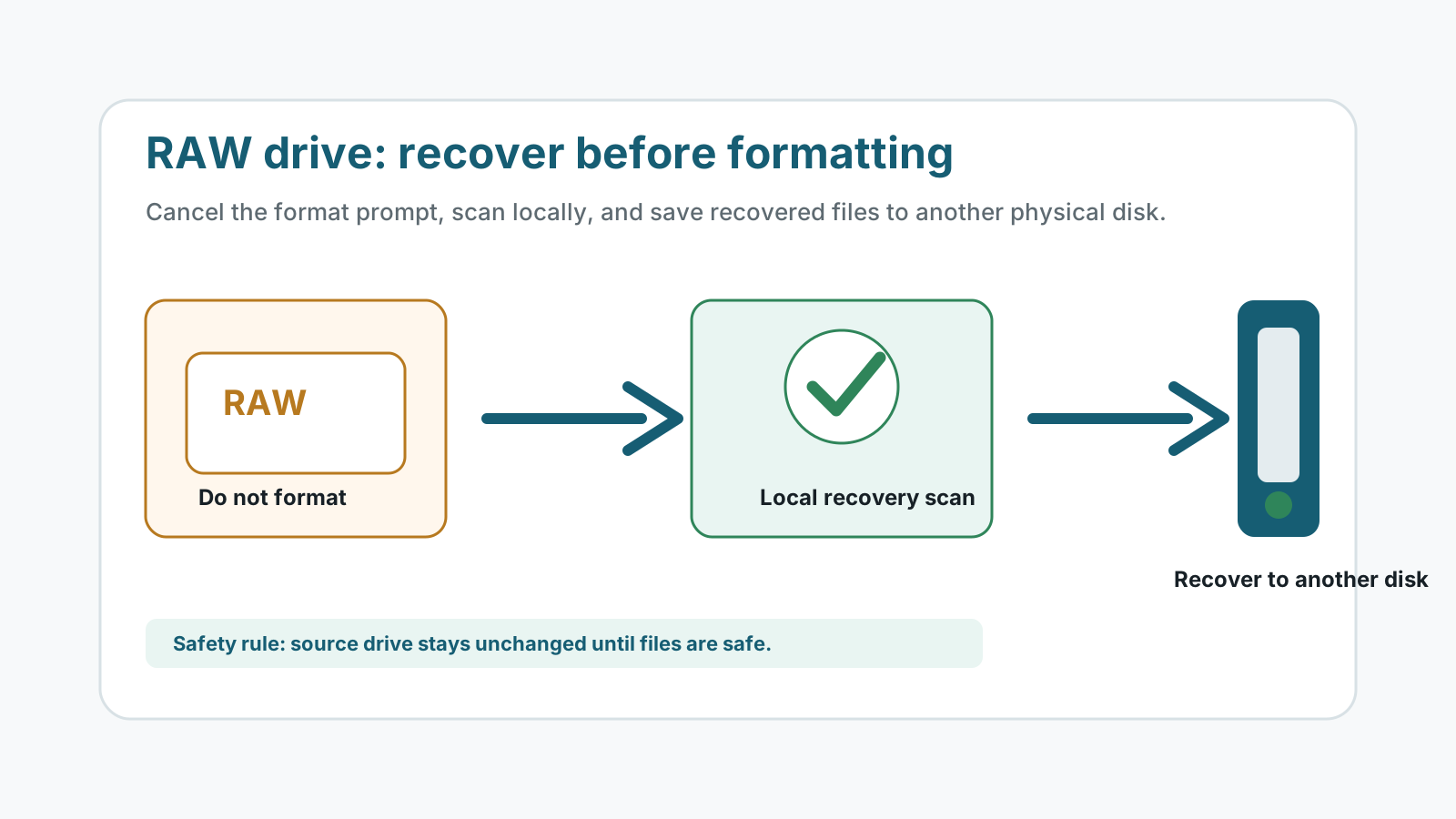
What to do first when a drive becomes RAW
- Cancel format prompts until the files are recovered or safely copied elsewhere.
- Stop writing to the drive, including downloads, repairs, and new folders.
- Connect the drive through a stable cable, port, or reader, but avoid repeated failed attempts.
- Prepare a different physical disk with enough free space for recovered files.
Why Windows may show a RAW file system
Damaged metadata
The partition or file system records may be unreadable even when file content still exists.
Unsafe removal or power loss
Interrupted writes can leave the volume in a state Windows cannot mount normally.
Bad sectors or device trouble
If the device clicks, disconnects, or slows severely, software scans can make stress worse.
Wrong repair order
Formatting or aggressive repair can change metadata before you have recovered the files.
A safer recovery workflow
1. Check whether the device is physically stable
If the drive is noisy, overheating, water damaged, or repeatedly disconnecting, stop and use a specialist.
2. Scan before formatting
Use local recovery software to scan the affected drive while keeping recovery output on another physical disk.
3. Preview and export only useful files
Verify previews where possible, then recover selected files to the separate destination.
4. Repair or reformat only after recovery
Once important files are safe, you can decide whether to format, replace, or retire the device.
Recovery limits to expect
A RAW drive can still contain recoverable data, but no software can guarantee a full result. If metadata is missing, deep scan results may use generated names and may not preserve folder structure.
If the drive has bad sectors or physical damage, repeated scanning can reduce the chance of a better professional recovery.
Drive error recovery FAQ
Should I format a RAW drive before recovery?
No. Formatting changes the file system and can reduce recovery options. Recover or copy important files to another disk first.
Can CHKDSK fix a RAW drive?
CHKDSK often cannot repair a volume that Windows reads as RAW. Even when repair is possible, recover important files before attempting repair.
Can Recovery Studio recover original folders from a RAW drive?
Sometimes metadata may be available, but deep scans may recover files by type with generated names. Original folders are not guaranteed.
Where should recovered files be saved?
Use a different physical disk, not the RAW source drive.
Related recovery guides
Recovery Safety Guide
Review source-drive, overwrite, and damaged-device precautions.
Should you run CHKDSK before recovery?
Understand why repair commands can change the file system before recovery.
What affects recovery chances
See how overwrite, device health, metadata, and storage type change outcomes.