
Can You Recover Files From a Lost Partition?
A lost partition does not always mean the file content is gone. It often means Windows cannot find or trust the partition records. Avoid writing new partition metadata until important files are recovered.
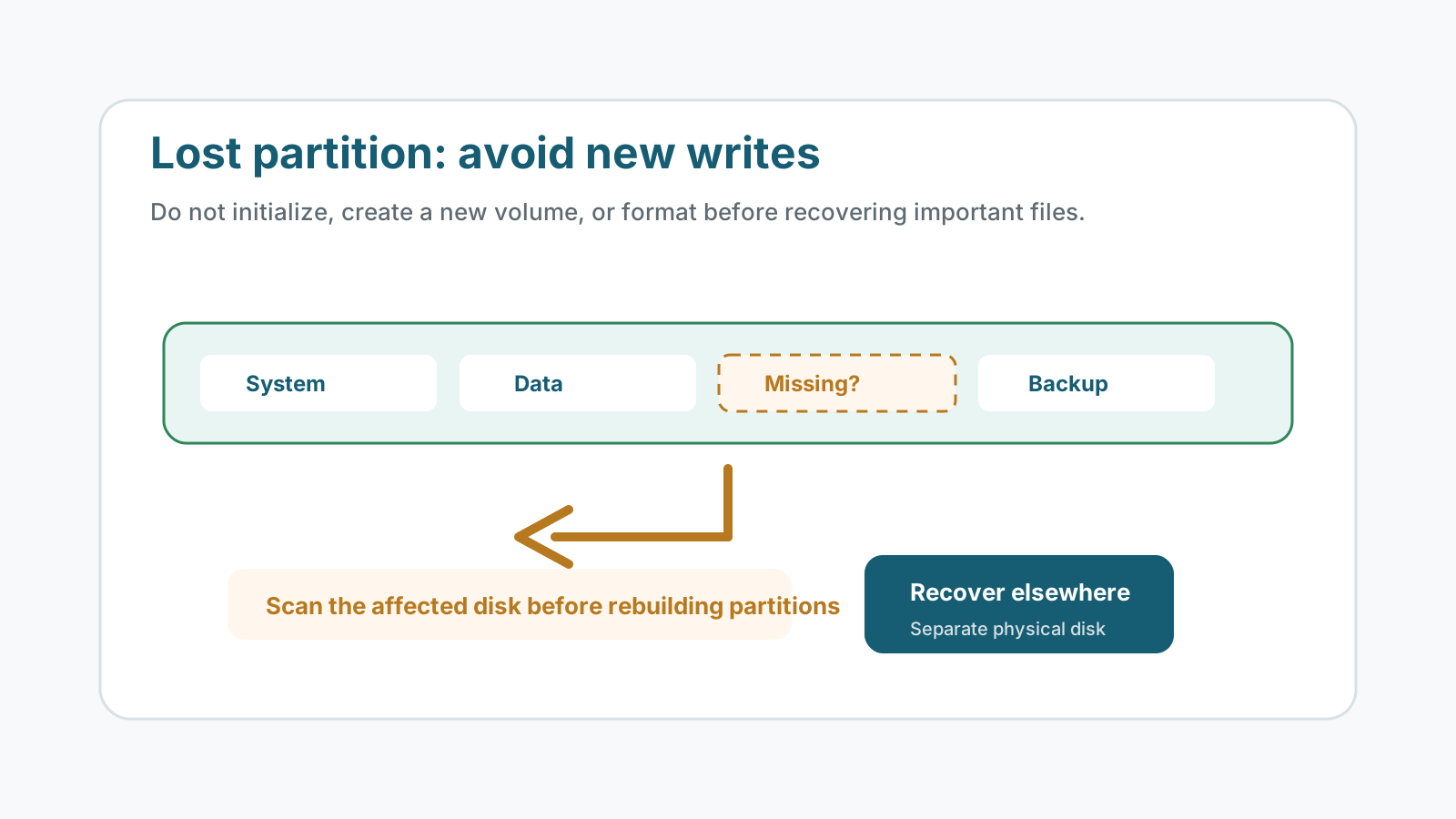
What a lost partition usually means
Windows may show unallocated space, a missing drive letter, or a disk that asks to be initialized. The data area may still exist, but the records that describe the partition may be damaged or missing.
Actions to avoid before recovery
- Do not initialize the disk if it held files you need.
- Do not create a new simple volume over the missing partition.
- Do not format the unallocated space to make Windows show a drive letter.
- Do not install recovery tools or save output to the affected physical disk.
A safer lost-partition workflow
1. Confirm the physical disk is stable
Check whether capacity looks correct and whether the drive stays connected.
2. Scan the whole affected disk
A partition-level scan may fail if the partition record is missing, so scan the broader physical device when needed.
3. Recover selected files elsewhere
Use another physical disk for recovered files. Do not rebuild or write partition records first.
4. Decide whether to repair the partition
After files are safe, consider partition repair, reformatting, or replacing the drive.
What results to expect
Metadata available
Some tools may find folders and names if partition and file system records are readable.
Metadata damaged
Deep scan may recover files by type with generated names and incomplete folder structure.
Overwritten partition
Creating or formatting a new volume can overwrite records that would have helped recovery.
Physical trouble
Unstable drives should be imaged or handled by a specialist before further scans.
Drive error recovery FAQ
Should I initialize a disk with a lost partition?
No, not if you need the files. Initialization writes new metadata and should wait until recovery is complete.
Can a lost partition be recovered with original folders?
Sometimes, if metadata remains readable. If not, deep scan may recover file content without original structure.
Is partition repair the same as file recovery?
No. Repair changes the disk structure; file recovery focuses on copying important files to a safe destination first.
Where should I recover files from a lost partition?
Use another physical disk with enough free space.
Related recovery guides
Recovery Safety Guide
Review source-drive, overwrite, and damaged-device precautions.
Should you run CHKDSK before recovery?
Understand why repair commands can change the file system before recovery.
What affects recovery chances
See how overwrite, device health, metadata, and storage type change outcomes.