
How to Recover Files From a Crashed Windows PC
A crashed Windows PC does not always mean the files are gone. The key question is whether the storage drive is healthy and readable from another stable Windows environment.
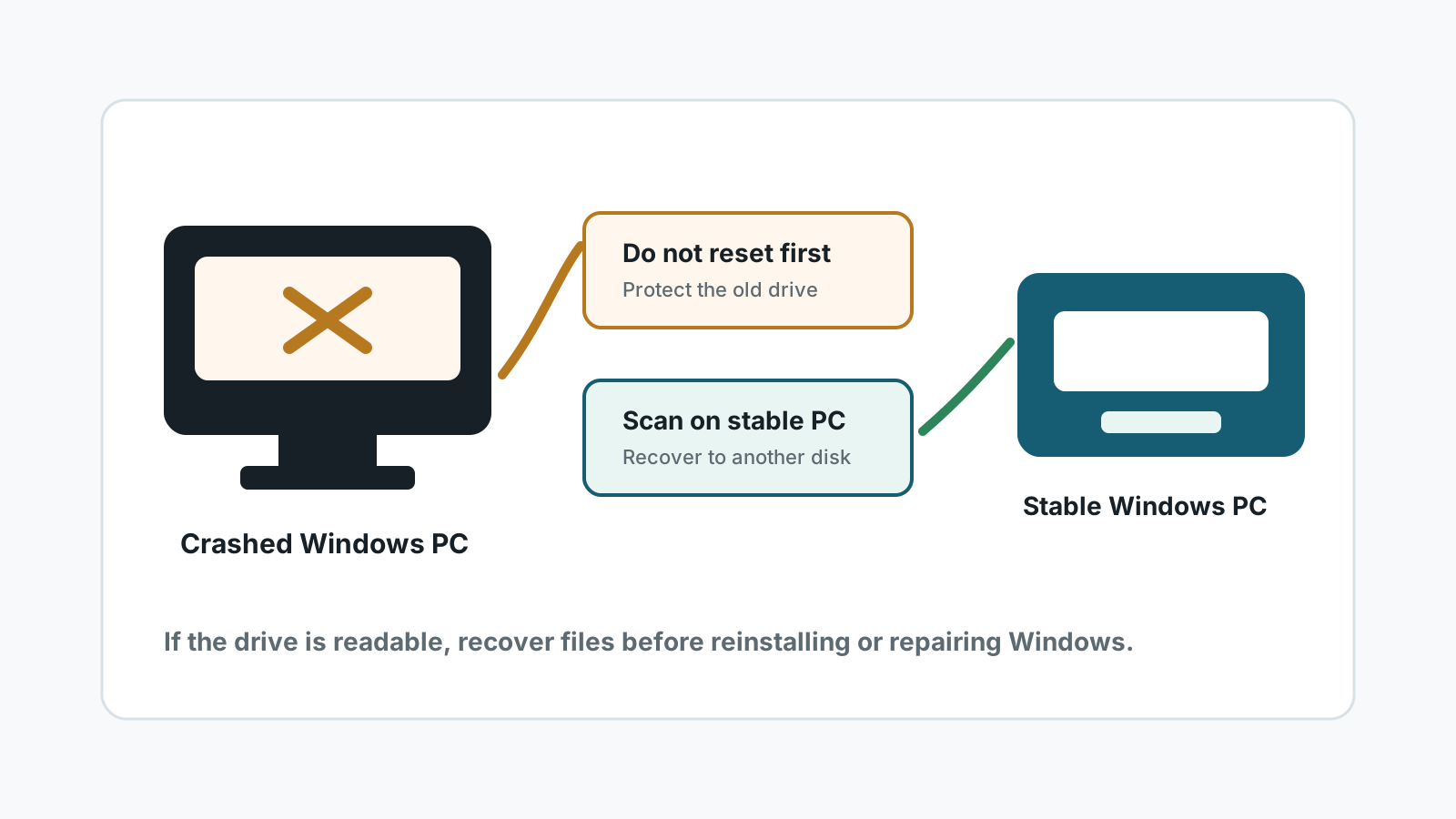
Separate a Windows crash from drive failure
If the PC fails to boot because of Windows corruption, a bad update, or boot configuration trouble, the files may still be readable. If the drive clicks, disappears, reports the wrong size, or the BIOS cannot see it, treat it as a hardware risk.
Do not reset Windows, reinstall Windows, or run repair commands before checking important files. Those actions can write to the same disk.
Safer ways to access the files
Use another Windows PC
Remove the drive or use a USB enclosure if you are comfortable doing so, then scan from a stable computer.
Use a separate destination
Save recovered files to the healthy PC or another external disk, not back to the crashed PC drive.
Check backups first
OneDrive, File History, external backups, and app sync can recover files without stressing the failed PC.
Stop for hardware symptoms
Clicking, grinding, burning smell, liquid damage, or repeated disconnects require a specialist.
Recovery workflow for a crashed PC
1. Stop reboot loops
Repeated boot attempts can add writes and stress a failing drive.
2. Access the drive from a stable system
Use another Windows computer or a technician-assisted enclosure workflow.
3. Scan the affected drive locally
Choose the crashed PC drive as the source and preview important files before export.
4. Recover to a different disk
Only after files are safe should you repair, reset, or reinstall Windows.
What Recovery Studio can and cannot do here
- It can scan a drive that Windows can read from a stable environment.
- It is not a boot repair tool and does not fix failed hardware.
- If the old drive is an SSD, TRIM may limit deleted-file recovery.
- Physical damage or business-critical data should go to a professional lab.
Crashed Windows PC recovery FAQ
Can I recover files if Windows will not boot?
Sometimes, if the drive itself is readable. Scan or copy from a stable environment instead of reinstalling first.
Should I reset the PC before recovery?
No. Resetting or reinstalling Windows can write to the source drive and reduce recovery chances.
Can Recovery Studio recover from a drive in a USB enclosure?
If Windows detects the drive reliably, a local scan can be attempted with output saved elsewhere.
When should I stop DIY recovery?
Stop if the drive clicks, disconnects, is not detected, or contains critical data you cannot risk.
Related recovery guides
Recover files from the system drive
Reduce overwrite risk when files were lost from C:.
Recover deleted files on Windows
Use the full deleted-file recovery workflow before deeper scanning.
Recovery Safety Guide
Review overwrite, physical damage, and separate-destination rules.
Download Recovery Studio for Windows
Run a local scan and recover files to another physical drive.