
How to Recover Files From a Formatted External Hard Drive
External hard drives are common places for backups, photos, work files, and archives, so a mistaken format can feel urgent. The safest response is to stop using the drive, check its physical condition, and recover to a different disk only.
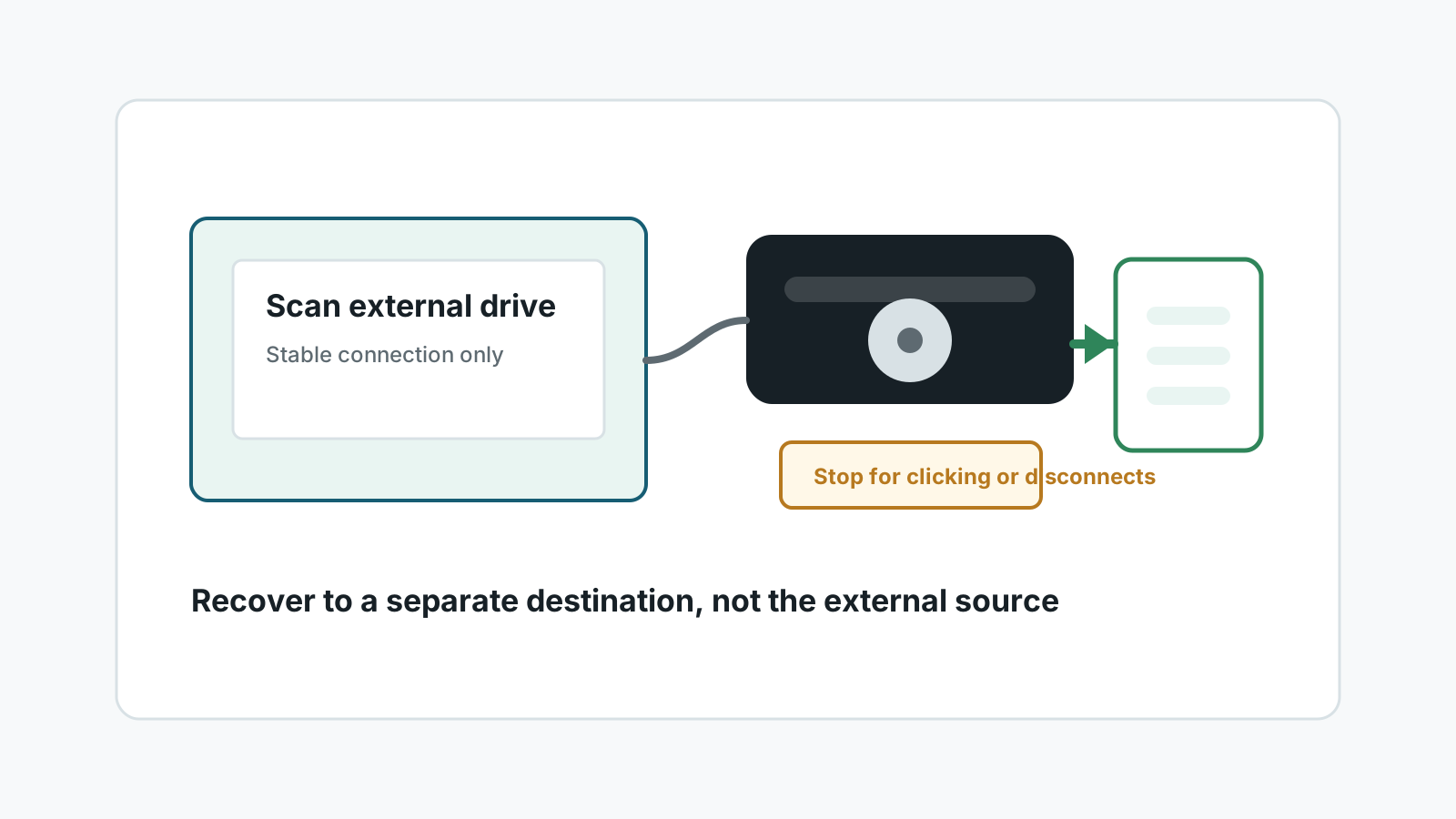
Check drive condition before software recovery
- Use a known-good cable and port, but avoid repeated reconnect attempts if the drive behaves badly.
- Do not open the drive enclosure unless you know the hardware and warranty risks.
- Stop DIY recovery for clicking, grinding, overheating, water damage, or repeated disconnects.
- If the data is business-critical, consider a specialist before scanning.
Why the format type matters
A quick format may leave old file content on the external drive until it is overwritten. A full format, secure erase, or post-format backup job can overwrite much more.
External SSDs can also be affected by TRIM-like behavior depending on the device, file system, bridge, and operating system.
Safe process for a formatted external drive
1. Stop using the external drive
Do not run backup software, copy files, or reformat again.
2. Prepare a different destination
Use an internal drive or another external disk with enough free space.
3. Scan the formatted external drive
Review found files by type, size, and preview where available.
4. Recover selected files elsewhere
Save output to the separate disk and verify important files before reusing the external drive.
Files to verify carefully
Photos
Preview image thumbnails and open full-size files before assuming success.
Office documents
Open DOCX, XLSX, and PPTX files to confirm they are not partially corrupted.
Videos
Large fragmented videos may be harder to recover completely.
Archives
ZIP and RAR files require complete data to extract successfully.
FAQ
Can I recover from a formatted external hard drive myself?
If the drive is physically healthy and little new data was written, software recovery may be worth trying. Physical instability needs a specialist.
Can I recover to the same external drive?
No. Use another physical disk so recovery output does not overwrite remaining data.
Does the cable matter?
A bad cable can cause disconnects, but repeated unstable attempts can be risky. Try one known-good setup, then stop if instability continues.
Are external SSDs different from HDDs?
Yes. SSD behavior, TRIM, and controller handling can reduce recovery chances after formatting or heavy writes.