
How to Recover Files Deleted From the Downloads Folder
The Downloads folder usually sits on the Windows system drive. That makes recovery more urgent because normal computer use can create new writes that replace deleted downloads.
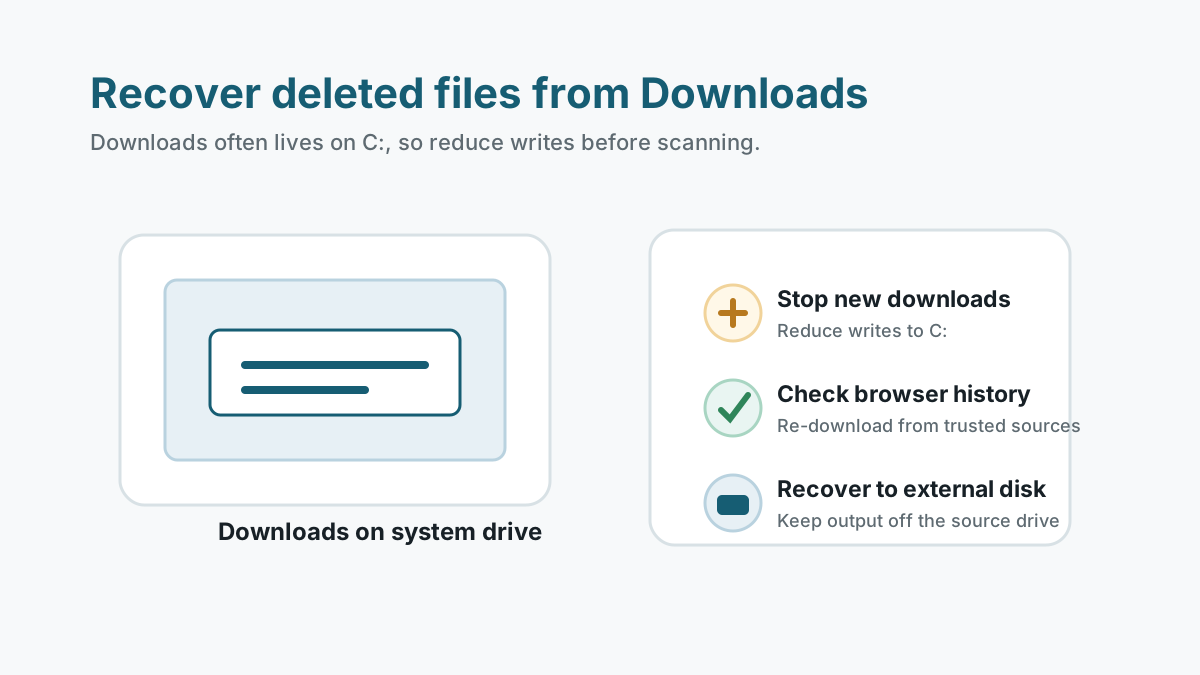
Reduce writes on the system drive
- Stop downloading new files.
- Avoid installing apps or updates until important files are safe.
- Close apps that may cache large files to the same drive.
- Prepare an external drive for recovery output.
Check copies before scanning
Recycle Bin
If the Downloads files are there, restore them first.
Browser download history
You may be able to download the same file again from a known safe source.
Email or cloud storage
Attachments, OneDrive, Google Drive, or shared folders may still have a copy.
File History
If enabled, restore the Downloads folder or specific files from a backup version.
Scan the Downloads location carefully
If copies are unavailable, scan the Windows drive only after you have a separate destination disk ready.
Because system drives are busy, recovery is not guaranteed. SSD TRIM and normal Windows activity can make deleted downloads harder to recover.
1. Install away from C: when possible
Use a portable or externally installed recovery workflow if available.
2. Filter by file type
Downloads often include PDFs, ZIP files, installers, images, and documents. Filter by the type you need.
3. Verify from another disk
Export candidates to an external disk and open them there.
Prevent future Downloads folder loss
- Move important files out of Downloads after you verify them.
- Exclude Downloads from cleanup tools unless you intentionally want it cleared.
- Use browser history or a download manager only as a convenience, not a backup.
- Back up work documents and purchased files outside the system drive.
Accidental file loss FAQ
Why is Downloads folder recovery time-sensitive?
Downloads usually live on C:, and Windows constantly writes cache, update, and app data there.
Should I re-download the file instead?
If the source is trusted and still available, re-downloading can be safer than scanning the system drive.
Can deleted downloads keep their names?
Sometimes, but deep scan may return generated names if folder metadata is gone.