
How to Recover Files Deleted From the Windows Desktop
Desktop files often feel easy to lose because they sit on the system drive and may also be synced by OneDrive. Before scanning, check the restore paths that can preserve names and locations, then protect the source drive if a local scan is needed.
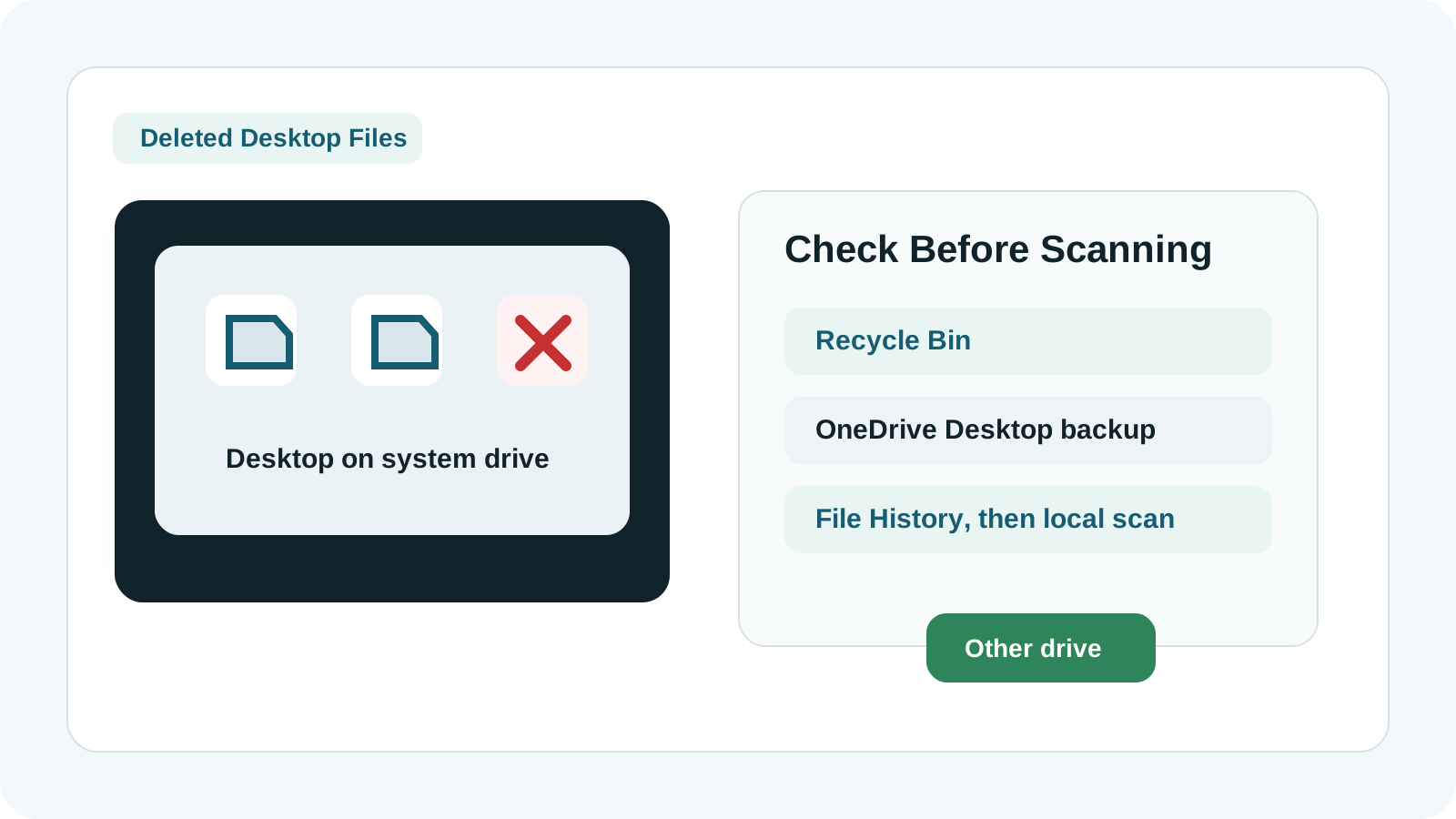
Why Desktop recovery needs extra care
On many Windows PCs, the Desktop folder lives under the user profile on the system drive. Windows updates, browser cache, app installs, and temporary files can all write to that same drive.
On many Microsoft accounts, Desktop may also be protected or synced by OneDrive. That can create additional restore paths before you need recovery software.
Check these Desktop restore sources first
Recycle Bin
If the item is still there, restore it and verify the Desktop location.
OneDrive recycle bin
If Desktop backup or sync was enabled, the cloud recycle bin may contain a copy.
File History
A backed-up Desktop folder can often be restored without scanning deleted disk space.
App-specific recovery
Office, design tools, archives, and editors may have recent files, autosaves, or temp copies.
How to scan deleted Desktop files
1. Reduce system-drive writes
If possible, pause downloads, installers, and heavy apps before scanning.
2. Prepare another physical drive
Use an external SSD, HDD, or USB drive for recovery output.
3. Scan the user profile disk
Select the disk or partition that contains the Desktop folder, usually the Windows system drive.
4. Preview and recover elsewhere
Use previews and file type filters, then save selected files to the separate destination.
What affects Desktop file recovery
- System-drive activity can overwrite deleted Desktop files quickly.
- OneDrive sync changes may affect where the best restore path lives.
- Deep scans may not preserve original names or Desktop subfolders.
- Physical disk symptoms require specialist handling.
FAQ
Are deleted Desktop files always in the Recycle Bin?
No. Shift Delete, cleanup tools, removable shortcuts, or prior bin emptying can remove that path.
Should I check OneDrive for Desktop files?
Yes. If Desktop backup or sync was enabled, OneDrive recycle bin or version history may be safer than scanning.
Can I install recovery software on C:?
Avoid it when Desktop files were lost from C:. New installs can overwrite deleted data.
Where should recovered Desktop files go?
Save them to another physical drive first. After verification, you can copy them back if needed.