
How to Filter Thousands of Recovery Results
Large scans can return thousands of files. Filtering helps you find useful results without exporting everything, especially when deep scan names and folders are incomplete.
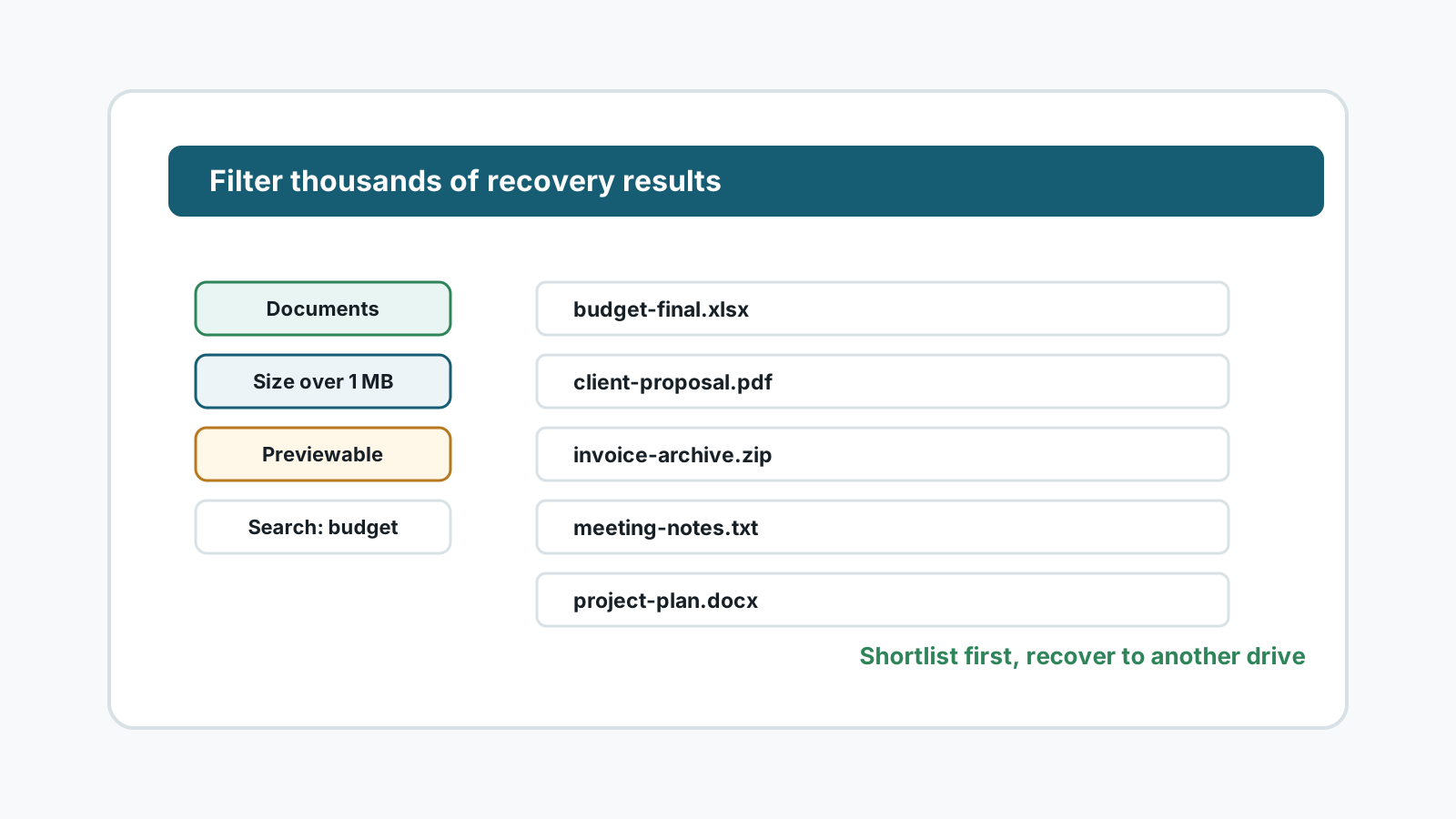
Start with categories, not the full list
- Open the file type group that matches what you lost: photos, documents, videos, audio, archives, or other files.
- Use document-specific filters for Word, Excel, PowerPoint, PDF, and text files.
- For camera media, separate photos from large videos because validation needs are different.
- Expect deep scan results to include generated names when original metadata is missing.
Useful signals for narrowing results
File type
Focus on the extensions you actually need before browsing mixed results.
File size
Very small files may be thumbnails or fragments; unusually large files may need extra validation.
Likely name
Search names when metadata remains, but do not rely on names in deep scan mode.
Preview status
Prioritize files that preview correctly, then test exported files from the safe destination.
A practical filtering workflow
1. Pick one file family
Recover documents, photos, videos, or archives in separate passes instead of selecting everything.
2. Remove obvious noise
Use size, type, and preview signals to avoid temporary files, thumbnails, or irrelevant system data.
3. Build a shortlist
Mark files with the highest value first, then export a smaller batch for validation.
4. Keep the destination separate
Filtering does not change the source-drive rule. Export only to another physical disk.
Filtering cannot fix damaged data
- Filtering helps you find candidates; it cannot repair overwritten data.
- A filename match does not prove the file content is intact.
- Some deep scan files may be partial even when the extension looks correct.
- If the source device becomes slow, noisy, hot, or unstable, stop scanning.
Using Recovery Studio FAQ
Why did the scan find so many files?
Deep scans can find old, temporary, duplicate, partial, and signature-based files, not only the exact files you remember.
Should I recover every result?
Usually no. Filter and preview first, then export the most valuable candidates to another physical disk.
Why are names missing or generic?
Deep scan can find file content after metadata is gone, but it may not know the original name or folder path.
Can filters tell whether a file is perfect?
No. Filters narrow candidates. You still need preview and post-export validation.