
How to Avoid Overwriting Deleted Files
Deleted files often remain recoverable only until new data reuses their space. Avoiding overwrites is the most important recovery step you can control.
What overwriting means
When Windows deletes a file, the space may be marked as available. Until new data is written into that space, some file content may still be recoverable.
Once the same space is overwritten, recovery software cannot restore the original bytes. On SSDs, TRIM can also reduce recovery chances quickly.
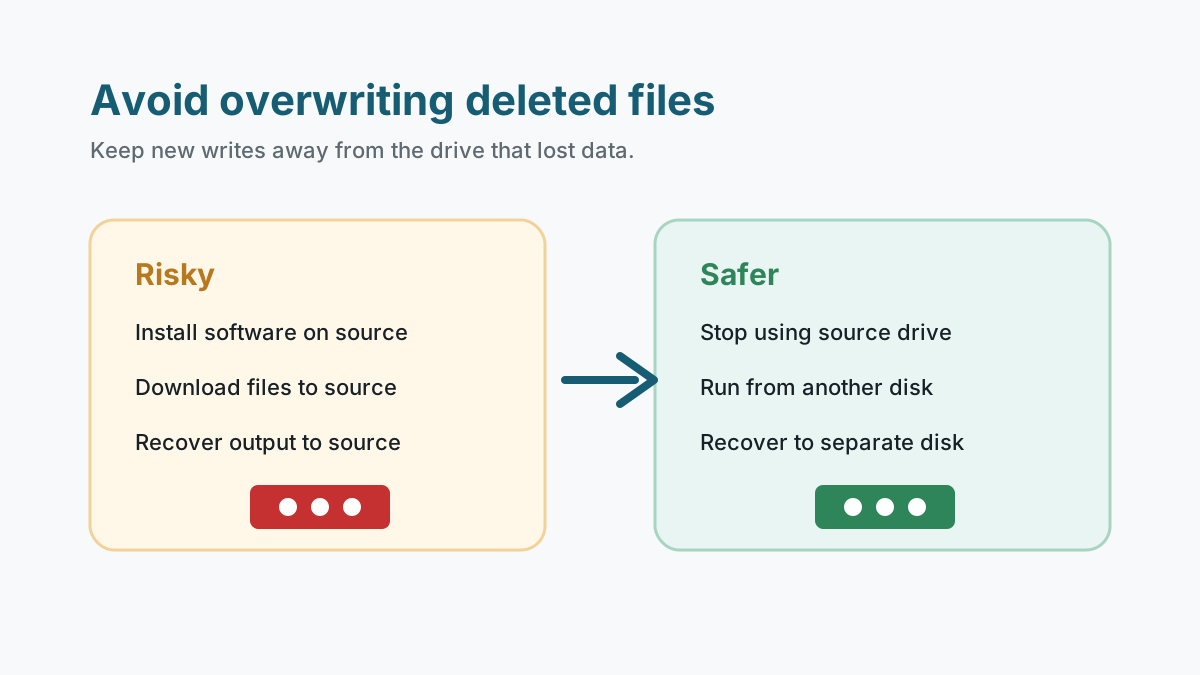
Actions that can overwrite deleted files
- Installing recovery software on the affected drive.
- Downloading installers, videos, archives, or browser cache to the source drive.
- Saving recovered files back to the same disk, USB drive, external drive, or memory card.
- Running repair tools that modify the filesystem before important data is copied or recovered.
- Continuing to shoot photos or video on the same camera card.
A safer anti-overwrite workflow
1. Stop using the source
Disconnect removable media or minimize system-drive activity immediately.
2. Use another disk for tools
Install or run recovery software from a different physical disk when possible.
3. Preview before export
Recover only what you need first so you reduce unnecessary writes.
4. Export to a separate disk
Save recovered files to a different physical drive, then verify them there.
When avoiding writes is not enough
Physical damage
Clicking, scraping, overheating, drops, water damage, and repeated disconnects need professional handling.
Critical business data
If the files are uniquely valuable, image or clone strategy may be safer than repeated DIY scans.
Already overwritten
If large new files were copied after deletion, some content may be permanently replaced.
Safety and next steps FAQ
Does creating a new folder overwrite deleted files?
It can create metadata writes. The risk is usually lower than copying large files, but the safest approach is to avoid source-drive changes.
Can overwritten files be recovered?
If the original bytes were overwritten, software recovery cannot recreate them. Backups or older versions may still help.
Is recovering to the same drive risky even if there is free space?
Yes. The filesystem chooses where writes go, and recovery output can reuse space that still contains deleted data.