
What Are the Limits of Free Data Recovery Software?
Free data recovery software can be useful, especially for small losses or technical users. The limits usually appear when you need larger exports, clearer previews, safer destination checks, support, or better handling of complicated storage problems.
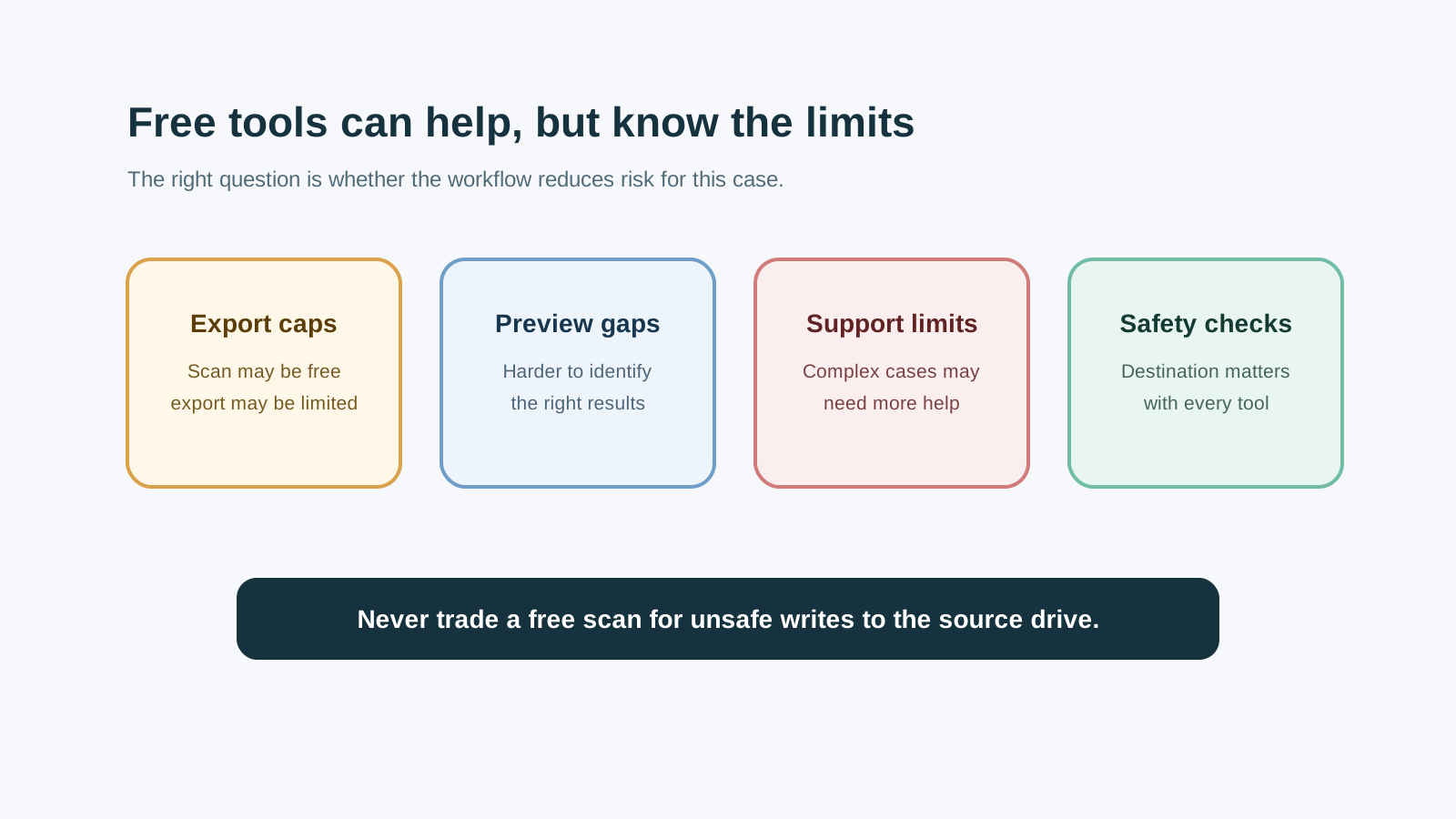
Common free-software limits
Recovery amount caps
Many free editions let you scan but limit how much data can be exported.
Preview and filtering gaps
Without useful previews or filters, you may export too much noise or miss the right file.
Command-line complexity
Some free tools are powerful but assume you can type precise source, destination, and mode commands.
Limited support
If the case involves business files, damaged media, or confusing results, free support may not be enough.
When a free tool may be enough
- The lost files are small and non-critical.
- You have a separate physical disk ready for output.
- You understand the device is healthy and the loss was recent.
- You can preview or validate recovered files before relying on them.
When paying can be reasonable
A paid tool is not automatically better, but paying can make sense when the workflow helps you avoid mistakes: clearer source-drive selection, previews, filters, safer export prompts, and enough recovery capacity for the actual job.
The main question is not free versus paid. It is whether the tool reduces risk for your specific case without making exaggerated promises.
Red flags to avoid
- Promises of guaranteed or 100% recovery.
- Advice to repair, format, or run risky commands before recovering important files.
- No clear warning about saving recovered files to another physical disk.
- No explanation of physical-damage limits.
Tool choice FAQ
Is free data recovery software unsafe?
Not automatically. The risk depends on the workflow: installing to the source drive, writing output to the source drive, or scanning damaged hardware can be unsafe with any tool.
Why do free tools often allow scanning but limit export?
Scanning shows what may be recoverable, while export capacity is often where commercial licensing applies.
Should I try a free tool before Recovery Studio?
If you can do so without writing to the source drive and the files are non-critical, it can be reasonable. For guided preview and safer export controls, use a visual workflow.