
Can Overwritten Files Be Recovered?
If the exact storage space that held a file has been replaced with new data, recovery software usually cannot bring the old content back. The practical goal is to stop additional writes before more recoverable data is replaced.
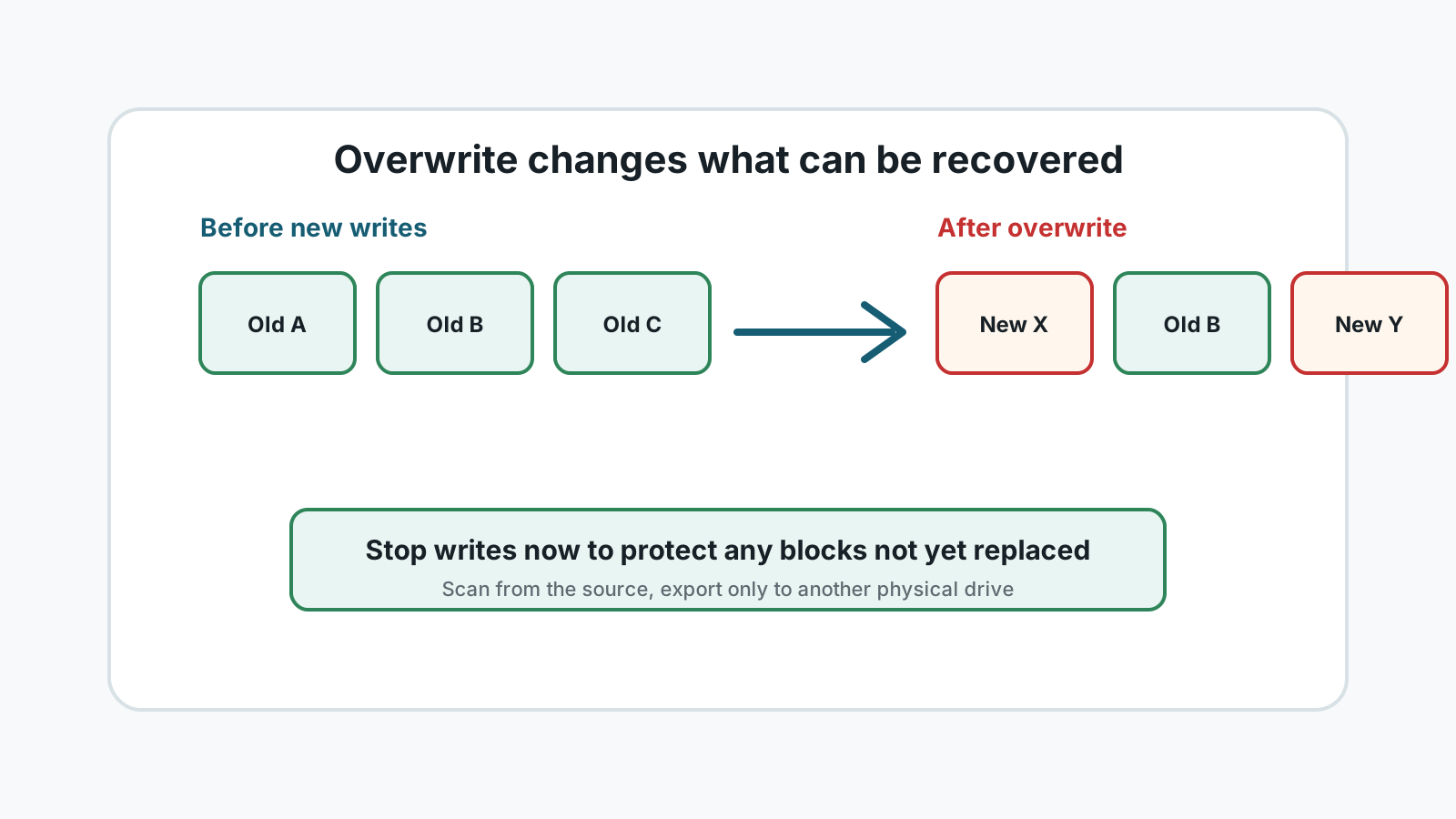
What overwritten really means
Deleting a file usually marks its space as reusable. Overwriting happens when Windows, an app, or a repair tool writes new content into the same physical or logical storage area.
That is different from a file simply being missing from a folder. Missing records may still point to recoverable content. Replaced content usually cannot be reconstructed by consumer software.
Common ways overwrite happens
- Installing recovery software on the same drive that lost files.
- Saving recovered files back to the source drive.
- Continuing to download, edit, or copy files after deletion.
- Formatting a drive and then copying new data to it.
- Running repair or cleanup tools before important files are copied elsewhere.
What may still be recoverable
Other files on the same drive
Some deleted files may remain untouched even if another file was overwritten.
Backups and cloud versions
Version history, File History, OneDrive, and app autosaves can restore content without relying on raw sectors.
Partial files
A deep scan may find fragments, but partial documents, videos, or archives may not open correctly.
Healthy removable media
If you stopped using a USB drive or SD card quickly, some files may still be intact.
The safest next step
1. Stop all source-drive activity
Do not install, repair, format, or save anything to the affected drive.
2. Prepare a separate disk
Use another physical drive for recovered files and temporary output.
3. Check restore paths first
Look for Recycle Bin, backups, cloud recycle bins, and app history.
4. Scan only if the device is stable
Run a local scan and preview candidates, but stop if the drive shows physical failure symptoms.
Overwritten file FAQ
Can professionals recover overwritten files?
If the actual content has been replaced, even professional options are usually limited. They may still recover other files or backups, but not overwritten bytes.
Does a new file with the same name mean the old one is overwritten?
Not always. The name can be reused while old content may or may not have been replaced. Stop writes and scan or check backups safely.
What should I avoid first?
Avoid installing tools, downloading files, running repairs, or saving recovery output to the source drive.