
What Is the Best Way to Recover Deleted Files on Windows?
The best way to recover deleted files on Windows is not one universal app. It depends on how the files were deleted, whether a backup exists, the health of the drive, and how much new data has been written since the loss.
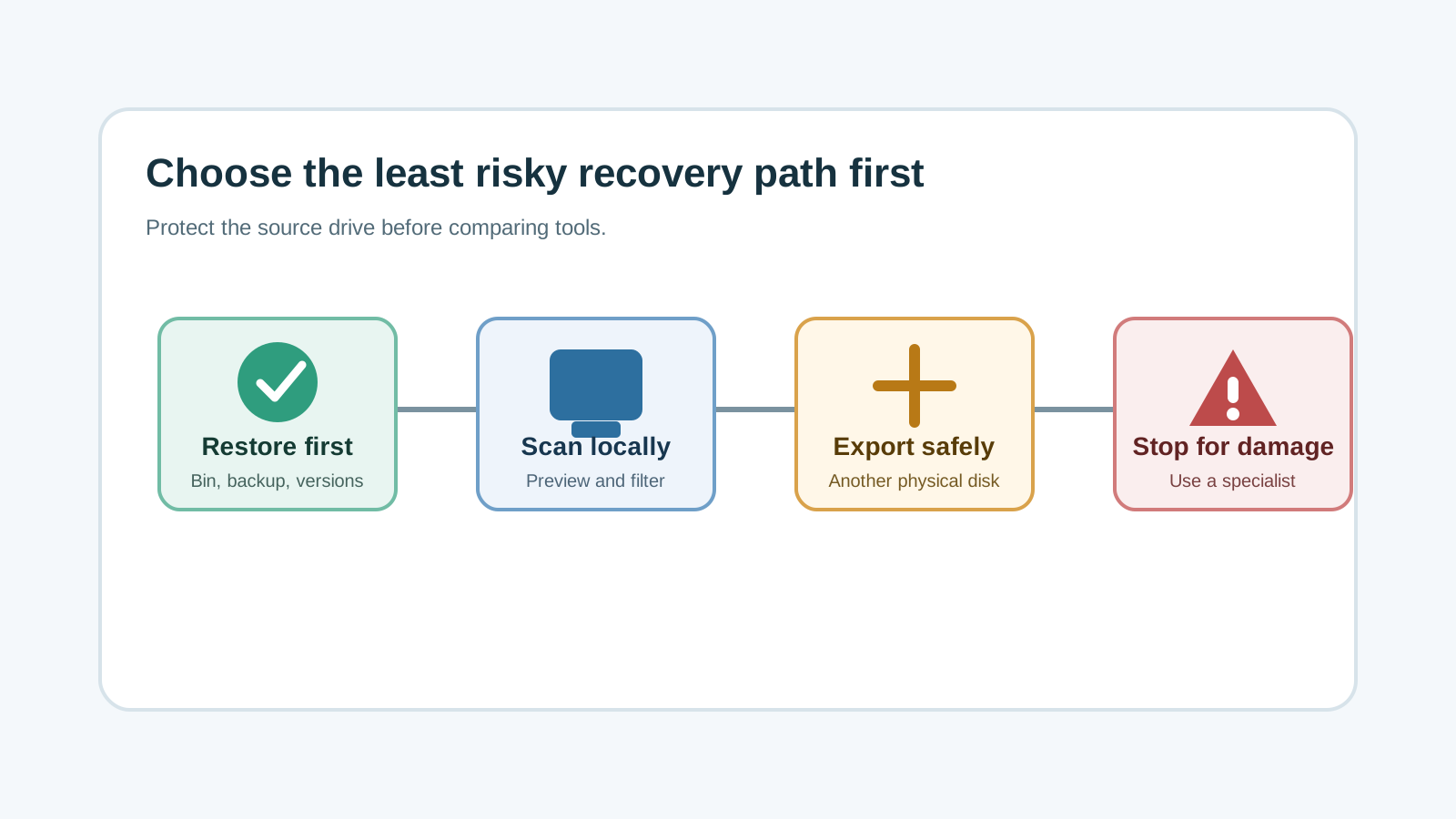
Use this decision order first
1. Stop new writes
Pause downloads, installs, file moves, and cleanup tools on the source drive before comparing recovery methods.
2. Check the Recycle Bin
If the files are still there, restore them from Windows instead of scanning the drive.
3. Check backups and versions
File History, Previous Versions, OneDrive, and app version history usually preserve names and folders better than a deep scan.
4. Use local recovery software when needed
If built-in restore paths fail, scan the source drive locally and recover selected files to another physical disk.
5. Stop for hardware symptoms
Clicking, repeated disconnects, water damage, or impact damage are specialist cases, not software-comparison cases.
Which method fits each situation?
Recycle Bin restore
Best when the file is still in the bin and you need original names and locations.
Backup restore
Best when File History, cloud sync, or another backup has a clean copy.
Windows File Recovery
Useful for technical users who are comfortable with command-line syntax and a separate destination drive.
Visual recovery app
Useful when you need guided drive selection, previews, filters, and clearer export controls.
Why a ranked list is less useful than a workflow
Search results often frame recovery as a software ranking. In practice, the wrong first action can matter more than the tool name. Installing any app onto the source drive can overwrite deleted data.
A safer choice starts with the current evidence: deletion type, storage device, backup state, destination disk, and whether the hardware is stable enough to scan.
Where Recovery Studio fits
- Use it when you want a Windows-first local scan instead of uploading private files.
- Use preview and filters to narrow results before export.
- Recover only to another physical disk, not the source drive.
- Expect limits: overwritten files, SSD TRIM, missing metadata, and damaged hardware can reduce results.
Tool choice FAQ
What is the single best deleted-file recovery method?
There is no single best method. Restore from Recycle Bin or backup first, then use a local scan if those options do not work.
Should I install recovery software immediately?
Only if you can install it somewhere other than the source drive. Installing onto the same drive can overwrite recoverable data.
When should I avoid software recovery?
Avoid DIY software recovery when the device has physical damage symptoms such as clicking, repeated disconnects, heat, impact, or water exposure.