
Windows File Recovery vs Recovery Studio: Which Should You Use?
Windows File Recovery and Recovery Studio both target local Windows recovery, but they fit different users. The key difference is not whether one tool is magic; it is whether you need command-line control or a guided visual workflow.
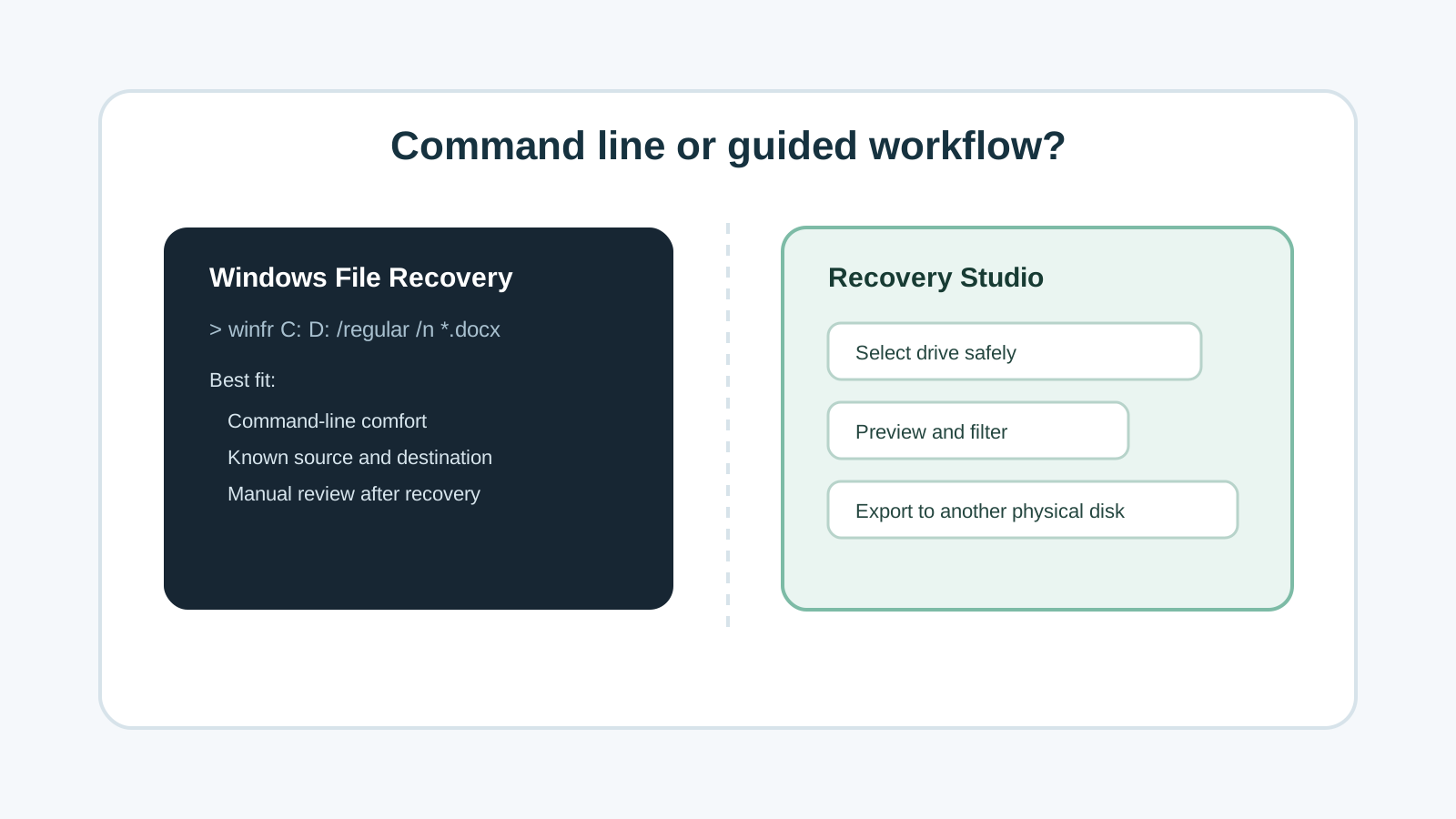
Quick comparison
Windows File Recovery
A Microsoft command-line app for local storage recovery when files are deleted and not in the Recycle Bin.
Recovery Studio
A visual Windows recovery workflow for selecting drives, scanning locally, previewing supported files, filtering results, and exporting safely.
Shared limits
Neither can guarantee overwritten files, physically damaged drives, or every original folder path.
Shared safety rule
Both require a separate destination. Never recover output to the source physical disk.
When Windows File Recovery is a good fit
- You are comfortable typing commands and checking syntax before running them.
- You understand source and destination drive letters.
- You only need a free Microsoft command-line option for a supported local device.
- You can tolerate reviewing recovered files outside a guided preview interface.
When a visual app is a better fit
- You want clearer drive selection before starting a scan.
- You need categories, filters, search, and supported file preview to reduce result noise.
- You prefer visible export controls that remind you to choose another physical disk.
- You are helping a non-technical user who should not guess command syntax under stress.
A fair way to choose
If you already know the exact source, destination, file type, and command mode, Windows File Recovery can be a reasonable first tool.
If you need a step-by-step interface, preview before export, or a clearer way to triage thousands of results, a visual app such as Recovery Studio is the more practical workflow.
Tool choice FAQ
Is Windows File Recovery safer because it is from Microsoft?
It is a legitimate Microsoft tool, but safety still depends on correct source and destination choices and avoiding writes to the source drive.
Does Recovery Studio replace backups?
No. A successful backup restore is usually safer and more complete than any recovery scan.
Can either tool recover physically damaged drives?
Software is not the right first step for clicking, dropped, water-damaged, overheating, or repeatedly disconnecting drives.