
Why Recovered Photos Will Not Open After Recovery
A recovered photo file is not automatically a usable photo. If the file was partially overwritten, truncated, damaged by read errors, or recovered without required image data, Windows or your photo editor may refuse to open it.
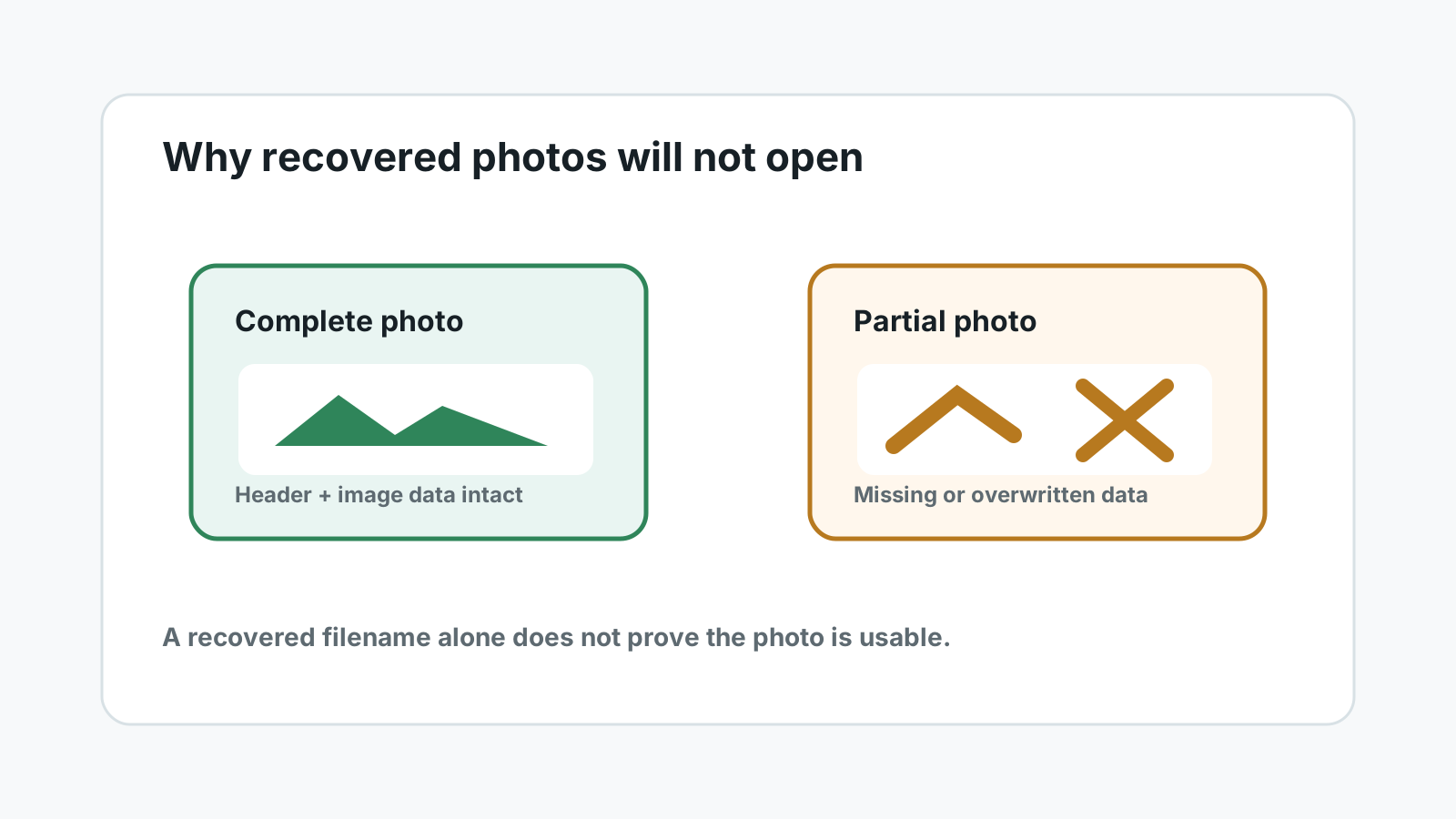
Why recovered photos may not open
Partial overwrite
New data may have replaced part of the deleted photo before recovery.
Incomplete recovery
The scan may have found a header or file entry but not every needed image block.
Damaged source media
Bad sectors, card controller issues, or disconnects can corrupt recovered output.
Unsupported format
Some RAW variants and embedded previews require specific software to open correctly.
What to check before giving up
- Try opening the photo in another viewer or the camera maker's software.
- Compare file size with similar original files from the same camera or export workflow.
- Look for another recovered copy from the same scan, especially if deep scan produced duplicates.
- Check whether a thumbnail opens but the full photo fails, which may indicate partial data.
How to reduce damage during another scan
1. Stop using the source
Do not save repaired files, exports, or new scans back to the device that lost the photos.
2. Use a separate destination
Recover any second attempt to another physical disk with enough free space.
3. Prioritize previews
Preview sample photos before exporting everything. This helps identify usable image sets faster.
4. Stop for physical symptoms
If the drive or card is unstable, hot, clicking, wet, cracked, or disconnecting, stop DIY attempts.
Set realistic expectations
Recovery software can locate and copy available file data, but it cannot recreate overwritten photo content. Some image repair tools may fix minor header issues, but they cannot restore missing pixels or missing RAW data that no longer exists on the source.
If the photos are business-critical or irreplaceable and the source device shows physical symptoms, a professional lab is the safer path.
FAQ
Does a recovered filename mean the photo is intact?
No. The file may be incomplete, partially overwritten, or missing data required by the image format.
Can another scan produce a better copy?
Sometimes, especially if the first scan used limited options. But repeated scans on failing hardware can increase risk.
Can Recovery Studio guarantee repaired photos?
No. Recovery results depend on available data and device condition. Overwritten or missing image data cannot be guaranteed.
Should I repair the source drive first?
No. If the data matters, scan or image important data first. Repair commands can write to the source and reduce recovery chances.