
Can RAW Camera Photos Be Recovered From an SD Card?
RAW camera photos can be more valuable and more complicated than ordinary JPG files. Recovery depends on the card condition, overwrite, camera format, and whether the recovered file is complete enough for your editing software to open.
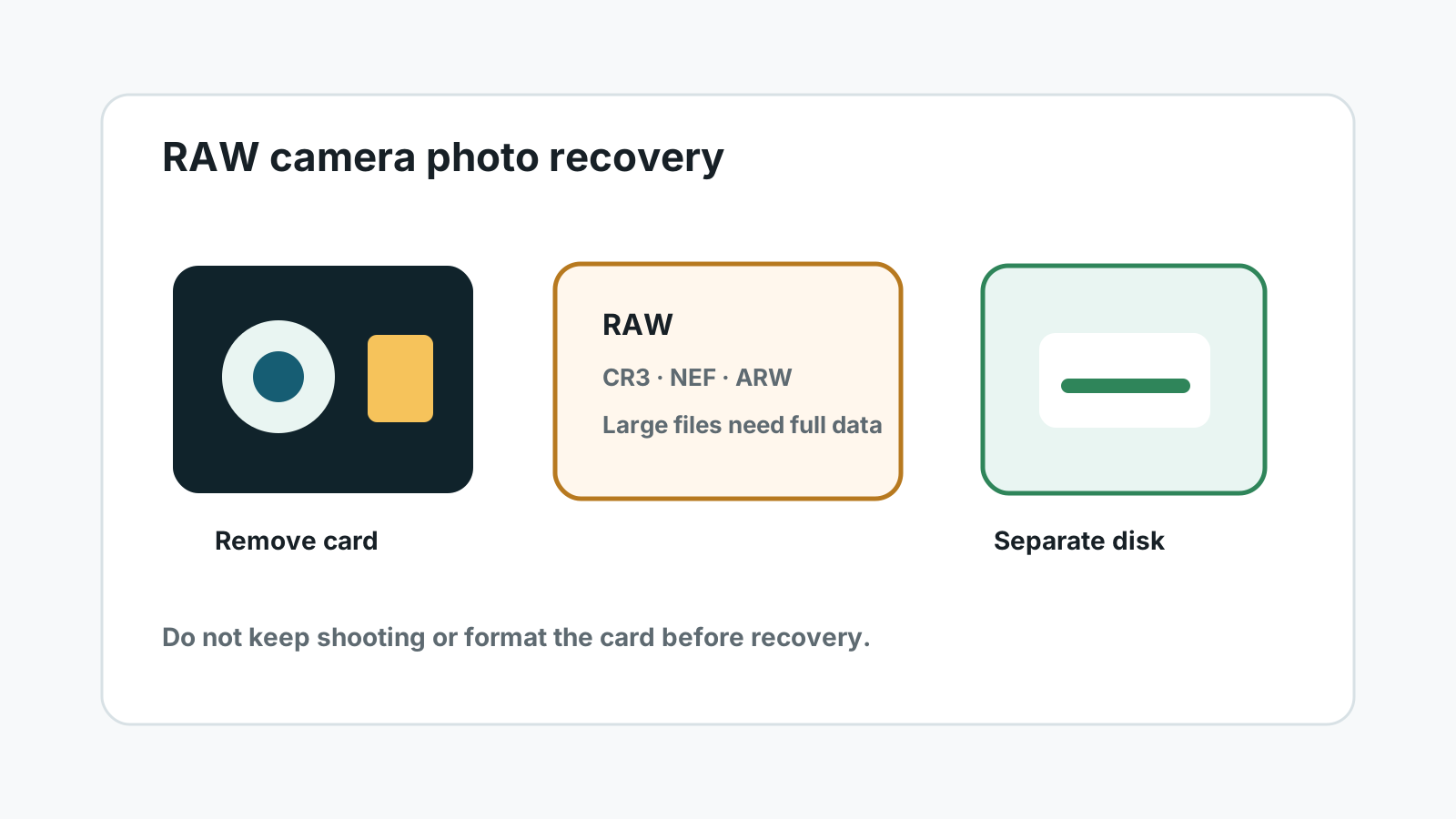
What to do before RAW photo recovery
- Remove the SD card from the camera, drone, or recorder as soon as RAW files are missing.
- Do not keep shooting, format the card again, or run camera repair options.
- Use a stable reader and avoid repeatedly reconnecting a card that drops out.
- Prepare another physical disk for recovered RAW files because they can be large.
When RAW files may still be recoverable
Deleted or quick-formatted RAW photos may remain on the card until new photos, videos, or camera metadata overwrite their storage blocks.
Deep scans can sometimes locate camera RAW signatures, but support varies by format and camera model. Even when a file is recovered, it still needs to open in software such as Lightroom, Capture One, or the camera maker's tool.
A safer RAW photo recovery workflow
1. Connect the card read-only when possible
Use a full-size SD adapter lock if available and avoid apps that write thumbnails or catalogs to the card.
2. Scan locally on Windows
Select the card or card-reader volume and scan for photo results, including supported RAW formats where available.
3. Preview or open-test sample files
RAW previews may be limited. Export a small sample to another drive and open-test important files.
4. Recover to a separate disk
Never save recovered RAW files back to the source SD card.
RAW recovery limits
Format support
RAW extensions differ by camera brand, and not every variant can be identified equally well.
Large files
RAW files are larger than JPGs, so partial overwrite can make them fail even when a filename appears.
Original names
Deep scan results may lose camera-generated names and folder structure.
Physical damage
Cracked, wet, overheating, or disconnecting cards should go to a specialist instead of repeated DIY scans.
FAQ
Can RAW photos be recovered after formatting an SD card?
Sometimes, especially after a quick format and before new shooting. Full overwrite, unstable cards, and unsupported RAW variants reduce chances.
Will the original camera filenames be preserved?
Not always. If metadata is missing, deep scans may use generated filenames and may not preserve folder paths.
Why do some recovered RAW files not open?
They may be incomplete, partially overwritten, unsupported, or damaged by card read errors.
Should I keep trying if the SD card disconnects?
No. Repeated disconnects can signal hardware trouble. Stop and consult a specialist if the files are important.