
Can MOV Files Be Recovered From an SD Card?
MOV files from cameras, drones, and phones can sometimes be recovered from an SD card, but the first step is to stop using the card. New recording, formatting, or repair attempts can overwrite the same space a scan needs.
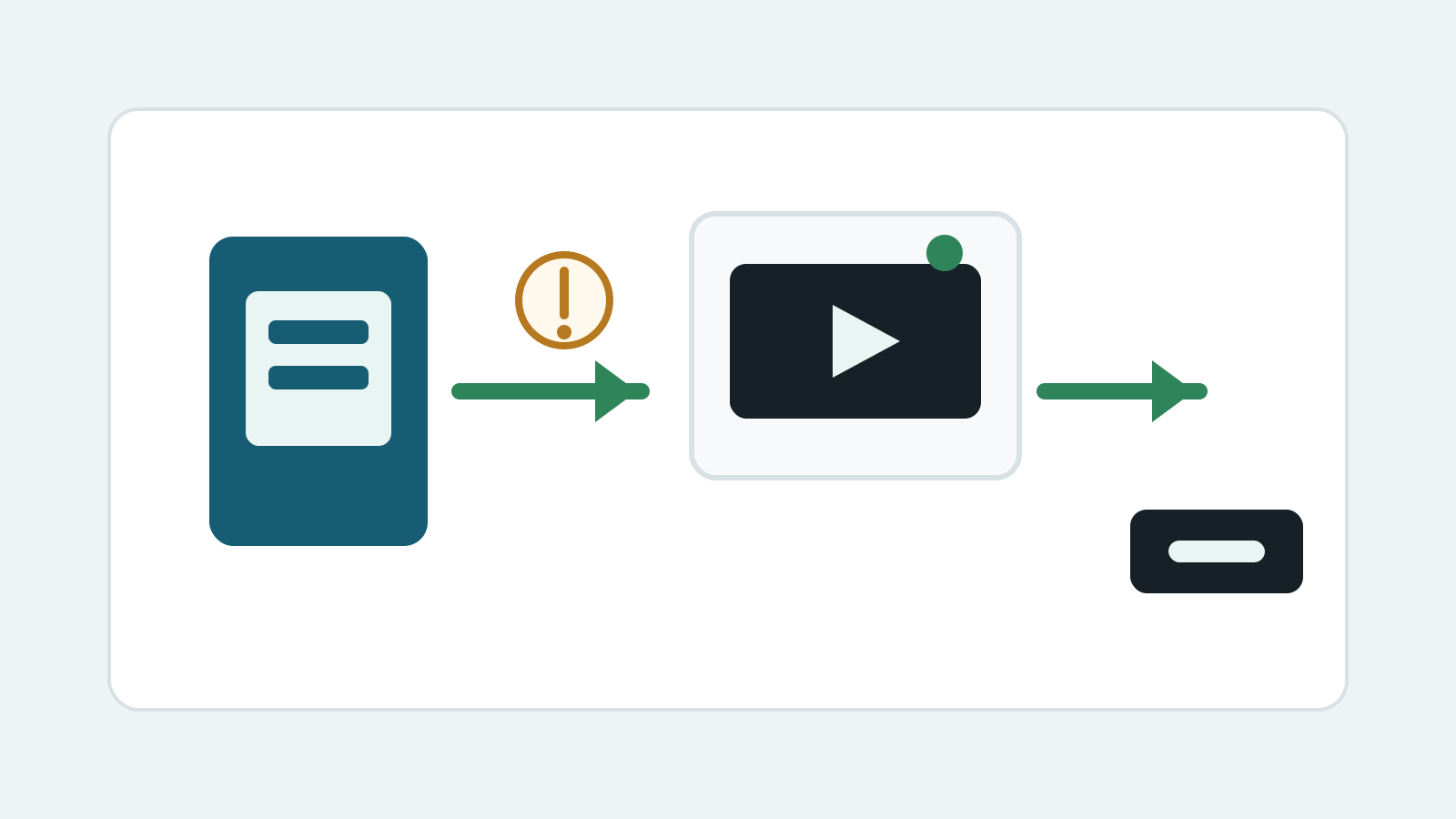
Stop using the SD card immediately
- Do not record more video or photos on the card.
- Lock the SD adapter if available and avoid formatting prompts.
- Use a reliable card reader and avoid repeated reconnect attempts if Windows detection is unstable.
- Prepare a separate disk before any recovery export.
Check for MOV copies before scanning
Camera import folders
Check Pictures, Videos, Photos app imports, editing project folders, and previous transfer locations.
Cloud and device sync
If the video was imported or synced, cloud recycle bins and version history may be safer than card scanning.
Original camera card
If no copy exists, scan the SD card as the source and recover to a different physical disk.
How to recover MOV files from an SD card
1. Connect the card read-only when possible
Use a stable reader and avoid writing any files to the card.
2. Scan locally on Windows
Select the SD card as the source and scan for MOV, MP4, and related camera video signatures.
3. Recover to another physical disk
Use an internal drive, external SSD, or other disk that is not the SD card.
4. Test playback and length
Open recovered MOV files from the destination and check whether the full clip plays.
MOV recovery limits on SD cards
- No software can promise every MOV will be playable.
- A camera may have overwritten deleted clips after new recording.
- Interrupted recordings, low battery shutdowns, and fragmented clips may be incomplete.
- Physically cracked, wet, or unreadable cards may need a specialist.
MOV recovery FAQ
Can formatted SD card MOV files be recovered?
Sometimes after a quick format, if the card has not been reused and the video data has not been overwritten.
Should I put the SD card back into the camera?
No. Continued camera use can write new media and reduce recovery chances.
Why are recovered MOV files incomplete?
MOV videos can be fragmented or missing index/metadata information, especially after interrupted recording or overwrite.
Where should recovered MOV files go?
Save them to another physical disk, not the SD card being scanned.