
How to Recover Videos From an SD Card on Windows
Videos are often harder to recover from SD cards than photos. They are larger, more likely to be fragmented, and may need intact metadata to play correctly. Stop recording immediately before scanning.
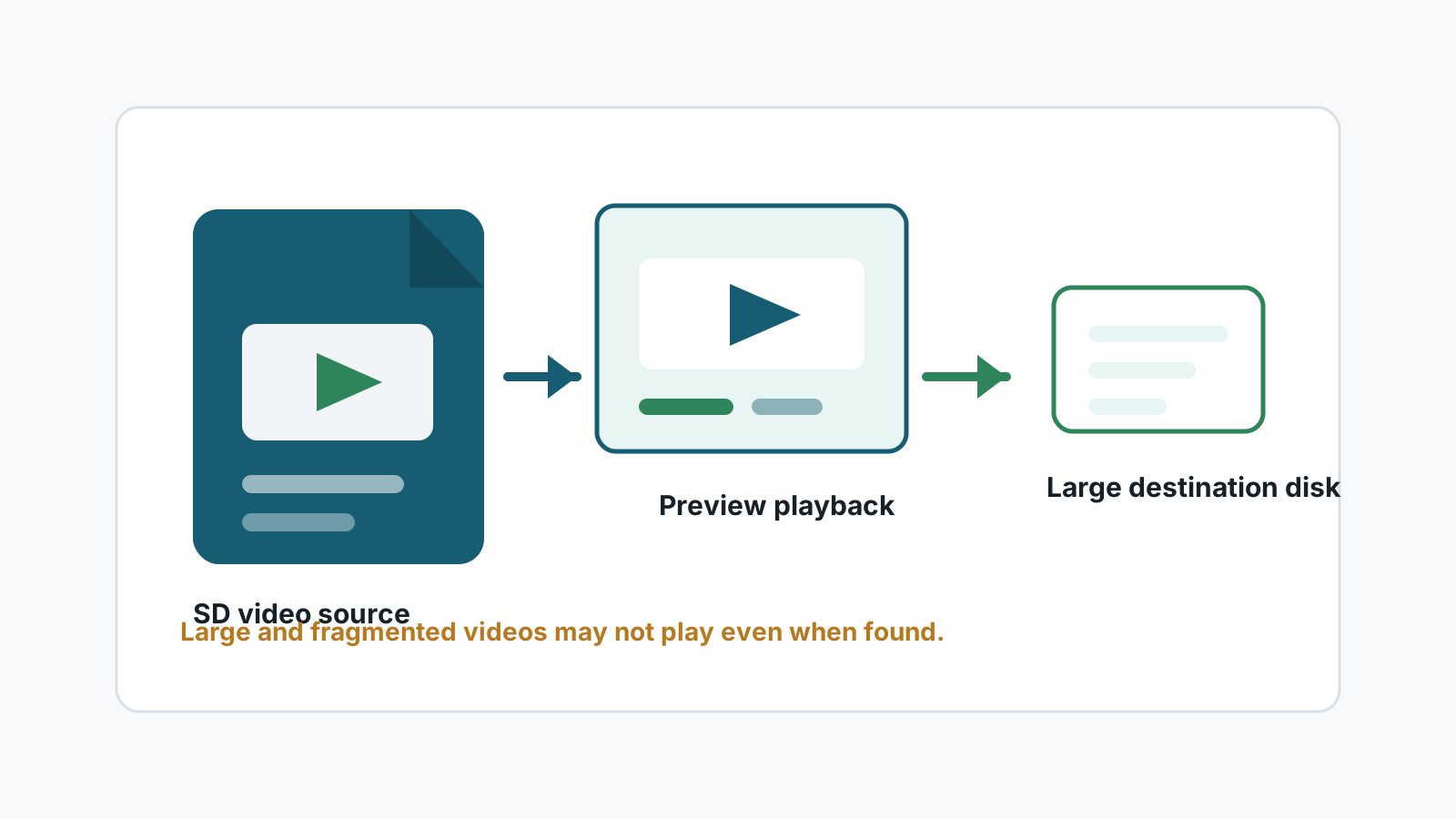
Why SD card video recovery is harder
A single MP4, MOV, drone, action camera, or dashcam clip can span many blocks on the card. If parts were overwritten, the file may be incomplete even when a scanner finds a video signature.
Some cameras also split long recordings, write sidecar metadata, or finalize video indexes at the end of recording. Interrupted recording or card errors can leave files that need specialist repair.
What to do first
- Stop using the camera, drone, dashcam, or phone that recorded the videos.
- Do not run in-camera repair, format, or initialization if the clips matter.
- Use a destination drive with more free space than the entire card.
- Expect to preview and test playback, not just recover filenames.
Windows recovery workflow for SD card videos
1. Connect the card through a stable reader
Avoid low-quality adapters that disconnect during long scans.
2. Scan for video formats
Look for MP4, MOV, AVI, MKV, MTS, and other camera or dashcam formats supported by the scan.
3. Preview and test samples
Check duration, file size, and whether playback reaches the end. A file that opens for one second may still be incomplete.
4. Recover away from the SD card
Export to a separate disk with enough capacity, then back up verified clips.
Set realistic expectations
Deleted but not reused
Better candidate, especially for shorter clips and healthy cards.
Formatted then reused
Riskier because new recordings can overwrite parts of older clips.
Interrupted recording
May need video repair or specialist tools after file recovery.
Physical card problems
Stop DIY attempts if the card disconnects, heats up, or is damaged.
Deep scan limits for video files
A deep scan may recover video fragments or generated names without original folders. Recovery Studio can help find and export candidates, but it cannot promise every recovered video will play from start to finish.
FAQ
Can deleted SD card videos be recovered?
Sometimes. Recovery is more likely before the card is reused, but large and fragmented videos are harder than photos.
Why does a recovered video not play?
It may be incomplete, fragmented, missing metadata, or damaged by interrupted recording or overwrite.
Should I recover videos to the SD card?
No. Video output is large and can overwrite other recoverable data on the card.
When should I use a specialist?
Use a specialist for physically damaged cards, irreplaceable footage, or high-value interrupted recordings.