
How to Recover Deleted JPG Files on Windows
JPG files are common recovery targets because cameras, screenshots, and image editors use them everywhere. A deleted JPG may still be recoverable, but only if the source storage remains readable and the image data has not been overwritten.
Why JPG recovery depends on overwrite
Deleting a JPG usually changes file system records before the actual image data disappears. If Windows, a camera, or another app reuses that space, the recovered JPG may be missing bytes, partially corrupted, or impossible to open.
This is why the safest action is to stop using the source drive and prepare a separate recovery destination before scanning.
Check safer restore options first
- Restore from the Recycle Bin when the JPG is still there.
- Check OneDrive, camera import folders, editor autosaves, File History, and Previous Versions.
- Look for exported copies in email attachments, messaging apps, and external backup drives.
- Avoid repair or cleanup tools that write to the source before recovery.
Scan and preview JPG results
1. Select the source
Choose the disk, partition, USB drive, external drive, or memory card where the JPG files were deleted.
2. Scan locally
Deep scans may find JPG signatures even when filenames are gone.
3. Preview thumbnails and full images
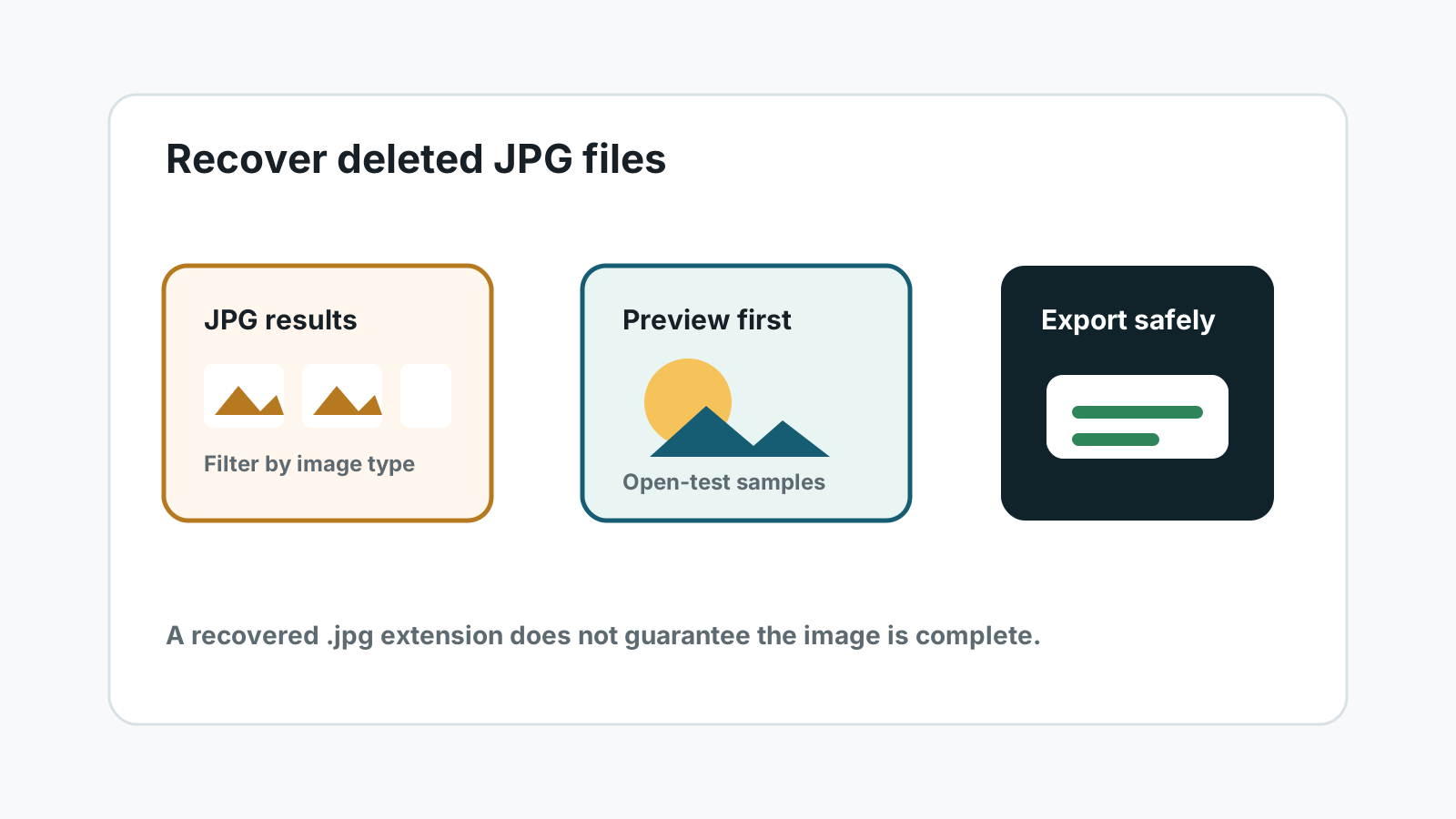
A file extension alone does not prove the image is intact. Preview recovered JPG files before exporting large batches.
4. Export to another physical disk
Save selected JPG files away from the source device to reduce overwrite risk.
What can make recovered JPG files fail
Partial overwrite
Part of the JPG may have been replaced by newer data, causing visual damage or open errors.
Generated names
Deep scans may recover JPG data without the original camera filename or folder path.
Device instability
Repeated disconnects or physical damage can turn a recoverable photo set into a specialist case.
SSD TRIM
On SSDs, TRIM can make deleted content unavailable faster than on many HDDs or memory cards.
FAQ
Can deleted JPG files be recovered after emptying the Recycle Bin?
Sometimes. If the JPG data has not been overwritten and the source device is readable, a local scan may find it.
Why do recovered JPG files have strange names?
Deep scans may locate image signatures without the original file system metadata, so generated names are normal.
Can Recovery Studio repair every damaged JPG?
No. It can help scan, preview, and export results, but overwritten or incomplete image data may not open correctly.
Should I recover JPG files to the same SD card?
No. Use another physical drive instead of the source SD card, USB drive, external disk, or internal drive.