
Can Software Recover Files From a Failing Hard Drive?
A failing hard drive is not the same as a deleted-file case. If the drive shows physical symptoms, repeated DIY scans can make recovery harder or more expensive.
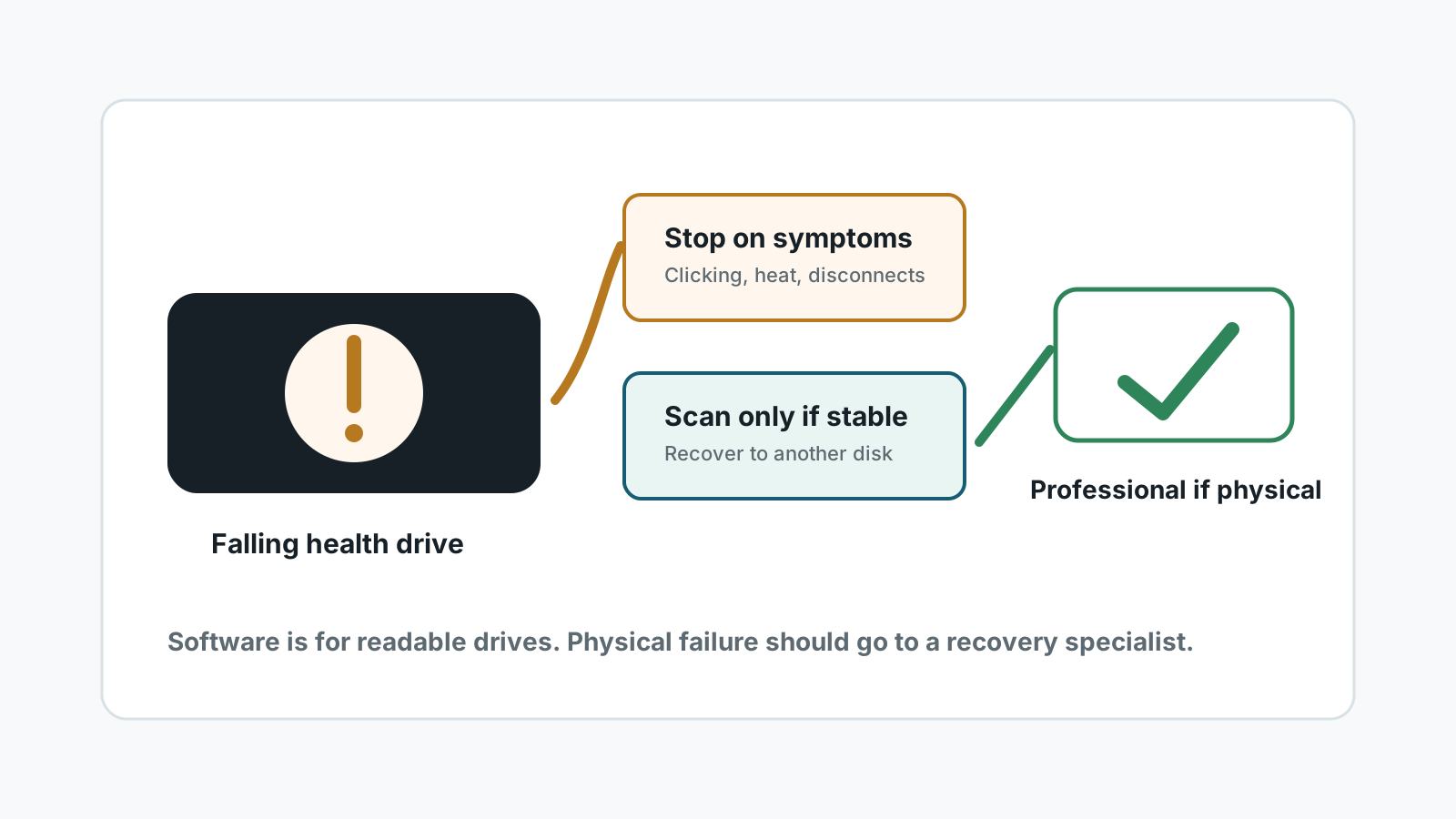
When software recovery may be reasonable
Software can be a reasonable attempt when the hard drive is detected consistently, does not make unusual noises, stays connected, and the problem looks like deletion, formatting, RAW file system, or directory damage.
Even then, recover to another physical disk and avoid repair commands until important files are safe.
Stop and use a specialist for these signs
Clicking or scraping
Mechanical noises can indicate head or platter problems. Continued power can worsen damage.
Repeated disconnects
A drive that drops during reads may need controlled imaging, not normal file recovery software.
Burning smell or heat
Electrical or heat symptoms are not a software problem.
Dropped or wet drive
Impact and liquid damage should be evaluated before powering the drive again.
If the drive is stable enough to attempt a scan
1. Prioritize the most important files
Do not run repeated full scans if the drive may be deteriorating.
2. Prepare a different destination
Recovered files must go to another physical drive with enough free space.
3. Scan locally and preview
Review results by type and preview files before exporting.
4. Stop on new symptoms
If noises, disconnects, or read failures increase, stop and seek professional recovery.
Why failed-drive recovery needs caution
- Software cannot repair mechanical head, motor, platter, or electronics failure.
- A normal scan can stress a drive that should be imaged first.
- No software can guarantee 100% recovery from a failing drive.
- Deep scan may not preserve original names or folders, especially after file system damage.
Failing hard drive recovery FAQ
Can I use recovery software on a clicking drive?
No. A clicking drive is a physical warning sign. Stop powering it and contact a professional recovery service.
What if the drive is detected but very slow?
Treat it cautiously. Prioritize important files and stop if read errors or disconnects increase.
Should I run CHKDSK on a failing drive?
Not before recovering important data. Repair commands can change metadata and add stress.
Can Recovery Studio fix hardware failure?
No. It is local recovery software for readable drives, not a hardware repair or cleanroom service.
Related recovery guides
Recover files from a crashed Windows PC
Separate boot problems from storage-device failure.
Recover deleted files on Windows
Use the full deleted-file recovery workflow before deeper scanning.
Recovery Safety Guide
Review overwrite, physical damage, and separate-destination rules.
Download Recovery Studio for Windows
Run a local scan and recover files to another physical drive.