
External Hard Drive Access Denied? Recover Files Safely
Access Denied can be a permission problem, a BitLocker or account issue, or a sign that the file system is damaged. Treat it carefully: changing permissions or running repairs may help in simple cases, but it can also change metadata before recovery.
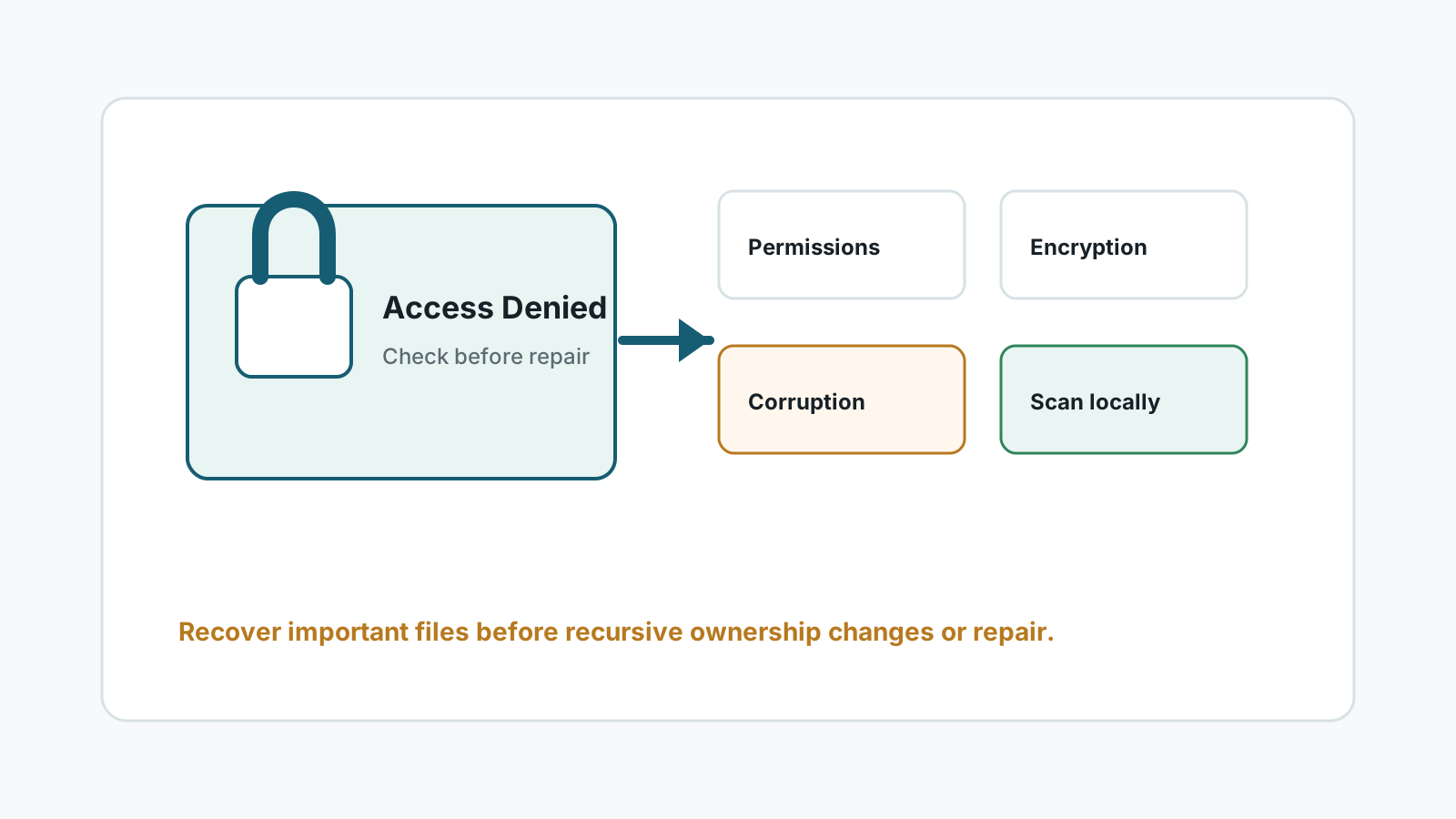
Why an external drive may show Access Denied
Permissions changed
The files may belong to another Windows account or an old installation.
BitLocker or encryption
The drive may require a recovery key or unlock step before files can be accessed.
File system damage
The error can appear when directory metadata is damaged or partially unreadable.
Hardware instability
Disconnects and read errors can look like access problems but need specialist caution.
Use this safer order
1. Confirm the drive is stable
Stop if the drive clicks, drops offline, or becomes very hot.
2. Check encryption and account context
If BitLocker is involved, unlock with the correct key. If it is a simple account permission issue, copy files only after access is stable.
3. Scan before aggressive repair
If the drive has important data and the error may be corruption, scan or image before changing ownership recursively or running repair commands.
4. Export to another disk
Recover important files to a different physical drive, then decide whether to repair or reformat the source.
What to avoid when data matters
- Do not format the drive to remove the error.
- Do not save recovered files back to the same external drive.
- Do not run multiple repair tools before you have a copy of important files.
- Do not continue scanning a drive that is physically unstable.
FAQ
Can Access Denied be fixed without recovery software?
Sometimes, if it is only a permission or encryption issue. If corruption or drive failure is possible, recover or image important data first.
Should I take ownership of the whole drive?
Only after you understand the cause. Recursive ownership changes can modify metadata and are not the safest first step for damaged drives.
Can Recovery Studio scan an Access Denied drive?
It may help when Windows can still read the disk and the file content is not overwritten, but results are not guaranteed.
Where should recovered files go?
Use another physical disk, never the source external drive.