
How to Recover Deleted Files on Windows 10
Windows 10 gives you several safer restore paths before you need recovery software. The right order matters: protect the source drive, check backups and previous versions, then scan locally only when the simpler options are not available.
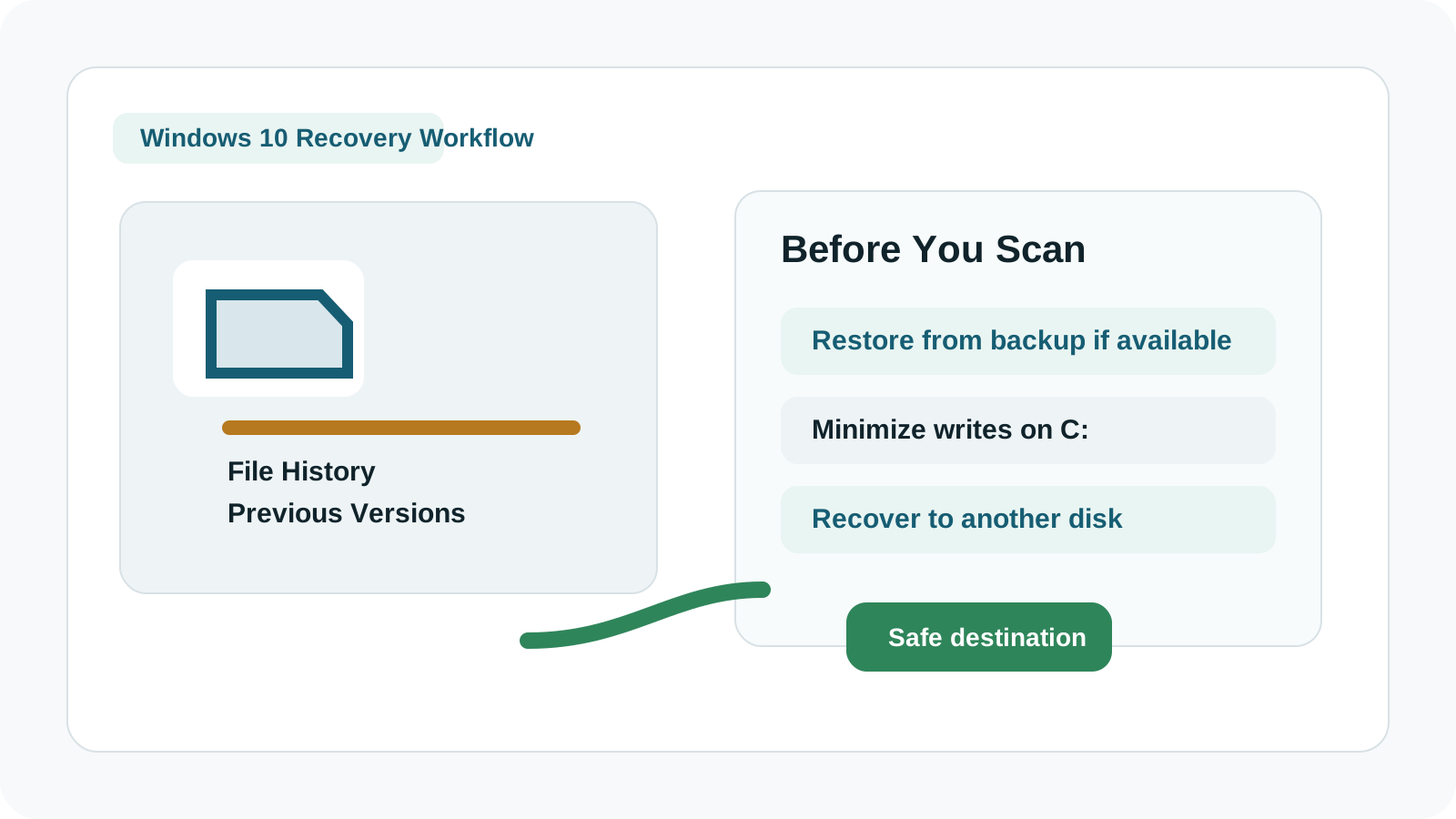
Start with the low-risk Windows 10 checks
- Open the Recycle Bin and restore the file if it is still listed.
- Check File History if it was configured before deletion.
- Right-click the parent folder and look for Previous Versions.
- Check OneDrive, app autosaves, email attachments, and external backups.
Why File History and Previous Versions matter
A backup restore is usually safer than scanning because it does not depend on deleted disk space still being untouched.
If the deleted files were in Desktop, Documents, Pictures, or another protected folder, File History may have a restorable copy if it had been enabled in advance.
When to use a local scan
1. Reduce activity on the source drive
If the file was on C:, stop installing apps and downloading large files until recovery is attempted.
2. Scan the original disk or partition
Select the source where the files were stored, not the destination drive.
3. Filter by type, name, size, or preview
Large result sets are easier to handle when you narrow them before export.
4. Export to another drive
Use a separate physical disk for recovered files, then open the recovered copies to verify them.
Windows 10 recovery limits
- Overwritten files cannot be promised back.
- Deep scans may produce generated names if metadata is gone.
- SSD behavior can make some deleted data unavailable quickly.
- Unstable or damaged hardware should be handled by a specialist.
FAQ
Can File History recover deleted files on Windows 10?
Yes, if it was enabled and had already backed up the folder before deletion. It cannot restore files it never backed up.
Are Previous Versions always available?
No. They depend on Windows backup or restore configuration and may not exist for every folder.
Can Recovery Studio preserve folder structure?
Sometimes, when metadata is intact. Deep scan results may lose original folder paths and names.
What if the disk is failing?
Stop DIY recovery if the drive is clicking, disconnecting, or physically damaged. Continued scanning may worsen the condition.