
What to Do If Client Files Were Deleted From Your PC
Client files add privacy and accountability concerns to normal data recovery. The right workflow protects the source drive, avoids unnecessary uploads, and keeps recovered copies controlled.
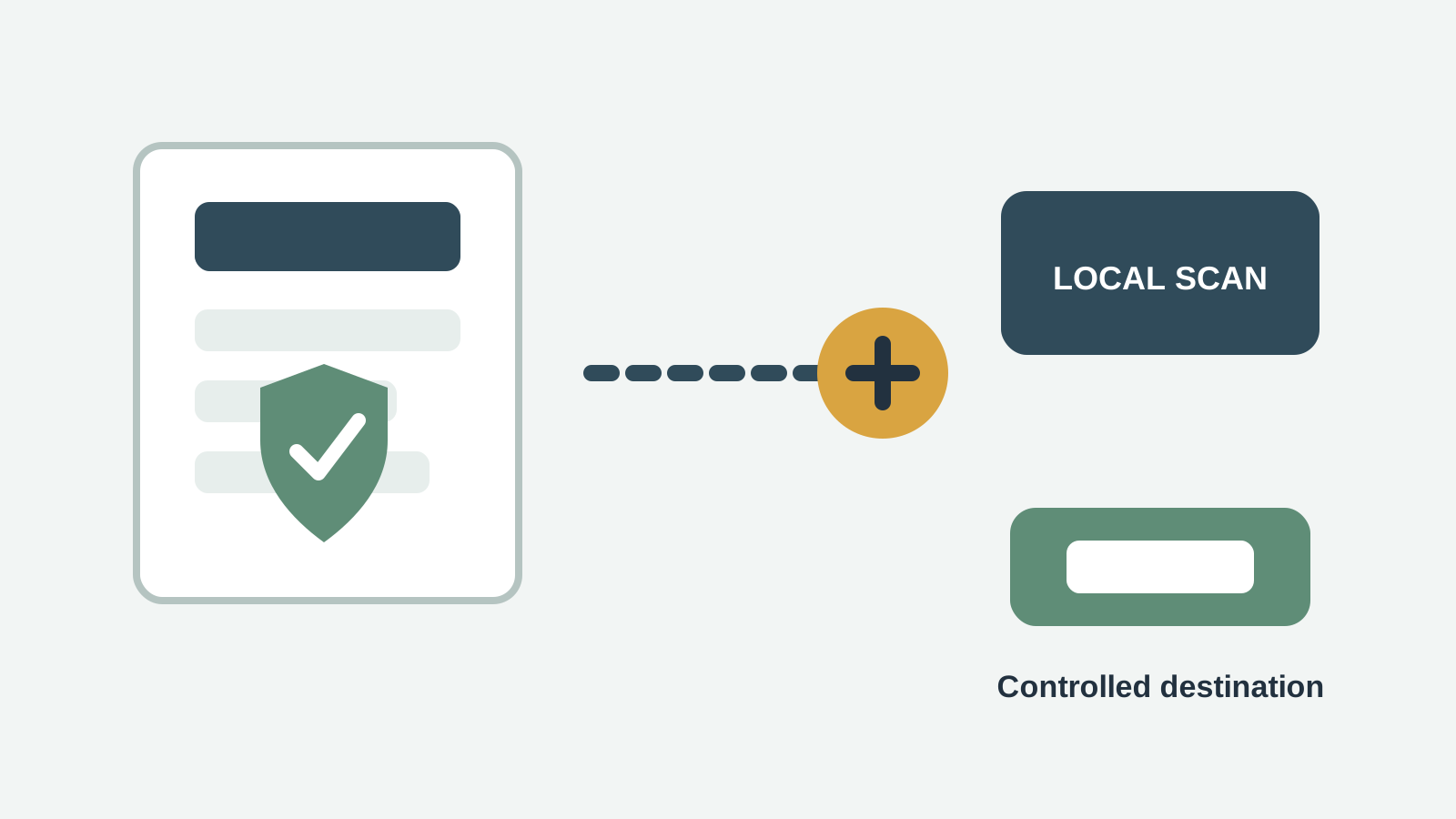
What to do first
- Stop editing, syncing, downloading, or moving files on the source drive.
- Record where the missing files were stored and when they disappeared.
- Prepare a different physical disk before you scan or recover anything.
- If the drive is unstable or physically damaged, stop and use a professional service.
Check safer restore sources before scanning
- Check approved client folders, shared drives, cloud recycle bins, and version history according to your company policy.
- Check email attachments, project systems, exports, and external backups before scanning.
- If files are subject to retention, confidentiality, or legal obligations, document the recovery steps you take.
- Avoid uploading client files to unknown services just to test recoverability.
When a local Windows scan makes sense
A local scan is appropriate when approved restore sources do not contain the deleted client files and the source drive is stable enough for a read-only recovery attempt.
Recovery Studio scans locally on the Windows PC. Your files are not uploaded for recovery, and recovered output should be written to another physical disk.
1. Select the original source
Choose the disk, partition, USB drive, external drive, or folder location where the files were stored.
2. Scan and filter by file type
Use document, archive, spreadsheet, presentation, PDF, image, and project-file filters to reduce noise.
3. Preview or validate candidates
Open supported previews where possible, then validate recovered files from the safe destination.
4. Recover to another physical disk
Do not save recovered work files back to the source drive because the output can overwrite other recoverable data.
Limits to understand
- Recovery results are not guaranteed and may be incomplete.
- Deep scans may recover files without original client folder names, dates, or paths.
- Recovered files should be validated from the safe destination before being shared or reused.
- If the drive is failing or the files carry legal risk, involve professional IT, legal, or recovery support.
Work file recovery FAQ
Should client files be uploaded to an online recovery service?
Avoid unapproved uploads. Use approved backups or a local scan workflow, and follow your organization's privacy and compliance rules.
What should I document?
Record the source location, deletion time if known, restore sources checked, scan tool used, destination disk, and validation result.
Can recovered client files be trusted immediately?
No. Open and validate recovered copies from the safe destination before sharing them or using them for client work.
When should I stop and escalate?
Escalate if the device is unstable, data is regulated, confidentiality obligations are strict, or repeated scans could increase risk.