
Data Recovery Software vs Backup: What Is the Difference?
Backup and data recovery software solve different problems. A backup restores a known earlier copy. Recovery software searches the source storage after something went wrong, which makes it less predictable and more sensitive to overwrite risk.
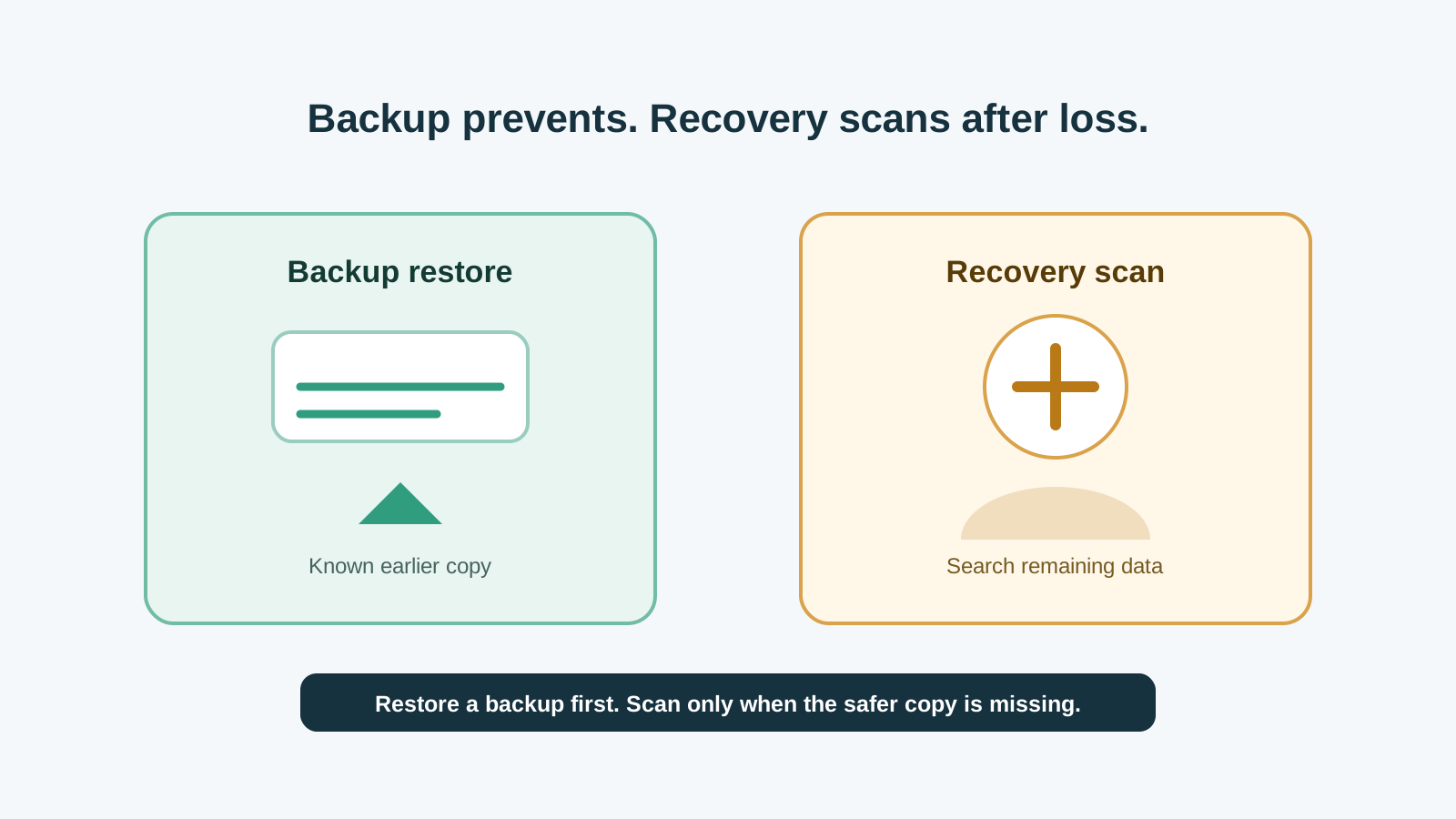
The practical difference
Backup
A separate copy made before the loss. It is usually the safest way to restore names, folders, and complete files.
Recovery software
A scan of the affected storage after deletion, formatting, corruption, or access failure.
Restore
Copying data back from a known good backup or version history.
Recover
Trying to find remaining file data that may or may not still be intact.
Why backup should come first
- Backups usually preserve original names and folders.
- A restore does not require scanning the damaged or deleted source data.
- Version history can avoid exporting damaged or partial scan results.
- A tested backup is more predictable than any recovery promise.
When recovery software may help
- No backup exists, or the backup is too old.
- Files were deleted from local storage and are no longer in the Recycle Bin.
- A removable drive was quick formatted and has not been reused heavily.
- You can scan locally and recover to another physical disk.
After recovery, build the backup habit
1. Verify recovered copies
Open important files from the destination disk before reusing the source device.
2. Keep an untouched copy
Do not immediately overwrite the only recovered copy while reorganizing.
3. Set up backup
Use File History, cloud versioning, external backup, or another routine that you will actually test.
Tool choice FAQ
Is data recovery software a backup replacement?
No. Recovery software is a fallback when a safer copy is missing. A tested backup is more reliable.
Should I restore from backup or scan first?
Restore from backup first if you have a clean, current copy. Scan only when restore paths do not solve the problem.
Can recovery software recover files that were never backed up?
Sometimes, if data has not been overwritten and the device is healthy enough to scan. It is not guaranteed.