
Can Data Recovery Software Make Data Loss Worse?
Data recovery software is most useful when it reads from a stable source and writes recovered files somewhere else. It can make data loss worse when the workflow creates new writes on the affected drive or stresses failing hardware.
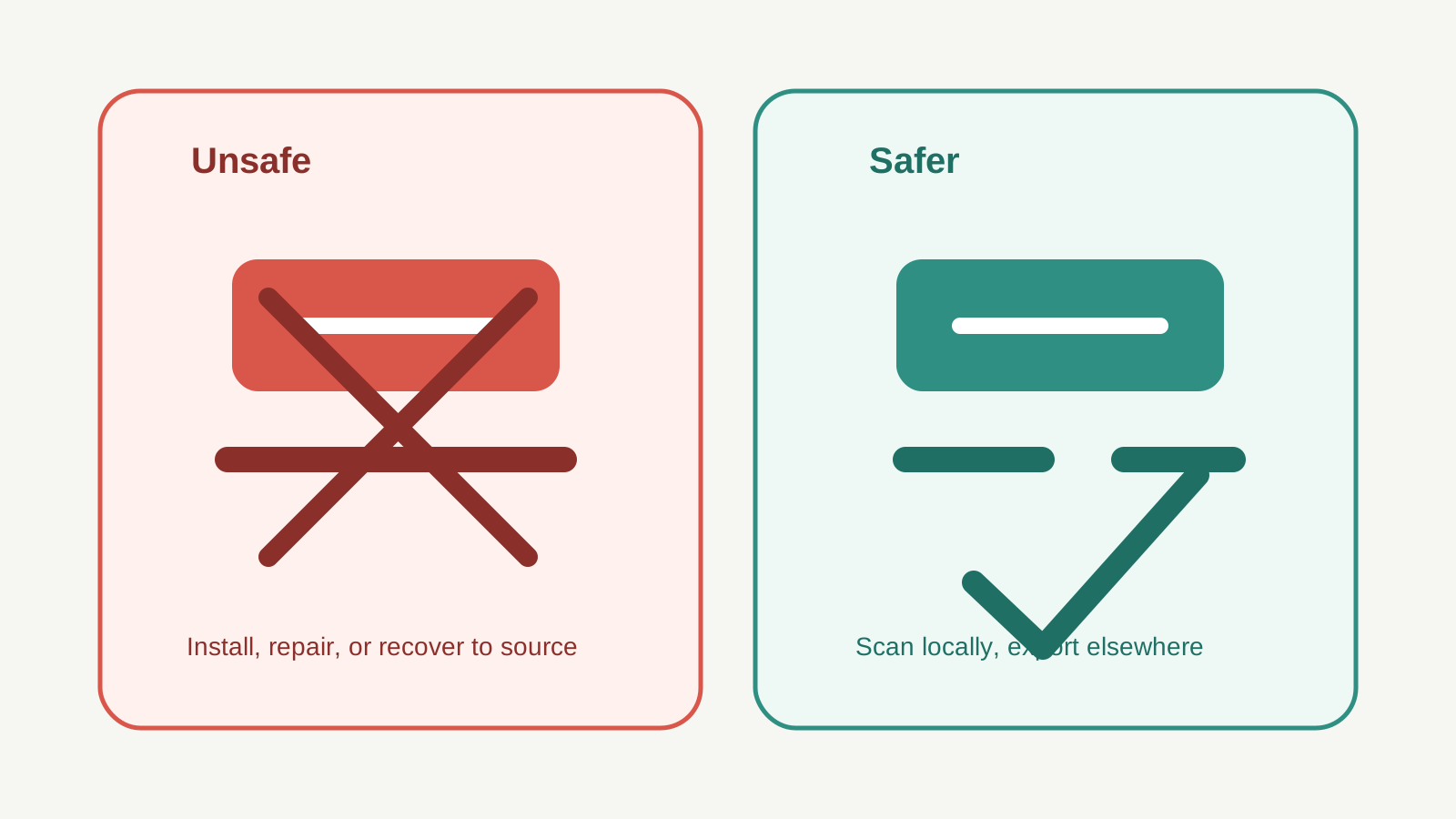
Yes, if the workflow writes to the source
The biggest avoidable risk is writing new data to the same storage that lost files. Installing software, saving recovered output, downloading installers, or accepting repair prompts can reuse space that still contains lost data.
The safer pattern is simple: read from the source, write to a different physical disk, and verify results from the destination.
Unsafe actions to avoid
- Installing recovery software onto the affected drive.
- Recovering files to the same drive, USB device, SD card, or external disk.
- Running CHKDSK, repair, format, or partition tools before copying important files elsewhere.
- Continuing to scan a clicking, overheating, or repeatedly disconnecting drive.
- Assuming a deep scan means original names and folders will be preserved.
Safer actions instead
Pause the source
Stop downloads, recording, file copies, and cleanup tools on the affected storage.
Check non-destructive restores
Use Recycle Bin, File History, Previous Versions, cloud recycle bins, and app autosaves first.
Scan locally
Use a local scan on stable logical-loss devices and review results before export.
Export elsewhere
Recover selected files to another physical disk and open them from that destination.
When software is the wrong next step
Software is not the right first step for obvious physical damage. Clicking, grinding, burning smells, water damage, impact damage, or repeated disconnects are signs to stop and contact a professional provider.
If the data is irreplaceable and the drive is unstable, repeated scans can reduce the chance of a controlled lab recovery.
Recovery risk FAQ
Can a scan overwrite deleted files?
A read-oriented scan is not the same as an export, but installing tools, writing logs, repairs, or saving recovered files to the source can create overwrite risk.
Is CHKDSK safe before recovery?
Often it is better to recover or copy important data first. CHKDSK can modify filesystem structures, which may change what a recovery scan can see.
Can software fix a physically damaged drive?
No. Software cannot repair mechanical or electrical damage. Specialist service is safer for unstable hardware.
What is the safest general rule?
Do not write to the source drive. Scan only when the device is stable, then recover selected files to another physical disk.