
What to Do After Recovering Lost Files
Recovery is not finished when the export completes. The next steps are verification, backup, and a careful decision about whether the original drive should be reused.
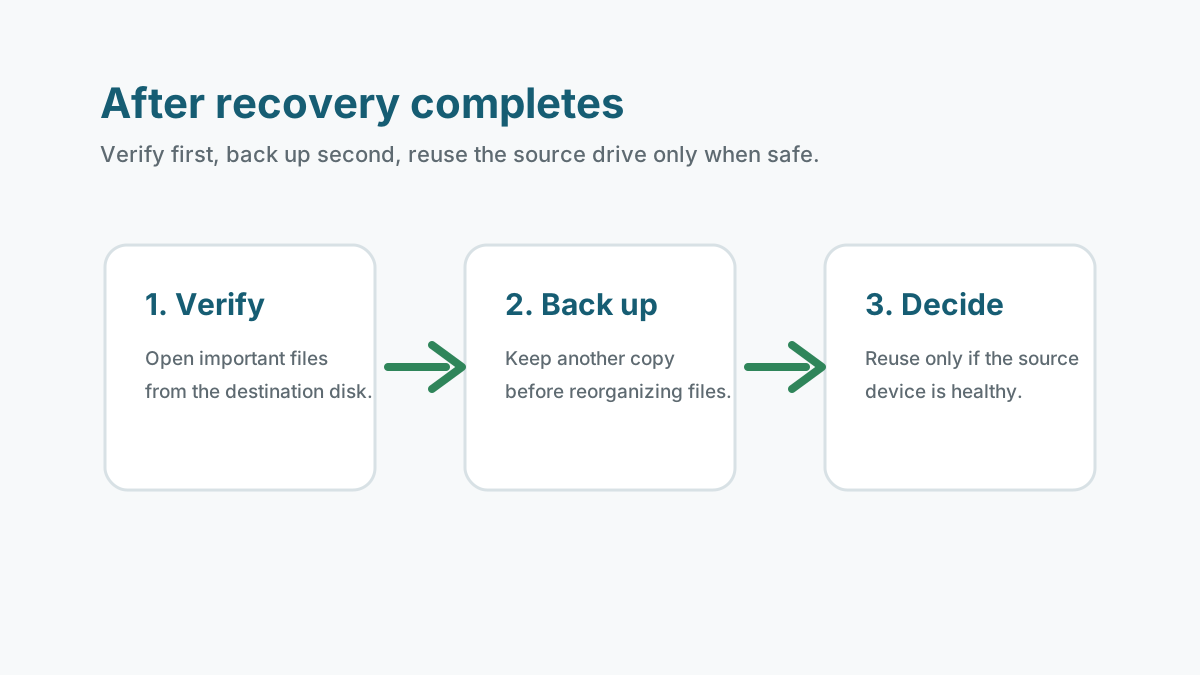
Verify the recovered files first
- Open the most important documents, photos, videos, archives, and PDFs from the recovery destination.
- Check file size, date clues, preview quality, and whether apps can actually open the files.
- For archives and Office files, test a few critical files instead of trusting the filename alone.
- For videos, play more than the first few seconds because fragmented clips may partially fail.
Keep the source drive unchanged for now
Do not format, repair, or reuse the source device until you are confident the important files were recovered and backed up.
If the first recovery pass missed critical files, preserving the source drive gives you a safer chance for another scan or professional evaluation.
Create a new backup before reorganizing files
1. Make one clean copy
Copy verified files from the recovery destination to a stable working location.
2. Add a second backup
Use an external drive, cloud backup, NAS, or another location so the files are not stored in only one place.
3. Test a restore sample
Open a few files from the backup copy to confirm it is usable.
4. Document gaps
List missing or damaged files before changing the original device.
Decide whether the original device is safe to reuse
Safe to reuse later
A healthy USB drive or memory card that was accidentally formatted may be reused after backup and reformatting.
Use with caution
A drive with filesystem errors should be checked only after important files are secured.
Do not reuse
A clicking, overheating, or repeatedly disconnecting device should be replaced or handled professionally.
Safety and next steps FAQ
Why do recovered files sometimes not open?
The file may be incomplete, partially overwritten, fragmented, or damaged. Preview and application tests matter more than the filename.
Can I copy recovered files back to the original drive?
Only after the recovery is complete, the files are verified, and you have at least one backup. During recovery, do not write output to the source drive.
Should I format the source drive after recovery?
Only after verified backups exist and only if the device is physically healthy. Do not format a failing drive.