
How to Recover Photos From a Formatted SD Card
Formatting an SD card can make it look empty, but a quick format often removes file system records before it overwrites every photo. The safest response is to stop using the card and recover to a separate drive.
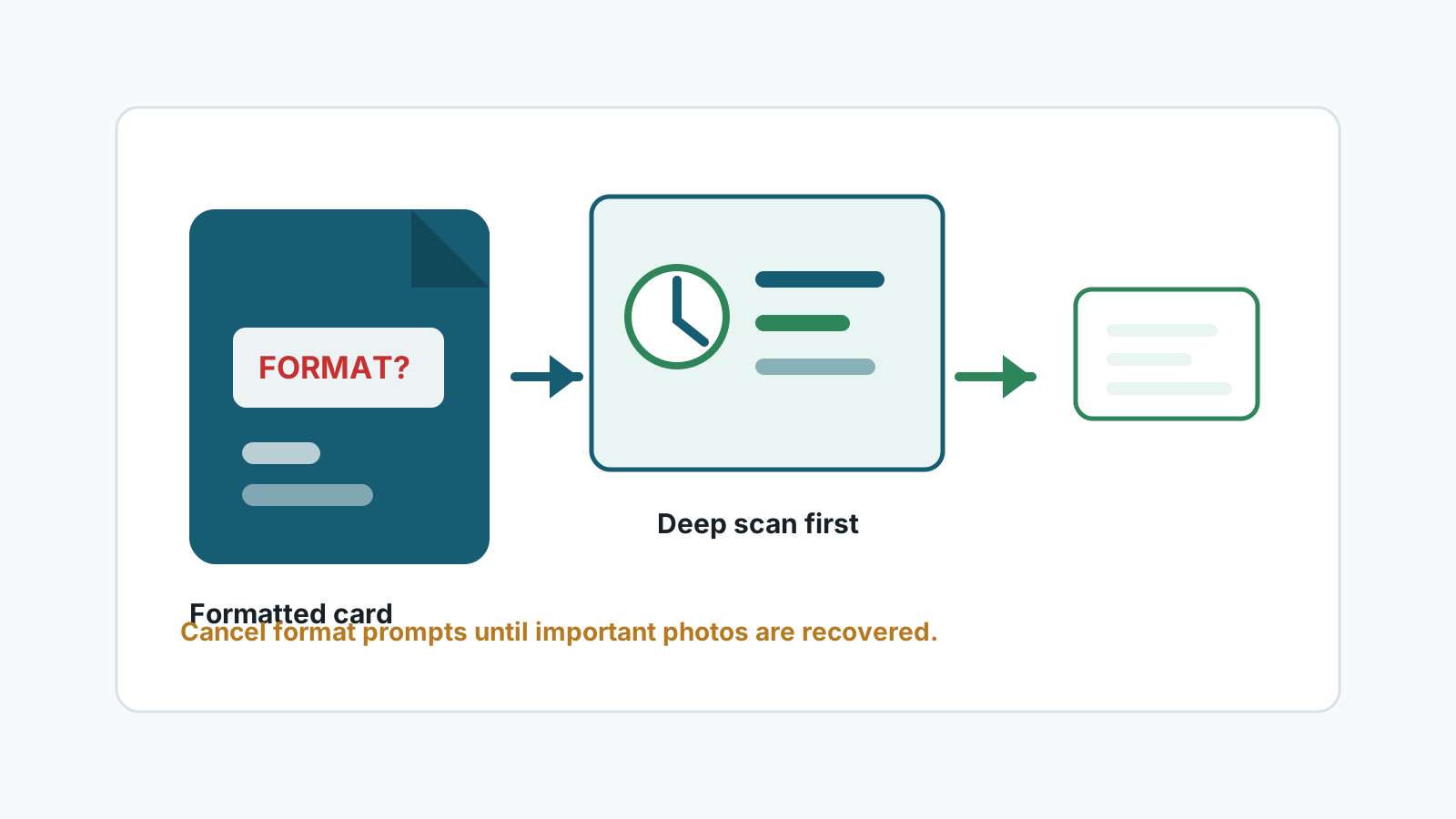
What a quick format changes
A quick format normally rebuilds file system structures and marks storage space as available. It may not immediately erase every photo block.
That is why fast action matters. New camera recordings, copies, or repair operations can reuse the space that still contains recoverable image data.
Before scanning the formatted SD card
- Stop using the card in the camera, drone, phone, or Windows PC.
- Do not run another format to test whether the card works.
- Do not save recovered files or recovery software to the SD card.
- Use a stable reader and a separate destination disk.
Safe formatted-card recovery workflow
1. Connect the card without copying files to it
If Windows asks to format the card, cancel the prompt while the photos still matter.
2. Scan the card for photo signatures
A deep scan can look beyond missing folder records for recognizable image formats.
3. Review previews and sizes
Generated names are common after format. Use previews, file sizes, and image dimensions to decide what to export.
4. Export to a different disk
After recovery, verify files on the destination before reformatting or reusing the SD card.
What affects recovery chances
Quick format
Usually better than a full overwrite, especially if the card was not reused.
New recordings
Photos and videos captured after formatting may overwrite older media.
Card health
Read errors, heat, cracks, or disconnects point to a specialist path.
File type
Common JPG files are often easier to validate than fragmented video or uncommon RAW files.
Deep scan naming limits
After formatting, the original folder structure and filenames may be missing. Deep scan results can be grouped by file type and assigned generated names, so preview and manual sorting are normal parts of recovery.
FAQ
Can photos be recovered after formatting an SD card?
Sometimes, especially after a quick format and before the card is reused. It is not guaranteed.
Does a full format change the answer?
A full overwrite is much harder or impossible to recover from with software.
Why are filenames missing after format recovery?
Formatting may remove the file system metadata that stored original names and folders.
When should I stop DIY recovery?
Stop if the card has physical damage, repeated disconnects, read errors, or high-value irreplaceable data.