
How to Recover Files From a RAW External Hard Drive
A RAW external hard drive means Windows cannot recognize a usable file system. It does not automatically mean every file is gone, but formatting is the wrong first step if the files matter.
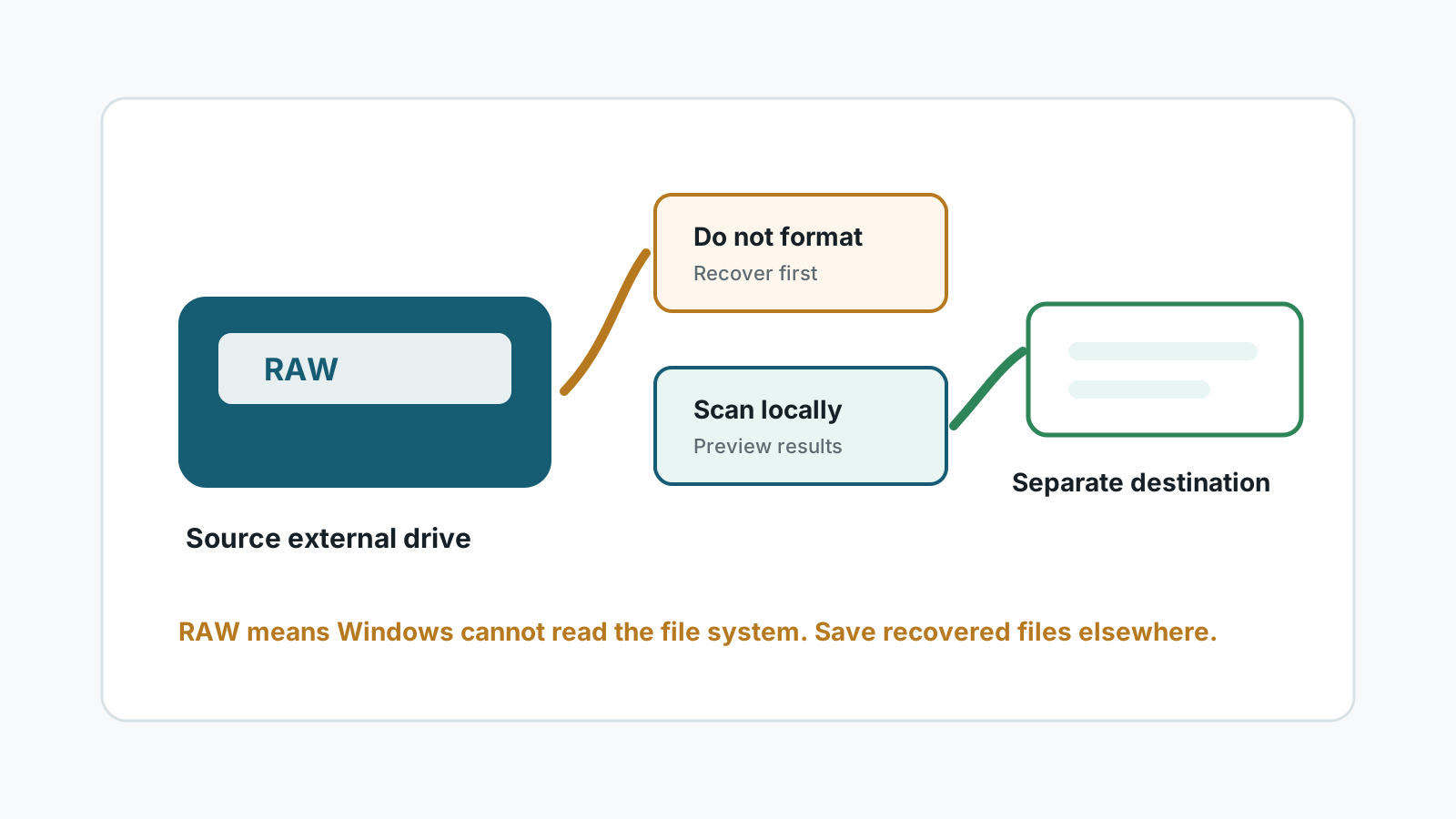
What RAW means on an external hard drive
RAW usually means Windows cannot read the file system metadata well enough to mount the volume normally. The cause may be interrupted writes, partition damage, unsafe removal, bad sectors, or hardware instability.
The file content may still exist, but the names, folders, and metadata can be damaged. Deep scans may recover files by type with generated names.
What not to do first
- Do not format the drive to make it usable again before recovery.
- Do not run repeated repair commands when you do not have a copy of important files.
- Do not save recovered files to the RAW external drive.
- Do not keep powering a drive that clicks, disconnects, or reports the wrong capacity.
A safer RAW drive recovery workflow
1. Check physical stability
If the drive is unstable or damaged, stop and use a specialist instead of scanning.
2. Prepare a separate destination
Use another physical disk with enough space for recovered files.
3. Scan the RAW external drive locally
Select the RAW drive as the source and look for recoverable files by type and preview.
4. Recover first, repair later
After important files are safe on another disk, you can decide whether to reformat or repair the source drive.
Realistic expectations for RAW recovery
RAW recovery often has weaker filename and folder recovery because the file system metadata is the part Windows cannot read. A deep scan can still find recognizable file signatures, but results must be previewed and verified.
FAQ
Can files be recovered from a RAW external hard drive?
Sometimes, if the drive can be read and the file content has not been overwritten or physically damaged.
Should I format a RAW drive before scanning?
No. Formatting writes new file system structures and can reduce recovery chances.
Will recovered files keep original names?
Not always. RAW recovery may lose names and folder structure when metadata is damaged.
What if Windows asks to format the drive?
Cancel the prompt if files matter. Recover or image important data first.