
How to Recover Deleted Photos From a Memory Card on Windows
Deleting photos from an SD, microSD, CompactFlash, or other memory card usually removes the file record first. The image data may remain until the card stores new photos or system writes.
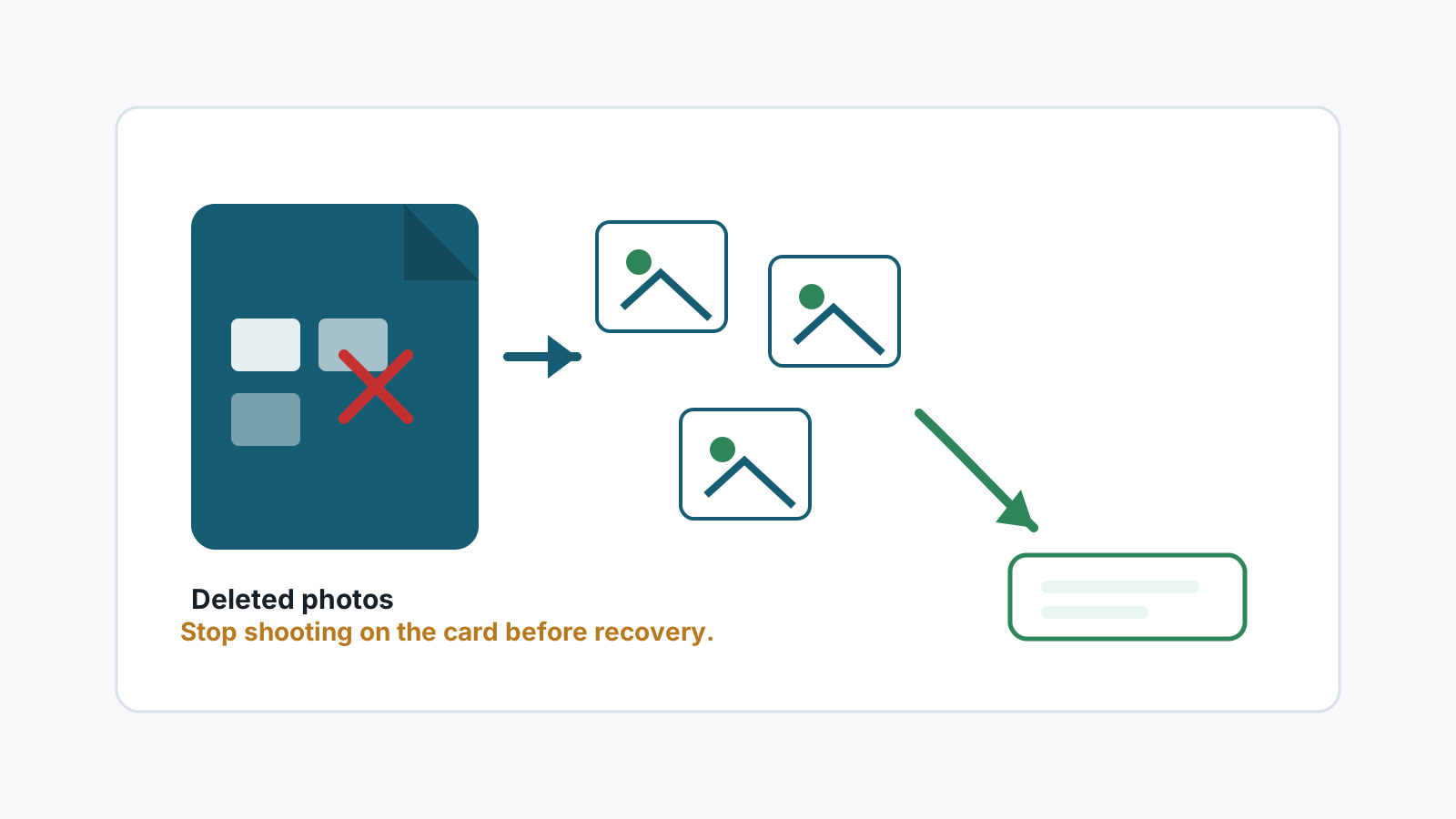
First actions after deleting memory card photos
- Stop taking photos or videos on the same card.
- Do not import, sort, or edit files directly on the card.
- Avoid camera prompts that initialize, format, or repair the card.
- Use another disk as the destination before starting recovery.
Check simple places first
Camera protected files
Some cameras protect selected photos. Check the camera playback menu before assuming everything was deleted.
Import folders
If you recently imported photos, check Pictures, OneDrive, Lightroom, Photos, or the folder used by your camera software.
Other cards or backups
Photographers often rotate cards. Confirm the missing shoot is not on another card or external drive.
Recycle Bin
If photos were deleted after being copied to Windows, the PC Recycle Bin may still hold them.
How Recovery Studio fits
When the photos are not in a backup or import folder, a local scan can look for deleted image records and recognizable photo signatures on the card.
Preview matters. A thumbnail or generated filename is not proof that the full image is intact, especially for RAW files or cards that were reused after deletion.
Deleted-photo recovery steps
1. Connect the memory card to Windows
Use a reliable reader instead of connecting the camera if the connection is unstable.
2. Scan the card as the source
Choose the memory card volume and scan for photos before writing anything to it.
3. Filter by image formats
Review JPG, PNG, TIFF, HEIC, and supported RAW results first.
4. Export to another drive
Recover only to a different physical disk and open samples before trusting the batch.
When deleted photos may not come back
- The card was used for a new shoot after deletion.
- The camera formatted or initialized the card again.
- The card has read errors, controller damage, or unstable connections.
- The recovered image data is incomplete or fragmented.
FAQ
Is deleting in the camera different from deleting in Windows?
The interface is different, but both can leave photo data on the card until new writes overwrite it.
Can I recover RAW photos?
Some RAW formats may be found, but support and preview quality vary by camera format and file condition.
Should I use the camera or a card reader?
A stable card reader is usually better for a Windows recovery workflow.
Can I recover to the same memory card?
No. Use another physical disk so the recovery output does not overwrite remaining deleted data.